Nineteen power banks, and every single one of them fibs in the same direction on the same spec. The milliamp-hour number on the box is real, but it's measured at the battery's internal 3.7 volts, not at the voltage your phone actually drinks. By the time the electronics step it up and shed some heat, a "10,000mAh" pack hands your phone somewhere between 6,000 and 8,000mAh. Nobody prints that. The sortable table and the check-price buttons sit above this article; down here we translate the label math into what actually reaches your battery, your laptop, and the TSA bin.
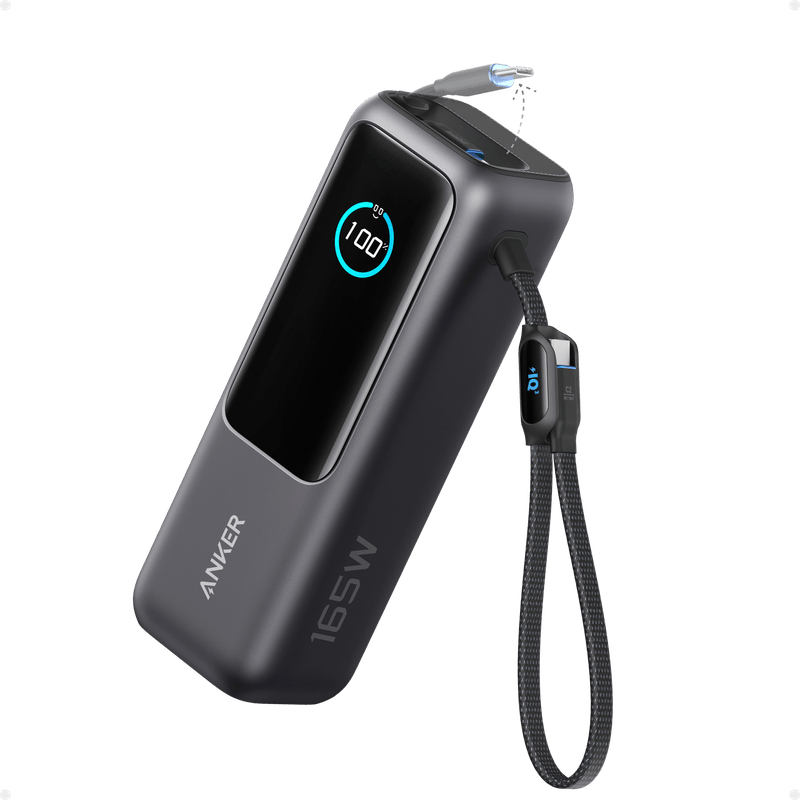
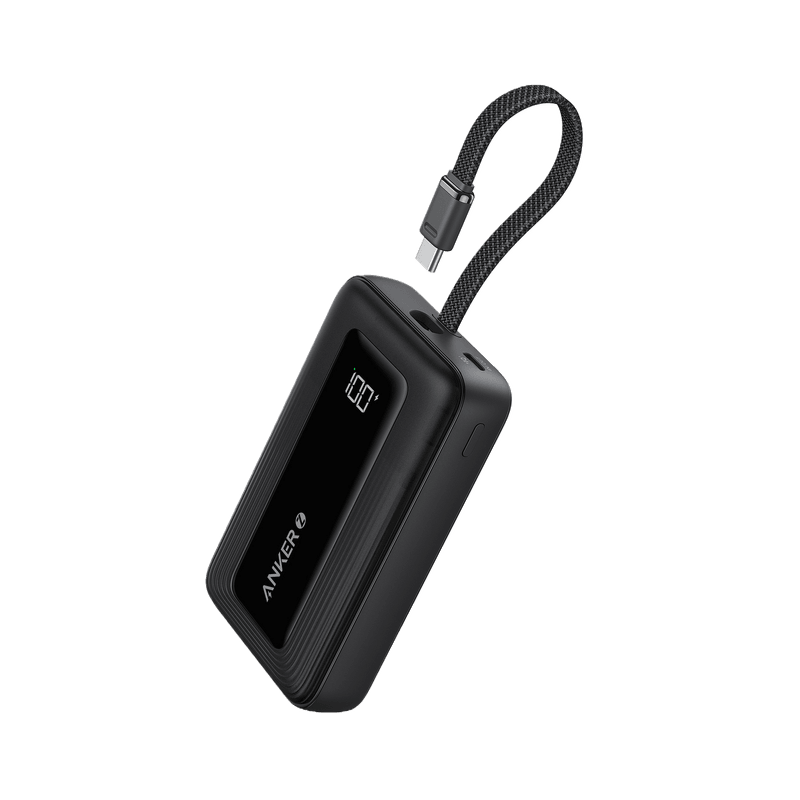
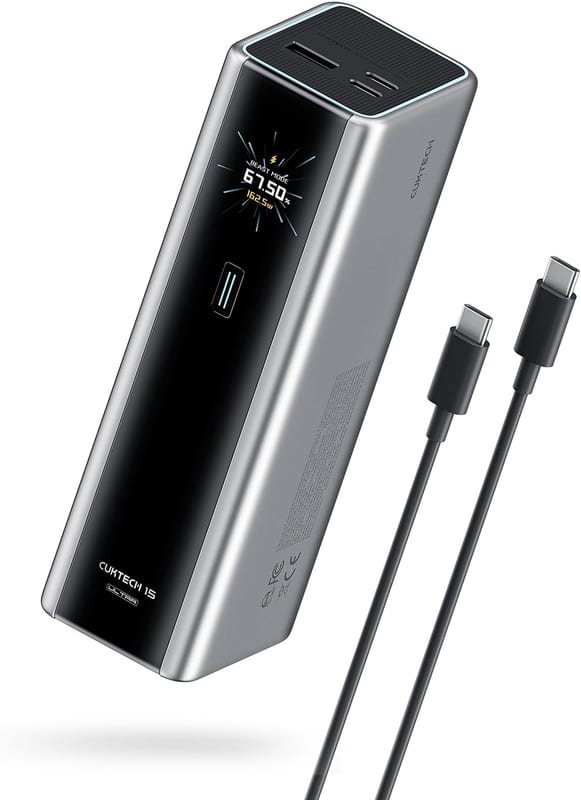
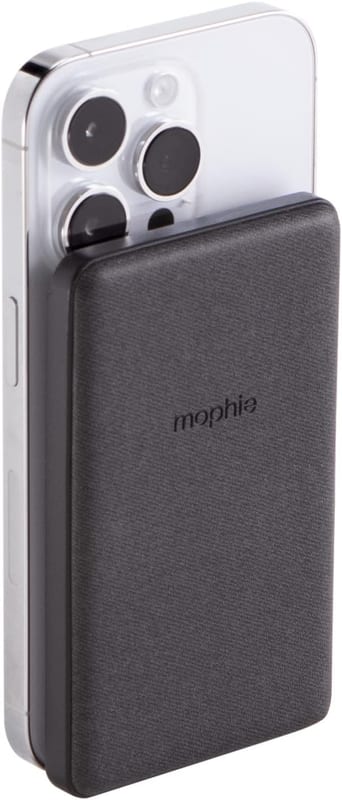
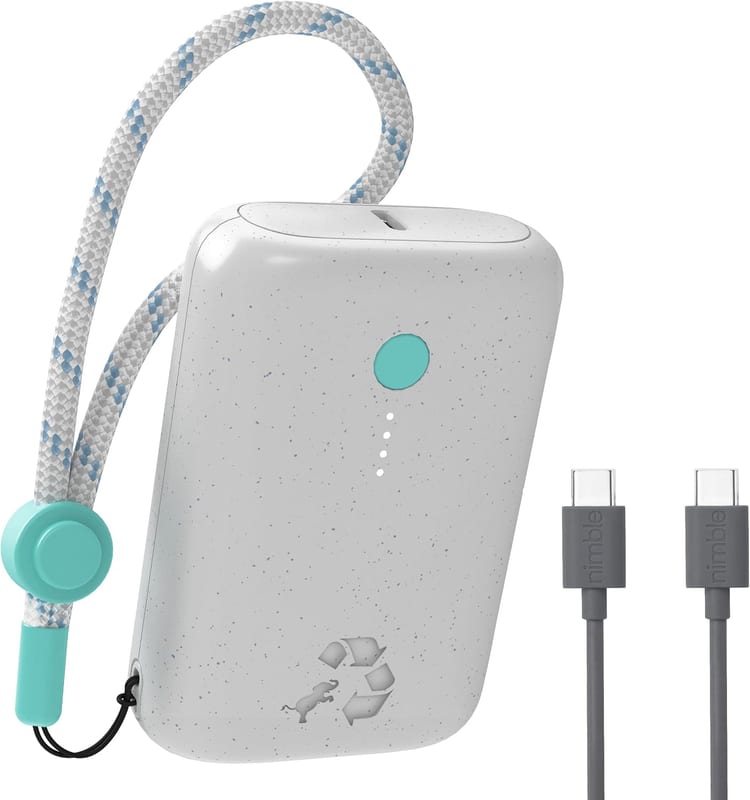
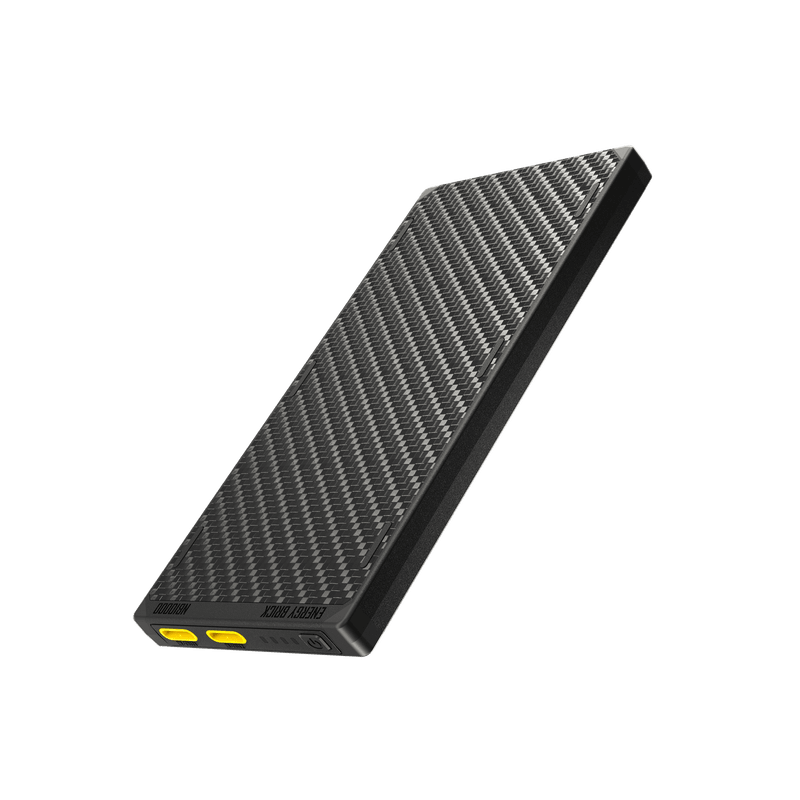
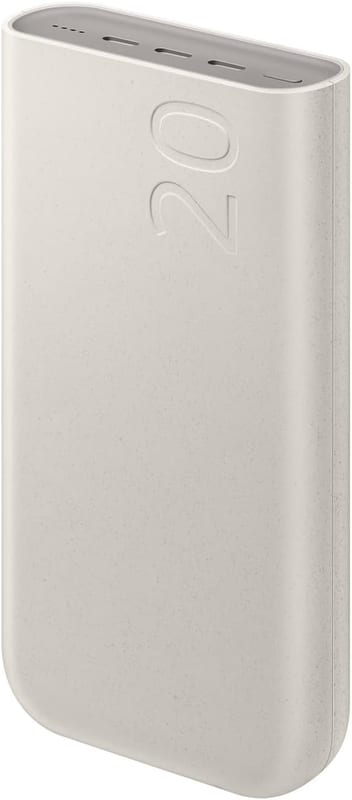
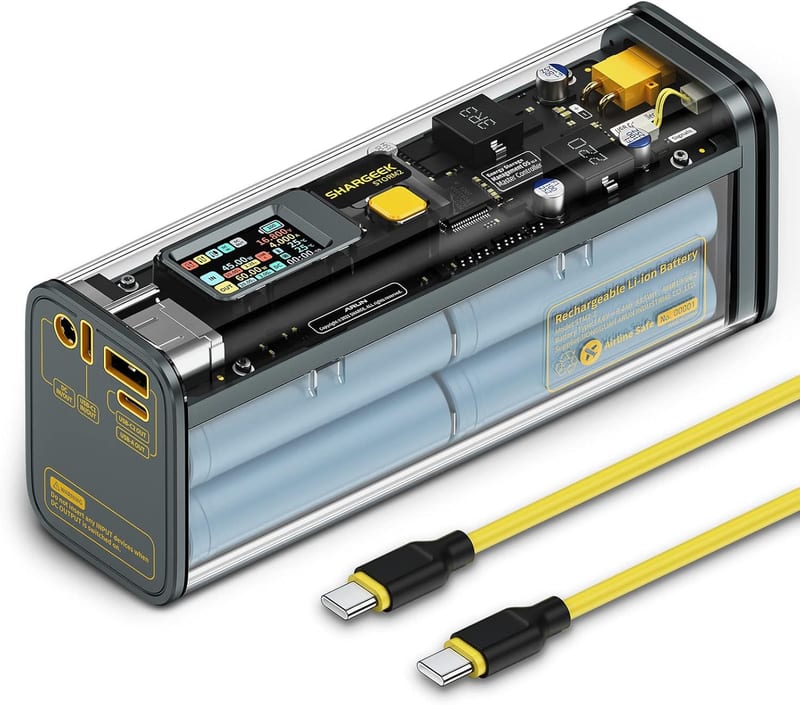
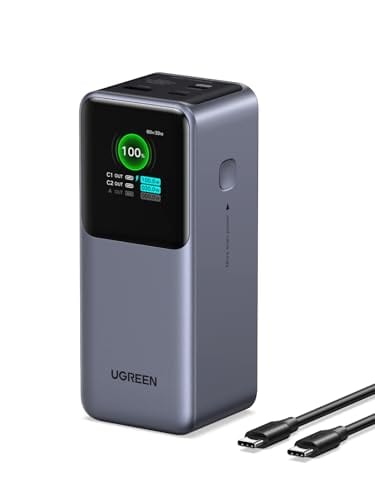
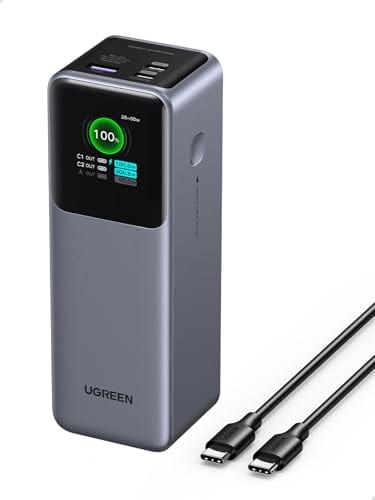
The lineup: five from Anker (the pocket Nano 10K with its built-in cable, the magnetic MagGo 10K Qi2, the flagship Prime 27,650mAh, the two-cable Laptop Power Bank 25K, and the budget Zolo 20K). Two from INIU (the famous cheap Slim 10,000mAh and the 20,000mAh 45W). Two from UGREEN's Nexode line (the 130W and the 200W). The flat Baseus Blade 100W. Samsung's 45W Battery Pack 20,000mAh. Two from Belkin (the magnetic BoostCharge Pro Qi2 10K and the BoostCharge 20K with its integrated cable). The mophie snap+ juice pack mini. The ESR Qi2 MagSlim Kickstand 10K. The see-through Shargeek Storm 2. The featherweight Nitecore NB10000 Gen 3. The recycled-shell Nimble CHAMP 10K. And the CUKTECH 15 Ultra, the fastest thing here on both ends of the cable.
The mAh on the box is real money in the wrong currency
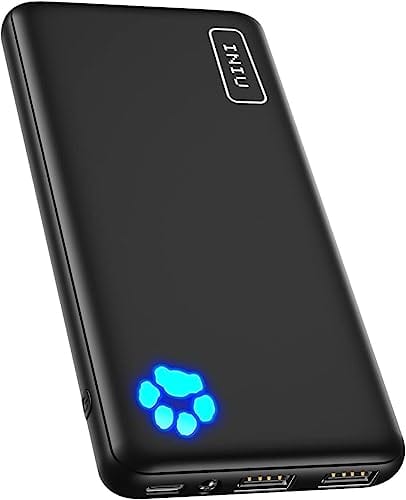
Every rated capacity in our table is the cell's own number: milliamp-hours at a nominal 3.7 volts. Your phone charges at 5 or 9 volts, a laptop at 20, and the conversion isn't free. How much survives the trip varies by pack and by how hard you pull. TechGearLab's bench run on the INIU Slim measured 82 percent of the rating actually delivered, one of the best results the site has recorded for any price. Trusted Reviews drained the UGREEN Nexode 200W and got 74.58 usable watt-hours from its 90, right at 80 percent. At the other end, Backpacking Light's lab test of the original Nitecore NB10000 pulled out about 5,920mAh of the rated 10,000 at a steady 5V/3A draw, roughly 60 percent.
So plan in phone-batteries, not in milliamp-hours. A current flagship phone holds roughly 4,500 to 5,000mAh. A 10K pack is about one and a half fills. A 20K pack is around three. The 25K-and-up bricks are laptop territory: the Anker Prime's 27,650mAh works out to 99.56 watt-hours, which recharges a 16-inch MacBook Pro about once, with a phone top-up left over.
That watt-hour figure is also the number the government cares about. The FAA allows lithium batteries up to 100Wh in carry-on bags without asking anyone, 101 to 160Wh only with airline approval, and none of them, ever, in checked luggage. Every pack in this table stays under the line, and the big ones are engineered to sit right beneath it: the Anker Prime at 99.56Wh, the Shargeek at 93.5, the 25K packs at 90. That's not a coincidence, it's the whole design brief.
Slopsheets says: Multiply the mAh by 3.7 and divide by 1,000, and you get the watt-hours that decide both your real capacity and your boarding experience. Then assume about a third evaporates as heat. A pack that promises four phone charges delivers about three, and the brand that admits it doesn't exist.
One port carries the headline, the rest split the change
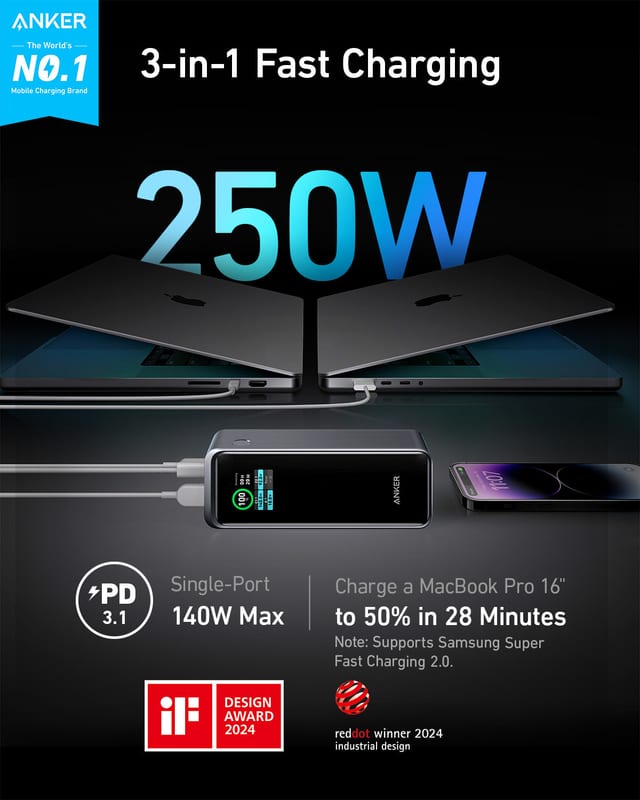
Our table lists the top port solo: the most wattage a single device can pull when it's the only thing connected. That's the spec that decides whether your laptop charges or just holds steady, and it's often smaller than the number in the product name. The UGREEN "130W" gives one device 100 watts; the 130 is a shared budget across three ports. The CUKTECH's 165-watt total drops to 140 on its best port, and the Anker Prime's 250-watt headline is likewise a 140-watt port plus company.
The field sorts into tiers. At the bottom, 12 to 15 watts (the mophie, the Belkin Qi2's wired port, the INIU Slim) charges a phone overnight-style, fine on a nightstand, frustrating at a gate. The 20-to-30-watt middle (Nitecore, Nimble, the ESR and MagGo wired ports, both built-in-cable Ankers, Belkin's 20K) fast-charges any phone; this is the sweet spot for most people. Forty-five watts (the INIU 20K, Samsung's pack with its PPS support that Galaxy phones need for their advertised speed) adds small laptops. At 100 watts (Baseus Blade, Shargeek, UGREEN 130W, the Anker Laptop bank) a MacBook charges while you work on it. And the 140-watt club, just three strong (Anker Prime, UGREEN 200W, CUKTECH), feeds a 16-inch workstation at full rate over PD 3.1.
Speed runs both directions, and the refill is where cheap packs quietly cost you. The Anker Zolo takes in 20 watts, which means a long evening on the charger. Notebookcheck clocked the CUKTECH refilling itself to 70 percent in just over 20 minutes, which is the difference between "I can top up the bank while I pack" and "I hope I remembered last night."
The catch: A 140-watt port only earns its number with a laptop that speaks PD 3.1 and a cable rated for it. Plug in a phone and it draws its usual 25 to 30 watts, no faster than the cheap packs manage. Buy the tier your hungriest device can actually use, and remember to check the recharge wattage, because a bank that fills at 20 watts is a bank you have to plan around.
Built-in cables, and how many things can drink at once
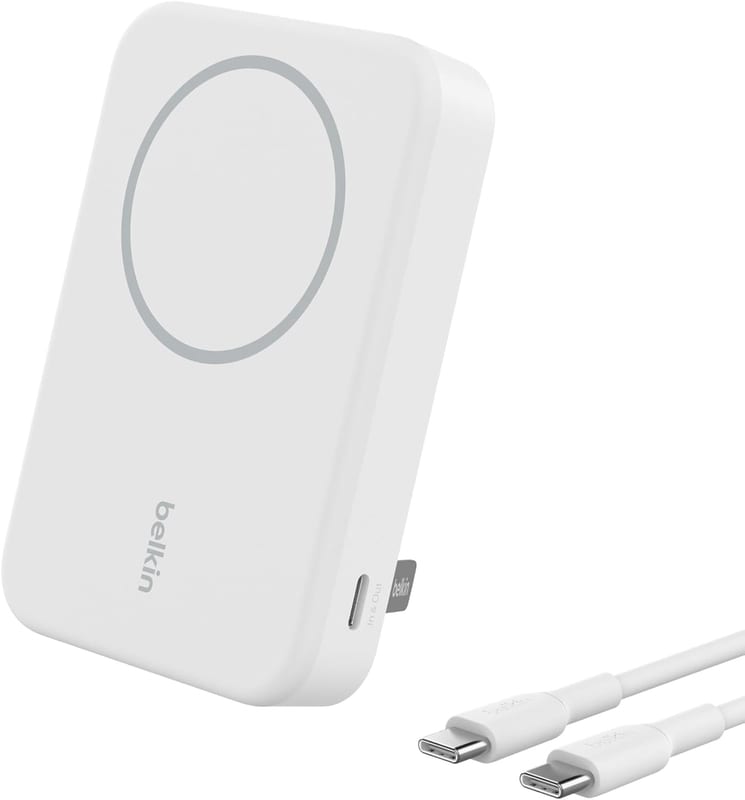
The port counts in our table run from one to four, and the shape of each pack explains its count. The four magnetic packs (MagGo, Belkin Qi2, mophie, ESR) each have a single USB-C port, because the magnetic pad on their face is the second output. The ultralight pair (Nitecore, Nimble) carry two ports. Most of the bricks have three. The Baseus Blade and the Anker Laptop bank top out at four.
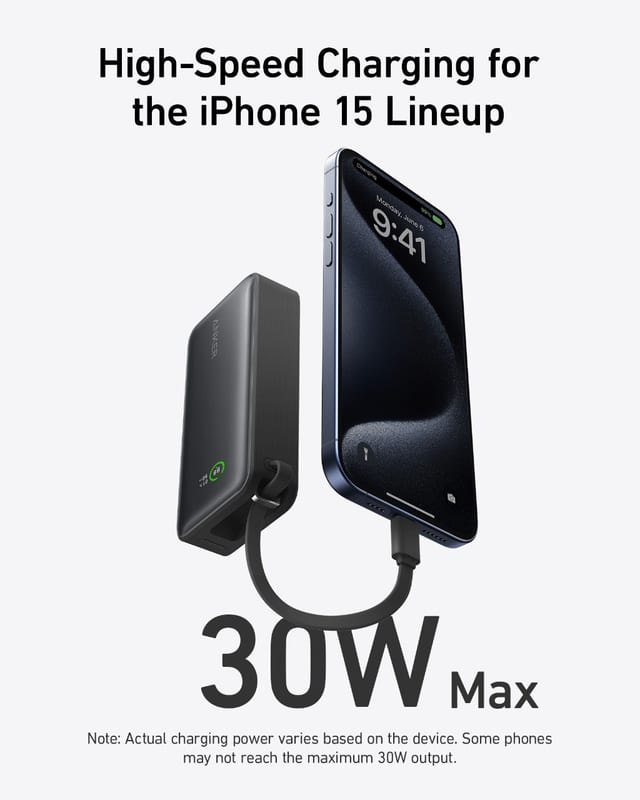
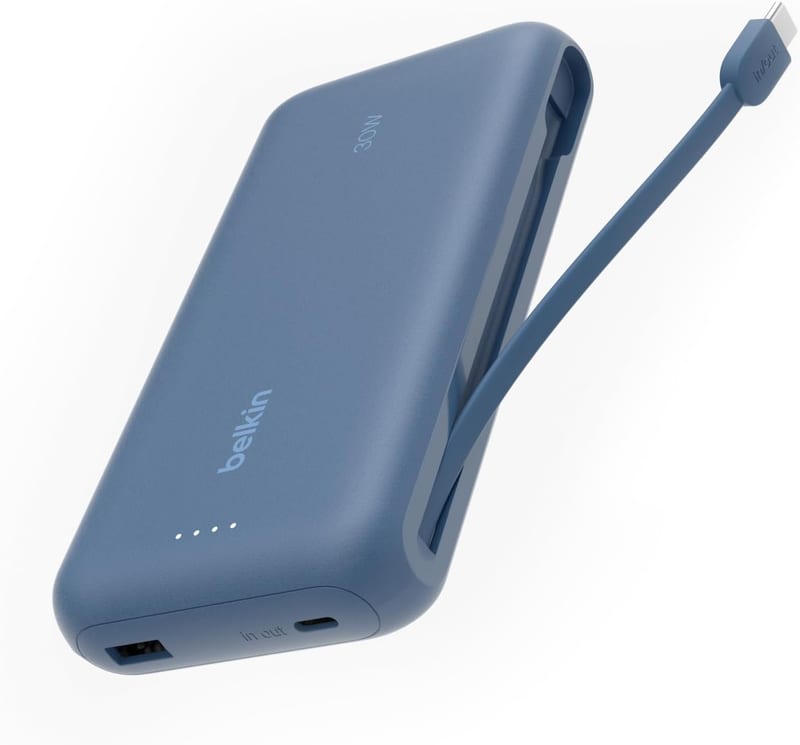
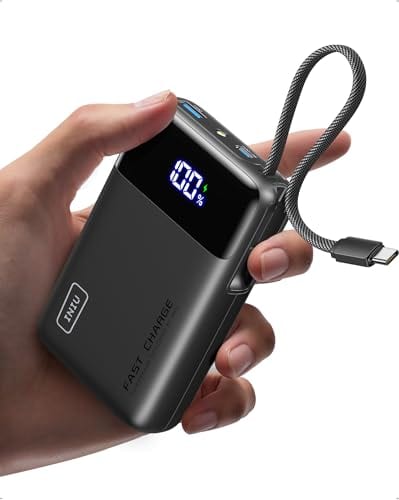
Five of the nineteen bring their own cable: the Anker Nano, Zolo, and Laptop bank, the INIU 20K, and Belkin's 20K. It sounds like a gimmick until the day it isn't. The cable is the component you forget, and a captive one turns "power bank plus the cable I hope is in this pocket" into one object. Anker rates its built-in cables for over 10,000 bends, and the Laptop bank's short second cable doubles as the carry strap. The tradeoff is honest, though: a captive cable is a single point of failure on the pack's most-used output, and on the Anker Laptop bank only one of the three USB-C outputs is a free port, because the other two are the cables.
What the box won't tell you: Count your free ports after the captive cables. A "four-output" bank with two attached cables gives you exactly one spare USB-C socket, and if a captive cable ever frays, that output is gone for good. For a bag bank you'll share with a partner or a laptop, loose ports are flexibility; for the pack that lives in your jacket, the built-in cable wins every time.
Weight, the spec you feel every single day
The spread runs from the 130-gram mophie to the 665-gram Anker Prime, and the pattern is blunt: capacity and wattage are made of grams. The interesting comparisons happen inside a size class. Among the 10K packs, the Nitecore's 150 grams beats the INIU Slim's 195 and the Anker Nano's 215, which is exactly why thru-hikers pay its premium (CleverHiker calls it the lightest 10,000mAh bank it has tested). Among the magnetic packs, the ESR's 213 grams and Belkin's 218 undercut the MagGo's 250, though the MagGo spends its extra grams on capacity that actually arrives, per Android Police's discharge testing.
Up in brick country, the CUKTECH and Shargeek sit at about 590 grams, the Anker Laptop bank at 595, the UGREEN 200W at 609, and the Prime at 665. None of those live in a trouser pocket. They live in bags, and the question isn't "is it heavy" but "is it lighter than the dead laptop it prevents."
Don't overpay for: capacity you'll carry daily and use monthly. A 20K brick in your bag every day, drained once a month, is 350 grams of insurance with a bad premium. Most people are happier with a 10K pack on their person and a big bank that only travels when they do.
Magnetic wireless: the convenience costs a third of the battery
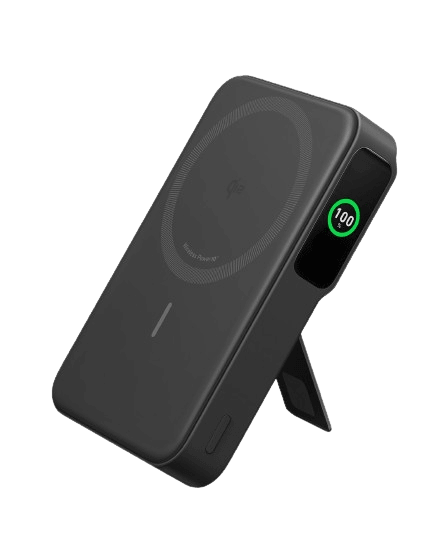
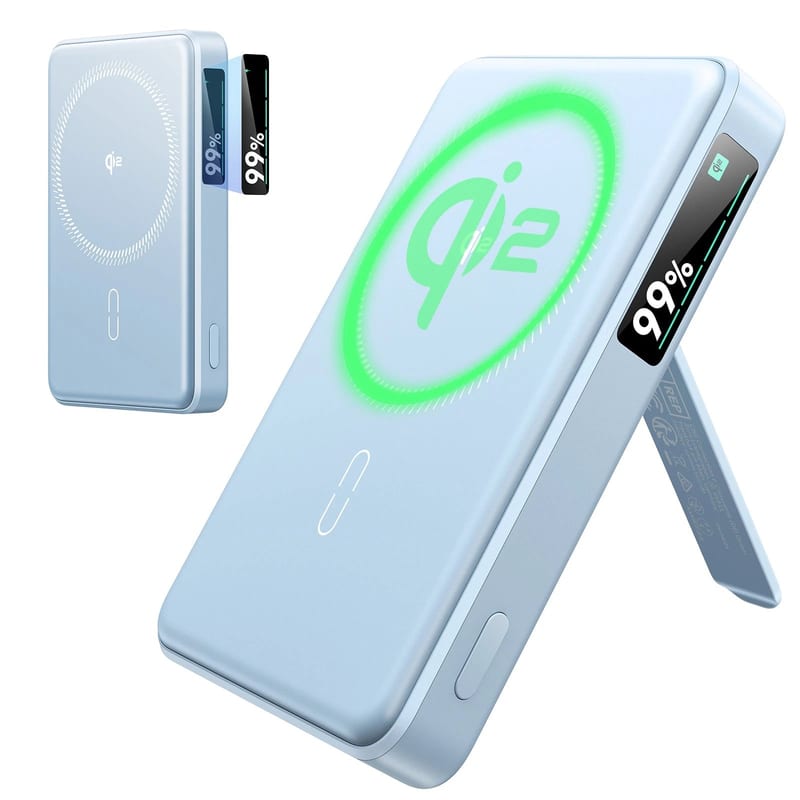
Four packs snap to the back of a phone: the Anker MagGo, Belkin BoostCharge Pro, and ESR MagSlim all do certified Qi2 at 15 watts, while the older mophie holds at 7.5. On an iPhone 12 or later the magnets just work; most Android phones need a magnetic case before any of these will stick.
Wireless is the least efficient way to move energy out of any of these packs. Android Police measured the MagGo's wireless efficiency at 55 percent, meaning nearly half the pack's stored energy became heat instead of charge, and that was the good result in its roundup. The same pack over its USB-C port delivers far more of its capacity. Physics charges rent for skipping the cable.
15W magnetic wireless charging, no cable needed. Just snap it on and go.
Roughly half the energy leaving the pad arrives as heat, not charge. The same pack over its USB-C port fills your phone almost twice as far.
What you're really buying is the form factor. The MagGo, Belkin, and ESR all fold out a kickstand, and a phone standing on a tray table, charging with no cable to snag, is a genuinely nice way to cross an ocean. The Macworld tests back the ESR as the value play here: its 27-watt wired port outruns the Belkin's 12 watts, its Qi2 pad matches it, and it sells for about half the money.
Pay up only if: the snap-and-stand habit fits how you actually use a phone. If your pack rides in a bag and charges things through cables, the magnets and the pad are grams and dollars spent on a party trick, and a plain 10K with a cable does the job better.
So which power bank should you buy?
- Best overall for travel: Anker Laptop Power Bank 25K. Two built-in cables you can't forget, 100 watts to a laptop, 90 airline-legal watt-hours, and it undercuts the flagship bricks on price.
- Best cheap big bank: Anker Zolo 20K. Its own cable, 74Wh of capacity, and a price that hovers near lunch money. The 20-watt refill is slow; at this price, charge it overnight and forgive it.
- Best magnetic pack for iPhone: Anker MagGo 10K Qi2, with the ESR MagSlim as the budget cut. The MagGo delivered the most real capacity of any 10K pack in Android Police's testing; the ESR gets you 90 percent of the experience for half the price.
- Best for charging a laptop fast: CUKTECH 15 Ultra. A true 140-watt port, a 20-minute refill to 70 percent, and midrange money. The Anker Prime does the same wattage with a nicer ecosystem and app for a hundred dollars more.
- Lightest real capacity: Nitecore NB10000 Gen 3. Ten thousand milliamp-hours at 150 grams, IPX5, and the default answer on every thru-hiking gear list that counts grams.
- For Galaxy owners: Samsung's 45W Battery Pack. Three USB-C ports and the PPS support Samsung's own fast-charge spec requires. Heavier and plainer than it should be, but it speaks your phone's language natively.
The through-line for all nineteen: convert to watt-hours, expect two-thirds of the label to arrive, and buy the port wattage your biggest device can use. Everything else on the box is decoration.
Frequently asked questions
How many phone charges does a 10,000mAh power bank really give? About one and a half for a current flagship phone, not the two the arithmetic promises. The rating is measured at the cell's 3.7 volts, and voltage conversion plus heat consume 20 to 40 percent before the energy reaches your phone. Lab measurements across this field ranged from about 60 percent delivered (Nitecore, per Backpacking Light) to about 82 percent (INIU Slim, per TechGearLab).
Can I take these power banks on a plane? All nineteen, yes, in carry-on bags only. The FAA caps lithium batteries at 100 watt-hours for unrestricted carry-on and bans them entirely from checked luggage. The largest pack here, the Anker Prime, is 99.56Wh, deliberately just under the line. Packs from 101 to 160Wh need airline approval, and some airlines add their own limits, so check before flying with more than two spares.
What wattage do I need to charge a laptop from a power bank? Sixty watts holds most 13-inch laptops steady and charges them slowly; 100 watts charges them properly, and that's the tier of the Baseus Blade, Shargeek Storm 2, UGREEN 130W, and Anker Laptop bank. A 16-inch MacBook Pro at full rate wants 140 watts over PD 3.1, which only the Anker Prime, UGREEN 200W, and CUKTECH 15 Ultra supply here.
Is a magnetic wireless power bank worth it? For the convenience, maybe; for efficiency, no. Measured wireless efficiency runs around 55 percent, so nearly half the pack's energy becomes heat instead of charge. Every magnetic pack here delivers more capacity through its USB-C port. Buy magnetic for the snap-on, kickstand-up experience, not for the numbers.
Are built-in cables on a power bank a good idea? Mostly yes. The cable is the accessory people forget, and the integrated ones on the Anker Nano, Zolo, and Laptop bank, the INIU 20K, and Belkin's 20K are rated for thousands of bends. The tradeoffs: a captive cable is a single point of failure, and it usually occupies what would have been a free port.
Sources / further reading
- TSA, power banks: what can I bring?
- FAA PackSafe, airline passengers and batteries
- TechGearLab, INIU portable charger 10000 lab review
- Backpacking Light, Nitecore NB10000 measured-capacity review
- Trusted Reviews, UGREEN Nexode 200W lab-measured efficiency
- Macworld, Anker Laptop Power Bank 25K review
- Macworld, ESR Qi2 Kickstand power bank 10K review
- Macworld, Belkin BoostCharge Pro magnetic Qi2 review
- Android Police, Anker MagGo 10K comparative testing
- Notebookcheck, CUKTECH 15 Ultra measured review
- ChargerLAB, Anker MagGo A1654 teardown
- CNN Underscored, Anker Nano power bank review
- Android Central, Anker Prime 27,650mAh 250W review
- Samsung, 45W battery pack 20,000mAh (EB-P4520)
- XDA-Developers, Shargeek Storm 2 review
- How-To Geek, Belkin BoostCharge 20K review
- CleverHiker, Nitecore NB10000 Gen 3 review
- Tom's Guide, the best portable chargers tested