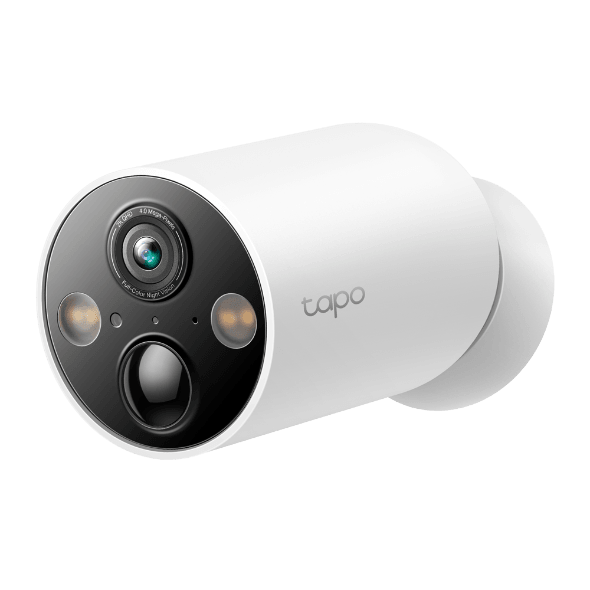

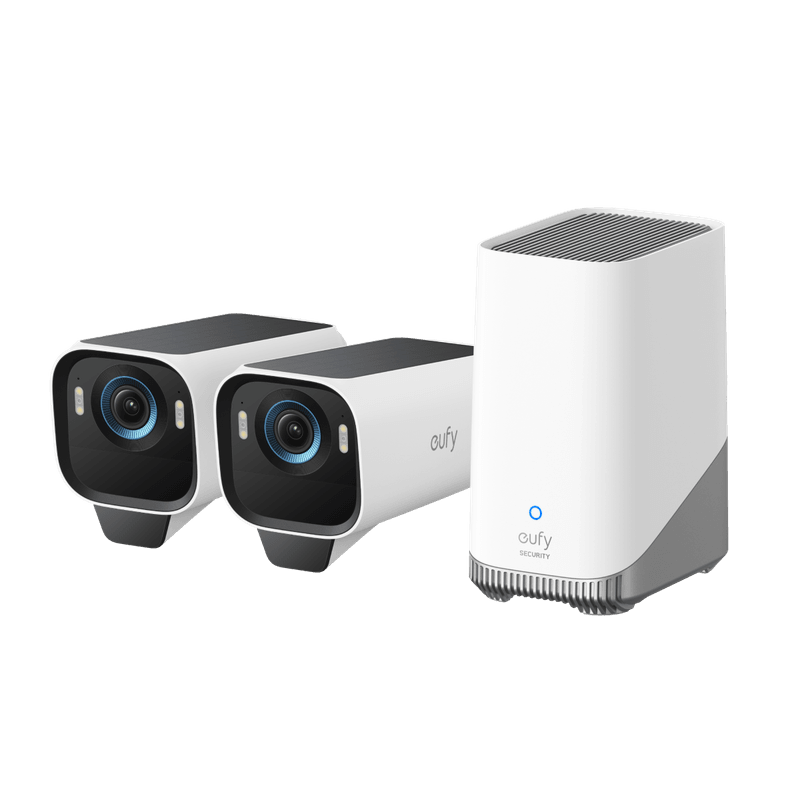
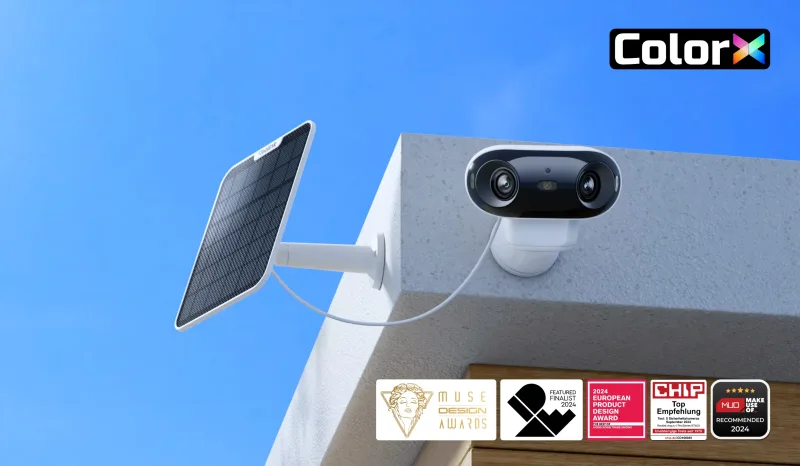
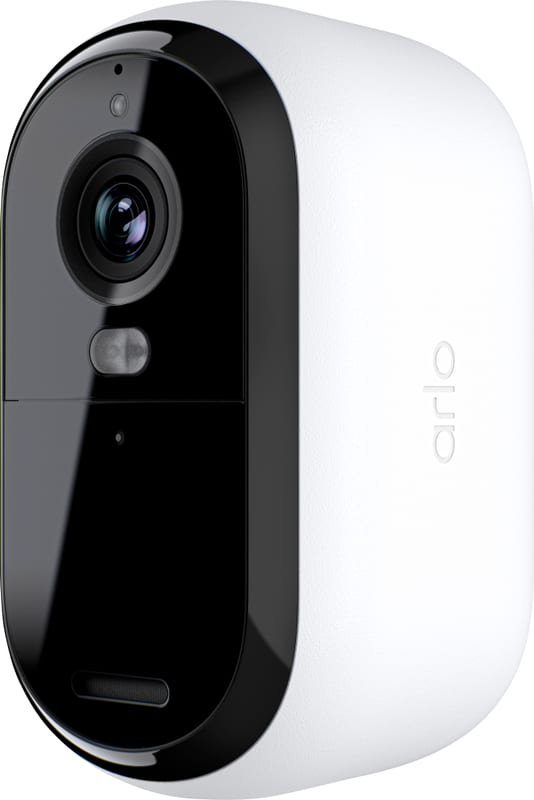
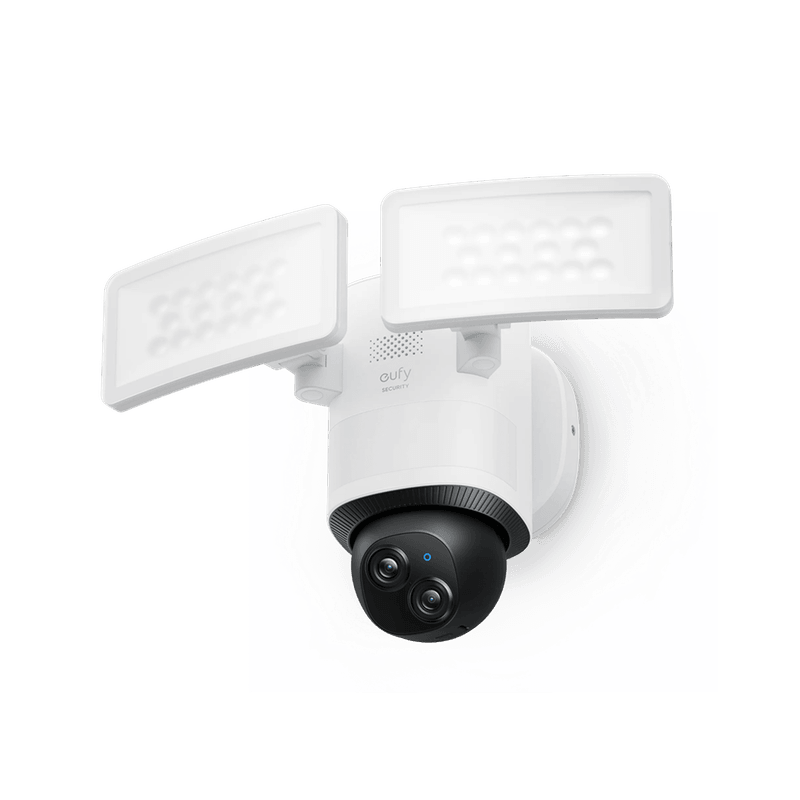
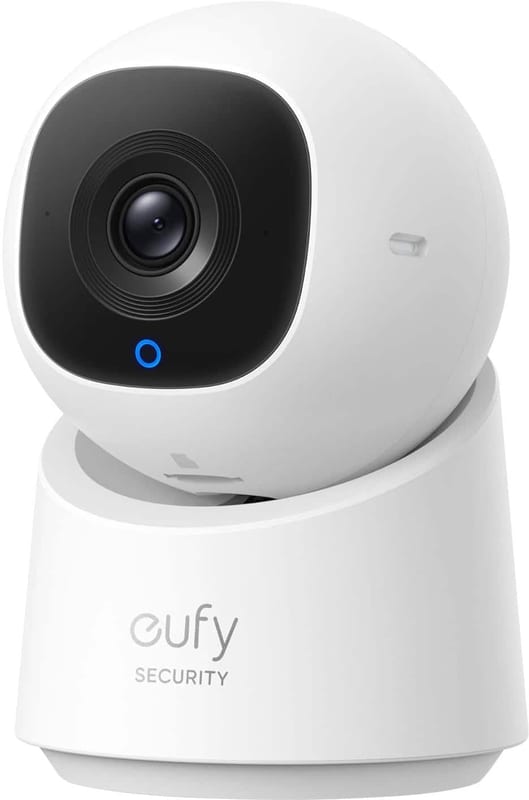
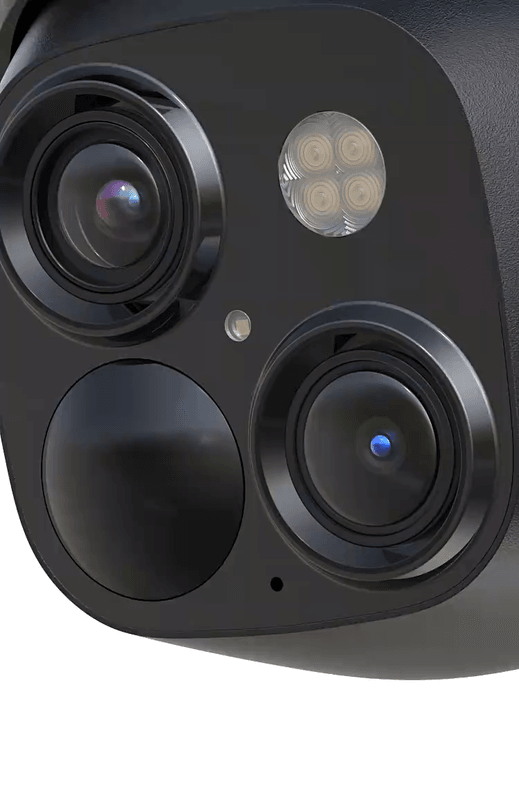
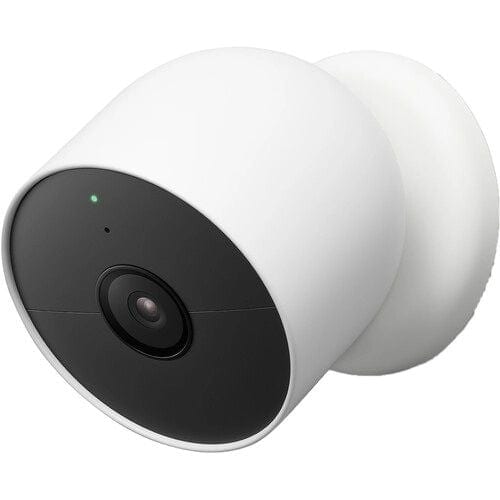
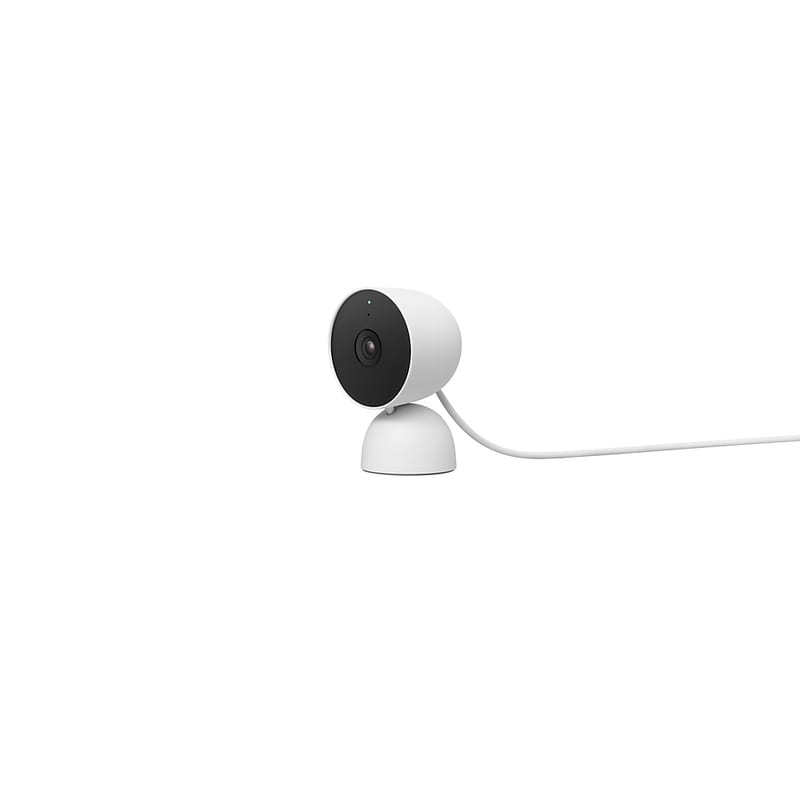
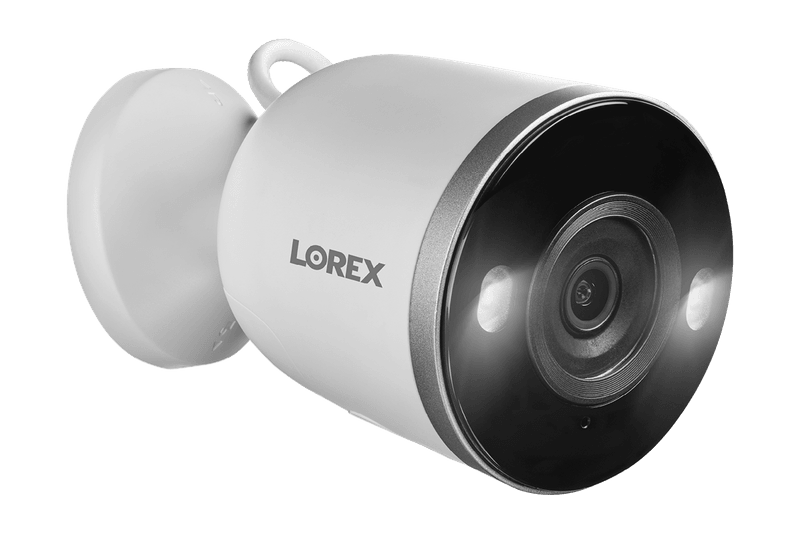
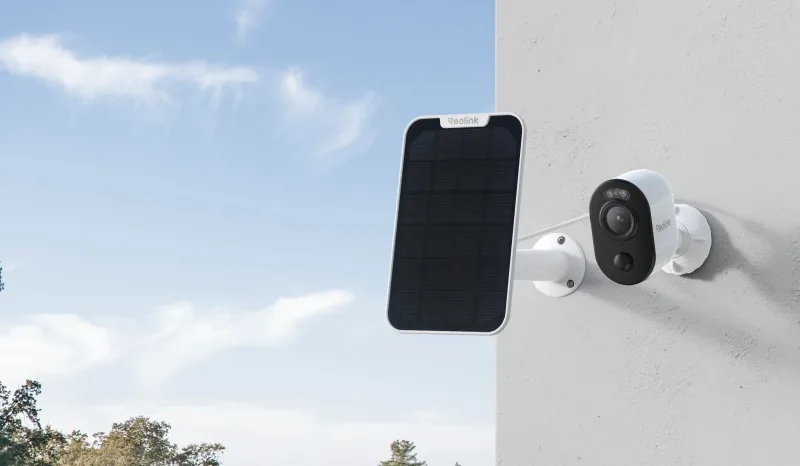
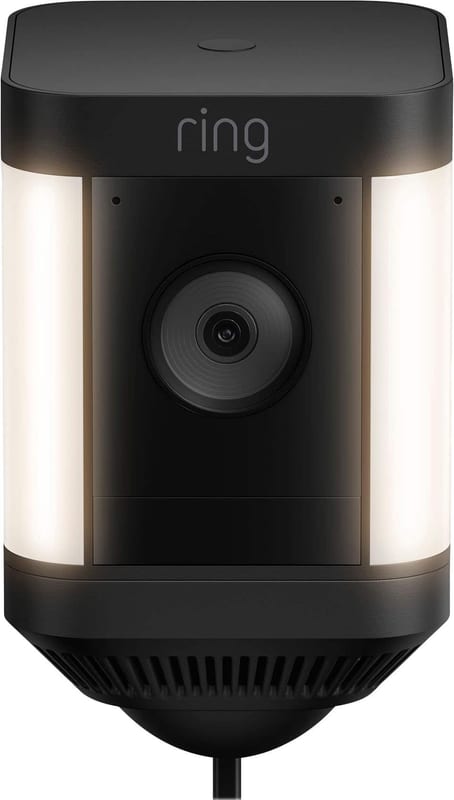
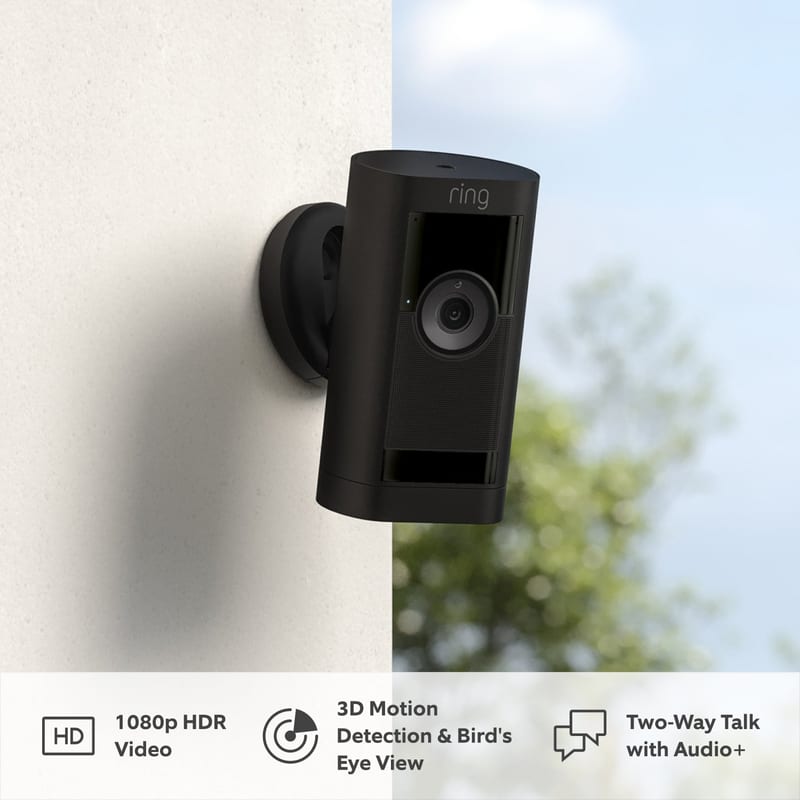
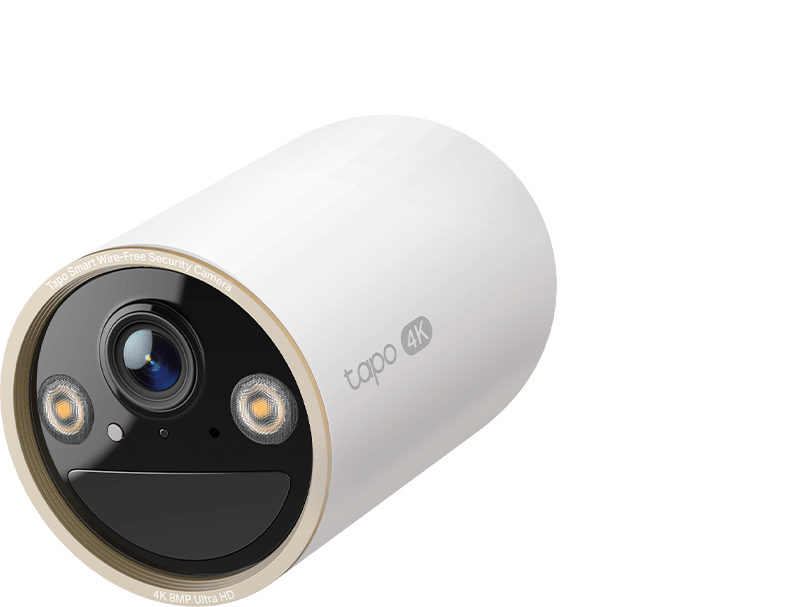
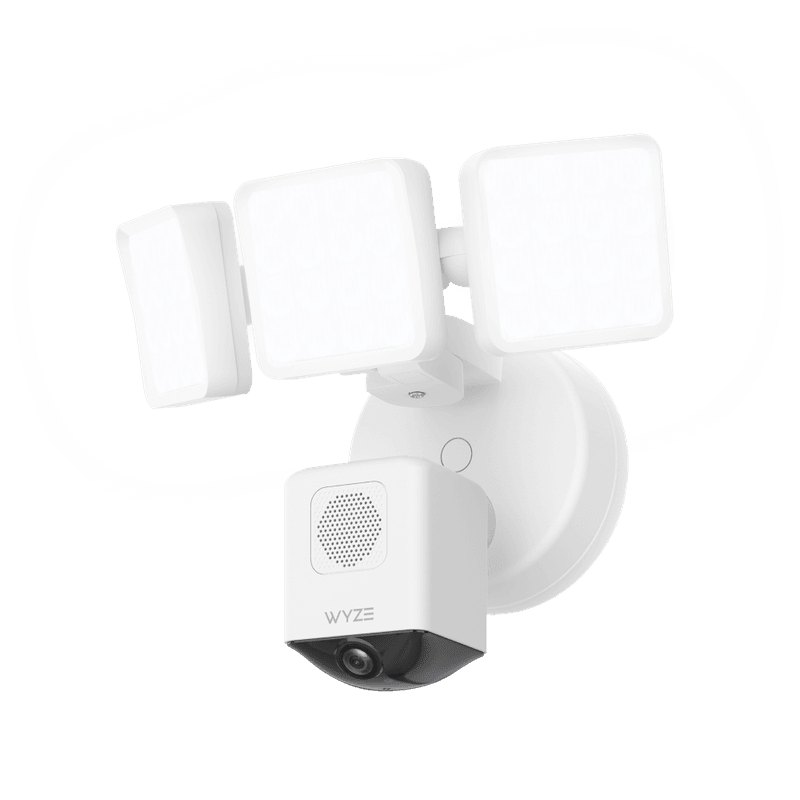
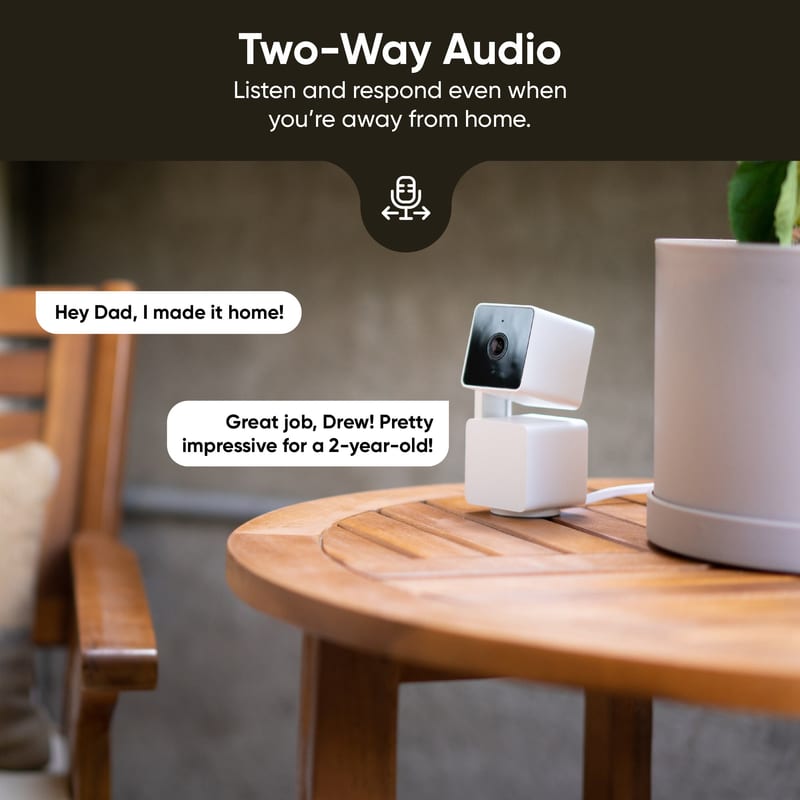
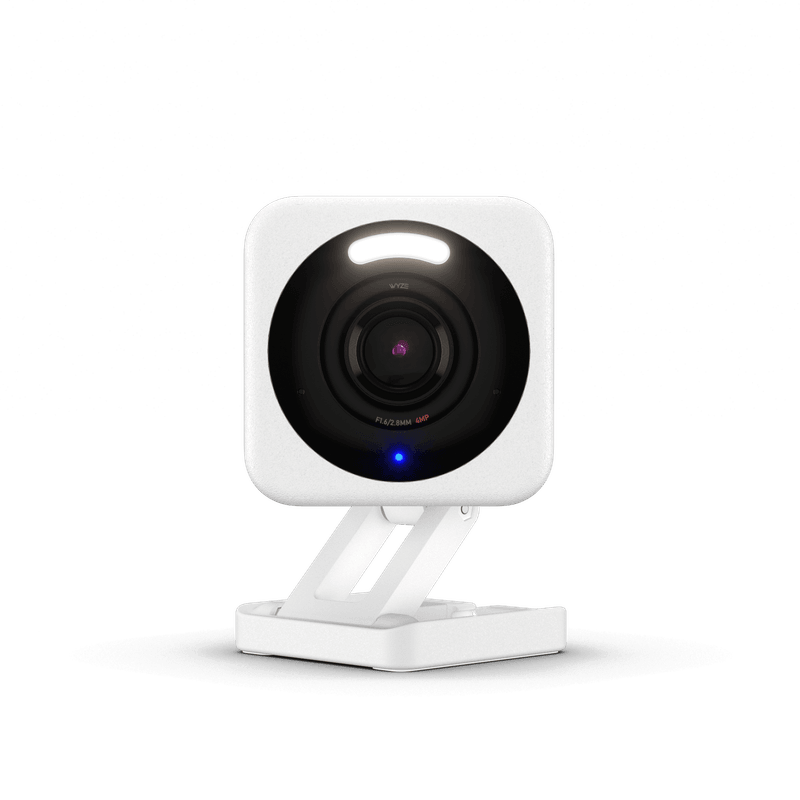
Every wireless security camera looks the same in a product grid: a white blob with a lens, a big resolution number, and a promise about your phone. The specs that fit on the box are the easy part, and the table above lays all of them out for 22 Wi-Fi cameras you can actually buy right now, from plug-in cameras that cost about as much as a takeout dinner to solar-fed 4K rigs.
The number that decides what a camera costs you over five years is the one nobody prints on the box: whether it records to a card or a hub you already own, or whether every saved clip lives behind a monthly cloud plan. Sort the Local Storage column and you have basically sorted the whole field into two camps. eufy, TP-Link Tapo, Reolink, Wyze, and Lorex let you keep your footage. Ring, Google Nest, and Arlo's cheaper cameras mostly do not, unless you pay.
That split, more than any pixel count, is why our AI score puts the subscription-free cameras on top. Here is how the rest of the spec sheet shakes out, column by column.
What "2K" and "4K" actually mean on a camera
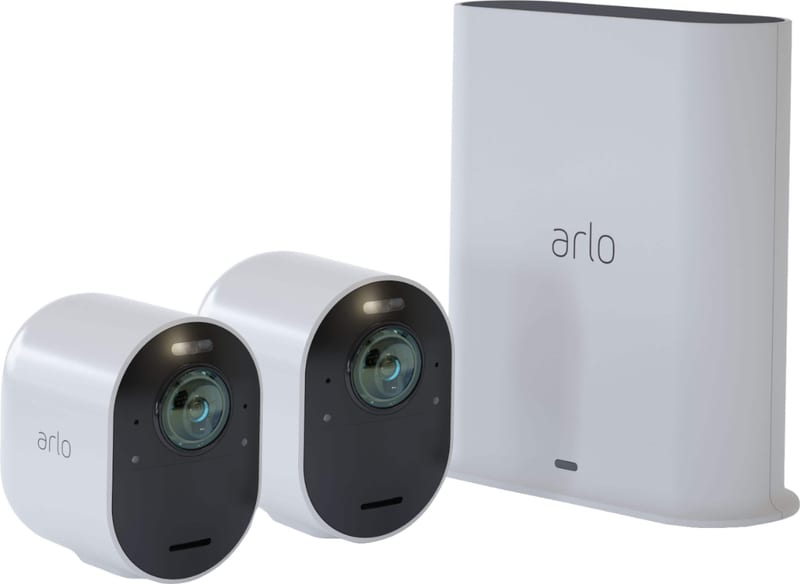
Resolution is the headline spec and the most gamed. Real 4K means 3840 by 2160 pixels, and three cameras here deliver it honestly: the eufyCam S3 Pro, the TP-Link Tapo C460, and the Arlo Ultra 2. The Reolink Argus 4 Pro also says "4K," but that number is two lenses stitched into a 5120 by 1440 panorama, roughly 7.4 megapixels smeared very wide rather than a sharp rectangle in front of you (per PCWorld's review). It is the widest view in the group and genuinely useful, just not "4K" the way a television means it. Arlo's "2K," meanwhile, is quietly the smallest 2K here at 2048 by 1080, fewer pixels than the 2560 by 1440 that TP-Link, Wyze, and even Arlo's own Essential all call 2K.
More pixels is not the same as a better picture. A good sensor and honest processing matter more, which is how Wyze's sharp-sounding 2.5K and Ring's plain 1080p can land closer in practice than the labels suggest. The table sorts this column by true pixel count rather than the marketing tier, so the letter-K rankings quietly reorder themselves when you tap the header.
Slopsheets says: Read the pixels, not the letter-K. A true 4K sensor like the eufyCam S3 Pro or Tapo C460 resolves a face at the end of a driveway; a "4K" panorama trades that detail for width. For most porches a strong 2K such as the Tapo C425 is the sweet spot.
Field of view: how much yard one camera covers
Field of view runs from the 100 degrees on eufy's indoor C220 up to a full 180 on the Arlo Ultra 2, the Reolink Argus 4 Pro, and the Wyze Cam Floodlight Pro. Wider means fewer cameras to cover a yard, at the cost of more fisheye distortion that the software then has to straighten out.
One catch is worth knowing before you compare the numbers: makers do not all measure the same way. eufy, Wyze, and Arlo quote a diagonal angle, while Ring and Reolink publish a horizontal one and skip the diagonal entirely, so Ring's "140" and its own Stick Up Cam's "155" are not even measured on the same axis. The notes in the table flag each of these so the sort stays honest. Pan-and-tilt models sidestep the question altogether: the Wyze Cam Pan v3, the eufy SoloCam S340, and the C220 physically swivel to cover 360 degrees, so where they can point matters more than how wide the lens is.
The catch: Treat field of view as a rough guide, not a ranking, especially across brands that measure it differently. For a wide driveway on one camera, the 180-degree Reolink or Arlo earns its distortion; for a single doorway, a swiveling pan-tilt cam beats a fixed wide lens.
Power: battery, solar, or a wire
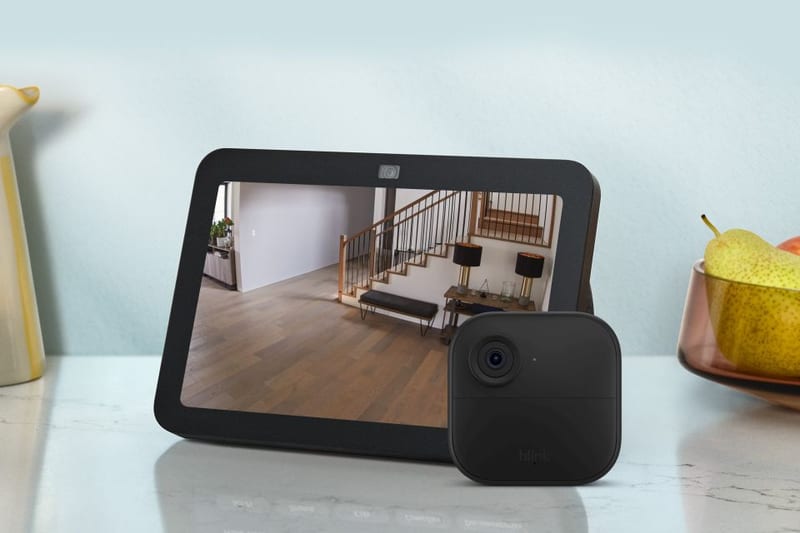
There are three ways to keep a camera alive, and each suits a different wall. Plug-in wired cameras (the Wyze Cam v4 and Floodlight Pro, the Tapo C120, eufy's Indoor C220 and Floodlight E340, the Lorex, and the wired Nest) never need charging but tie you to an outlet or a junction box. Pure battery cameras go anywhere and ask for a top-up every few months; Blink's Outdoor 4 stretches two AA lithium cells to a claimed two years, and TP-Link rates the Tapo C425 for close to 300 days.
The nicest middle ground is battery plus solar. eufy's SoloCam S340 and eufyCam S3 Pro and Reolink's Argus pair ship or bundle a small panel that tops the battery off from daylight, so in practice you mount them once and forget they need power. TP-Link sells a panel for the Tapo cameras too, just not in the box.
Set and forget: Solar is the quiet winner for anything facing the sun. Buy battery-plus-solar from eufy or Reolink and the recharge chore disappears. Save wired cameras for spots near an outlet where you want a picture that never sleeps.
Local storage versus the subscription: the real five-year cost
This is the column that should decide your shortlist. A check in Local Storage means the camera records to a microSD card or a hub you own, with no monthly fee, for as long as you keep it. eufy records to a bundled HomeBase or a card, TP-Link and Wyze and Lorex to a plain microSD, Reolink to a card or its own Home Hub. Blink and the pricier Arlos technically qualify, but each with an asterisk the table spells out: Blink needs a separately bought Sync Module 2 with a USB stick, and the Arlo Pro 5S and Ultra 2 only record locally through an Arlo SmartHub, which comes with the Ultra but costs extra for the Pro 5S.
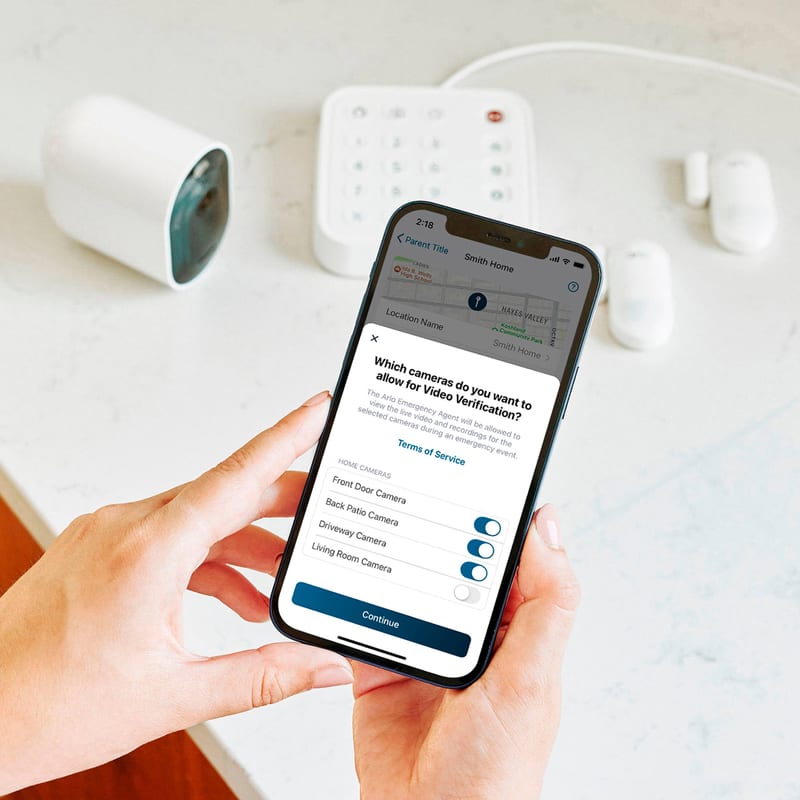
Then there is the cloud-only camp. The Ring Stick Up Cam Pro and Spotlight Cam Plus, both Google Nest cameras, and the second-generation Arlo Essential have no card slot and no owner-controlled storage at all. Without a Ring, Nest, or Arlo Secure plan, a motion event is a notification you cannot rewind. Consumer Reports has made the same point across its testing, and separately flagged the Ring Stick Up Cam Pro for weak data-privacy controls. The cameras themselves are fine. The business model is the cost.
What the box won't tell you: If you never want a security bill after checkout, buy from the local-storage camp: eufy, TP-Link Tapo, Reolink, Wyze, or Lorex. A cloud-only camera is a subscription with a lens attached, and over five years that recurring fee dwarfs the price of the hardware.
Night vision: color or black-and-white
After dark a camera either shows you color or it shows you a gray-green ghost. Color night vision needs either a built-in spotlight or a large, fast, low-light sensor, and most of this field has one or the other. Reolink's ColorX and eufy's MaxColor lean on wide apertures to hold color in near-darkness; Ring, Arlo, Wyze, and Lorex trigger an LED spotlight to light the scene instead. The holdouts are infrared-only: the Blink Outdoor 4, both Google Nest cameras, and eufy's indoor C220 fall back to black-and-white IR and nothing else.
Color is not automatically better in every spot, though. It fades past the reach of the spotlight, where plain infrared still sees farther into true black, which is why the best cameras keep both modes and switch between them. The gap that matters is at the bottom: a 2026 camera that offers only black-and-white infrared is behind cameras costing the same.
Don't settle for: Color night vision is worth having and easy to find now, so a current camera that does only infrared black-and-white, like the Blink Outdoor 4 or either Nest, is behind the curve. Just do not expect the color to reach as far at midnight as it does in the marketing clip.
Weatherproofing: which ones can actually live outside
Most of these carry an IP rating, and higher is better. eufy's SoloCam S340 and eufyCam S3 Pro top the group at IP67, the TP-Link Tapos sit at IP66, and a wide middle runs IP65, which shrugs off rain and hose spray. Two cameras are indoor-only by design (the eufy C220 and the wired Nest), and Google's battery Nest is a modest IP54 that Google itself says to mount under an eave.
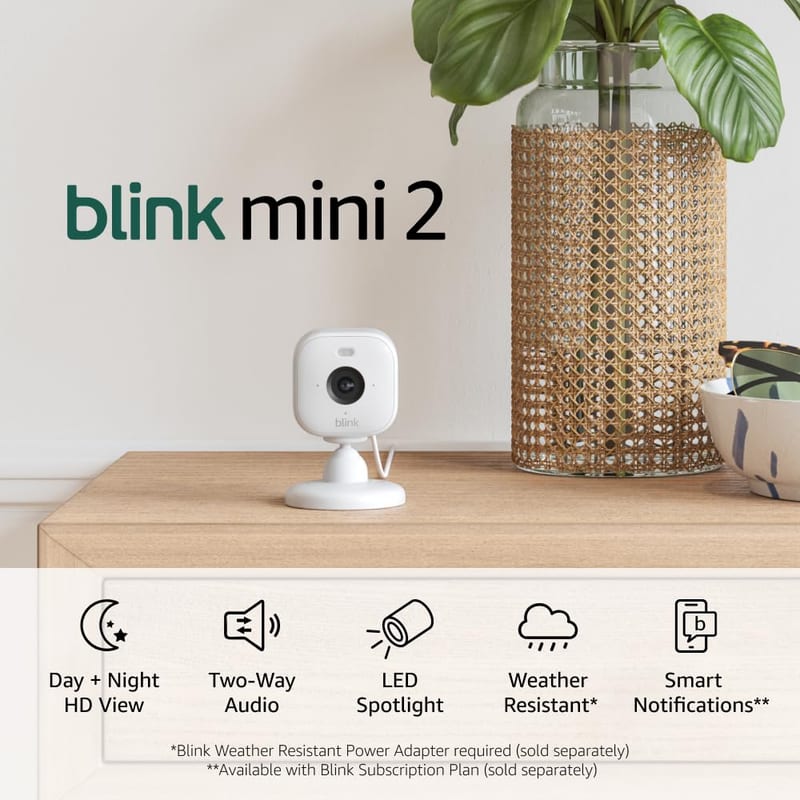
The honest part of this column is what is missing from it. Ring publishes no IP rating at all for the Stick Up Cam Pro or the Spotlight Cam Plus; it calls them "weather resistant" and stops there, and Consumer Reports could not pin down a number either, so we list them as weather-resistant rather than invent an IP code for the sort. Blink markets the Outdoor 4 and Mini 2 as IP65, but the Mini 2 only earns that with a separately sold weather adapter; straight out of the box it is an indoor camera. Each of these gets a note in the table so the ranking never rewards a rating nobody can confirm.
Ring calls the Stick Up Cam Pro and Spotlight Cam Plus "weather resistant" and leaves it there.
Ring publishes no IP number at all, and Consumer Reports could not pin one down either. That is not the same promise as eufy's tested IP67.
The one rule: For real exposure buy IP65 or better, and check that the maker actually prints the number. An unrated "weather resistant" camera like either Ring may survive a covered porch, but that is not the same promise as eufy's tested IP67.
The pattern: paying once is beating paying monthly
Line the AI-score column up against the storage column and the story tells itself. The top of our ranking, the eufyCam S3 Pro, the Tapo C425 and C120, and the two Reolinks, are the cameras that give you sharp video and then let you keep it. The bottom, the Ring Spotlight Cam Plus and the cloud-only Arlos, tend to pair softer 1080p footage with a fee you cannot opt out of. Wirecutter recommends the Tapo C425 among its top outdoor cameras for exactly that mix of a long battery, real color night vision, and free storage, while Tom's Guide called the eufyCam S3 Pro the 4K camera to buy if you refuse a subscription.
None of this means Ring or Nest build bad hardware. Their apps are the slickest here, and their alerts are accurate. It means you should know you are renting the footage before you screw the camera to the wall.
Frequently asked questions
Which wireless security cameras work without a monthly subscription? eufy, TP-Link Tapo, Reolink, Wyze, and Lorex all record locally to a microSD card or an owned hub with no required fee. Blink and the Arlo Pro 5S and Ultra 2 can too, but only with an add-on: a Blink Sync Module 2 or an Arlo SmartHub. Ring, Google Nest, and the second-generation Arlo Essential are effectively cloud-only, so any saved recording needs a paid plan.
What is the difference between a camera's "2K" and "4K" numbers? They are marketing tiers, not fixed pixel counts. True 4K is 3840 by 2160 (eufyCam S3 Pro, Tapo C460, Arlo Ultra 2). Reolink's "4K" Argus 4 Pro is actually a stitched 5120 by 1440 panorama, wider but not sharper. Arlo's "2K" is 2048 by 1080, fewer pixels than the 2560 by 1440 that TP-Link and Wyze call 2K. Sort by real resolution rather than the label.
Do I need color night vision? It helps you make out faces, vehicles, and clothing colors after dark, and most current cameras include it through a spotlight or a low-light sensor. Infrared-only cameras such as the Blink Outdoor 4 and both Nest models still see in total darkness, often farther, but only in black-and-white. The best cameras keep both and switch automatically.
Are battery or wired security cameras better? Battery and solar cameras mount anywhere and suit spots with no outlet, and battery-plus-solar models from eufy and Reolink rarely need a manual charge. Wired plug-in cameras never run out of power and can record around the clock, but they need an outlet or junction box nearby. Neither wins in the abstract; it depends on the wall.
Which is the best wireless security camera overall? In our table the TP-Link Tapo C425 has the strongest all-round balance of sharp 2K, real color night vision, long battery life, and free local storage, and it is a Wirecutter-recommended outdoor camera. For 4K with no subscription the eufyCam S3 Pro leads, and for the lowest cost of entry the plug-in Tapo C120.
Sources / further reading
- SafeWise: Tapo Wire-Free MagCam (C425) review, hands-on testing of our top overall pick.
- Wirecutter: The Best Outdoor Home Security Camera, which recommends the TP-Link Tapo C425 among its outdoor picks.
- Consumer Reports: Home Security Cameras, which pairs lab ratings with data-privacy and security scoring.
- Tom's Guide: Best Home Security Cameras, including the Wyze Cam v4 and eufyCam S3 Pro reviews cited above.
- TechGearLab: eufy Floodlight Cam E340, a scored side-by-side test of floodlight cameras.
- PCWorld: eufyCam S3 Pro review, a detailed look at subscription-free 4K.
- Security.org: Security Camera Reviews for consumer-focused testing and setup notes.