


← All comparisonsWireless Gaming Mice · 26 models compared

Wireless Gaming Mice 2026, Compared: 26 Models by Weight, In-the-Box Polling, and Honest Battery Life

A spec-by-spec comparison of 26 wireless gaming mice, with polling rates stripped back to what actually ships in the box instead of the 8,000Hz number that needs a dongle you have not bought yet.

UPDATED JUL 23, 202616 MIN READ
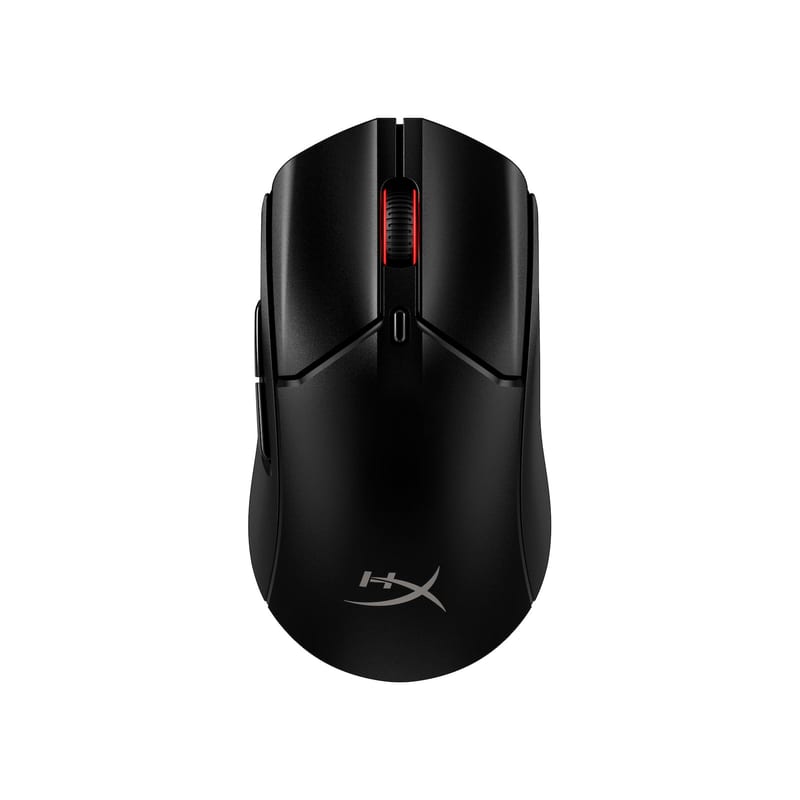
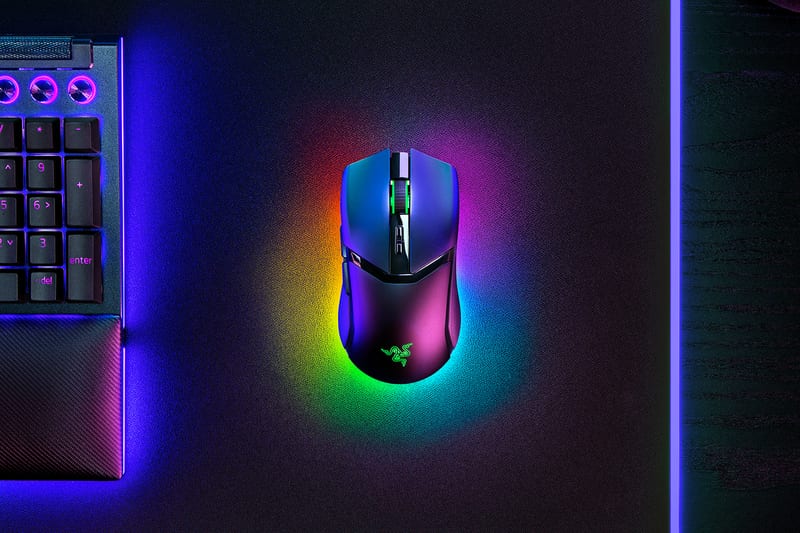
Razer Viper V3 ProBest overall

Razer Viper V3 Pro

Fifty-four grams, the lowest measured click latency in the group, and the only Razer here that puts an 8,000Hz dongle in the box instead of charging extra for it.

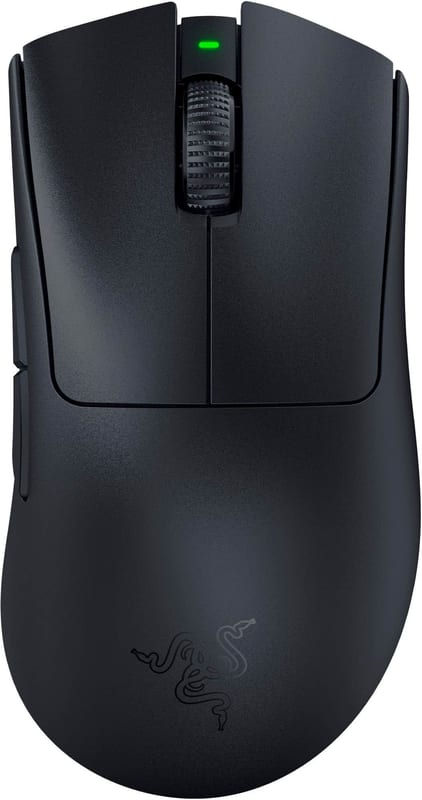
Razer Viper V3 HyperSpeedBest value

Razer Viper V3 HyperSpeed

A flagship-grade sensor and a grip TechRadar singled out as class-leading for the price, for about a third of what the Viper V3 Pro costs.

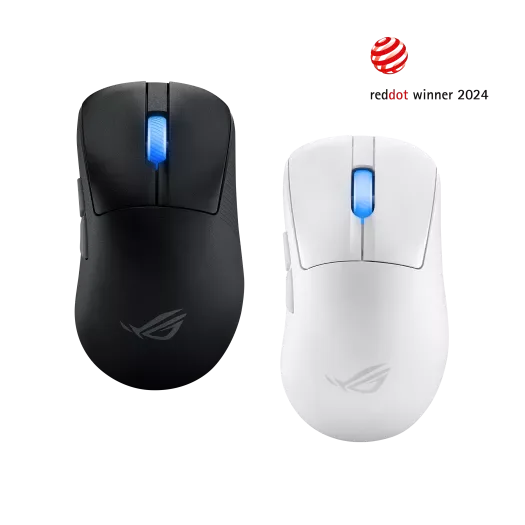
ASUS ROG Keris II AceBest without the dongle tax

ASUS ROG Keris II Ace

A 54g right-handed shape that ships the ROG Polling Rate Booster in the box, so its 4,000Hz costs nothing extra while rivals sell the dongle separately.

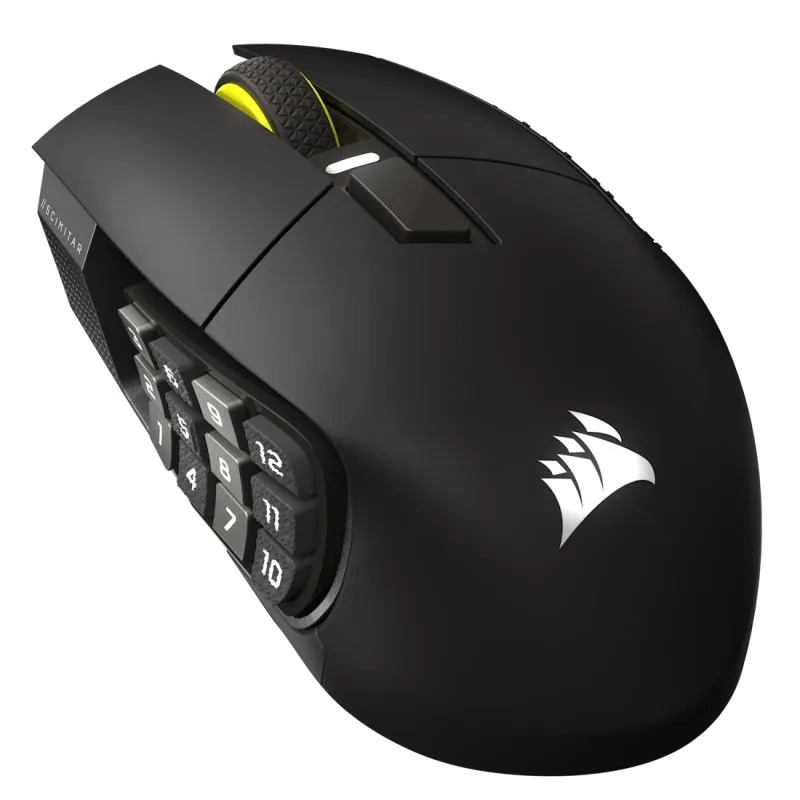
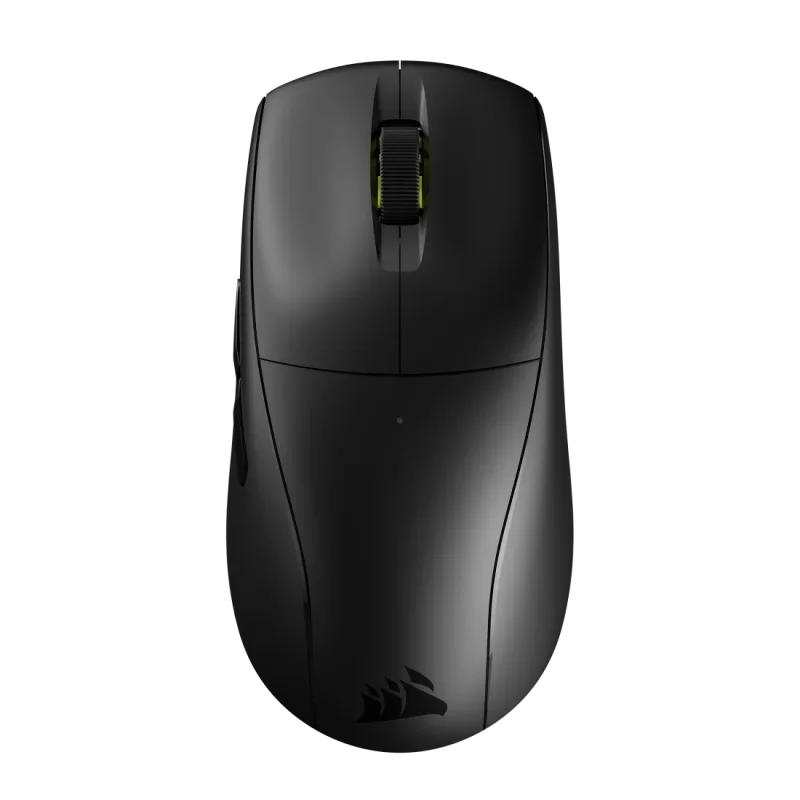
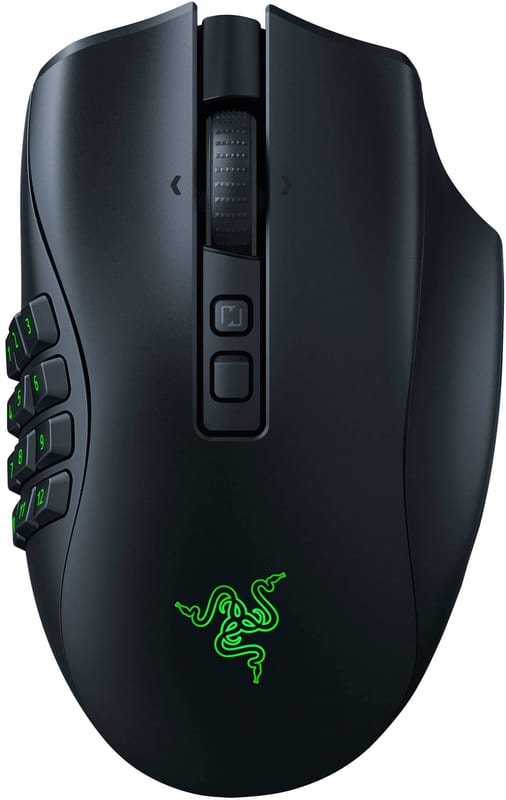
Corsair Scimitar Elite Wireless SEBest MMO

Corsair Scimitar Elite Wireless SE

The sliding 12-button thumb grid still has no real wireless rival, if you are the kind of player who actually binds all twelve.

How they compare

The full field on every attribute that matters. Sort any column; the best value in each is tinted green.

26 wireless gaming mice · compared
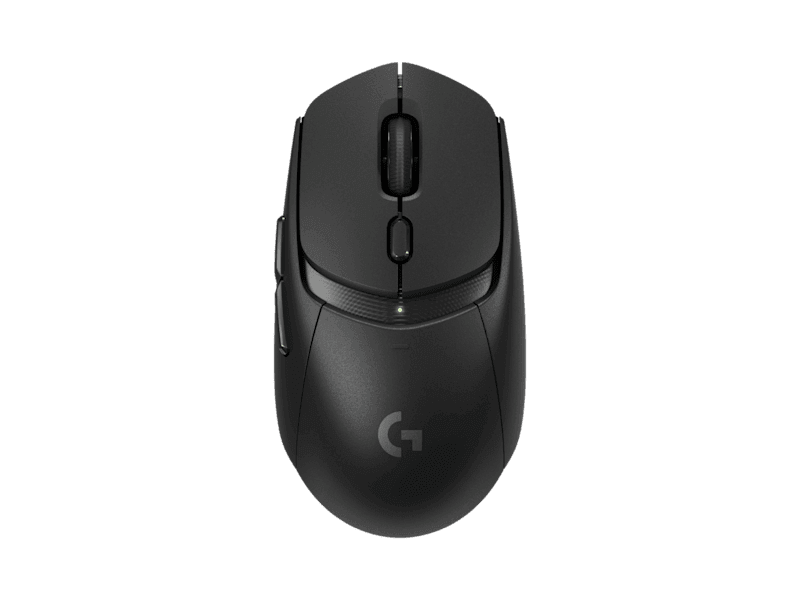
ASUS ROG Harpe Ace Aim Lab Edition8.3One of its generation's best esports mice with a flawless sensor and neutral 54g shape, limited only by 1000Hz polling and high cost.54 g1,000 HzIt ships at 1000Hz wireless out of the box and only climbs to 8000Hz by buying the ASUS ROG Polling Rate Booster separately, and at those high rates battery drops sharply from the rated 90 hours (roughly quartered).36,000 dpi90 hoursASUS rates 90 hours over 2.4GHz with RGB lighting off. Since the mouse is capped at 1000Hz, that figure is at 1000Hz. With default breathing lighting ASUS cites ~79 hours; Bluetooth is quoted up to 99 hours.MechanicalMain buttons use ROG Micro Switches (mechanical) rated for 70 million clicks. The 'optical' label on some retailer listings refers to the 36,000 DPI ROG AimPoint optical sensor, not the switches.Ambidextrous
ASUS ROG Keris II Ace8.6Called near-perfection: a 54g solid-shell ergo with an elite sensor and 4K/8K polling that reviewers rank among the very best at its price.54 g4,000 HzThe ROG Polling Rate Booster is included in the box, so it reaches 4000Hz wireless (8000Hz only when wired) with nothing extra to buy, though high polling roughly quarters the 107-hour battery life.42,000 dpi107 hoursASUS-rated 107 hours over 2.4GHz RF with lighting OFF (67 hours with default lighting on); figure is at the standard 1000Hz polling rate, not the 4000Hz Booster mode, which drains far faster.OpticalROG 100M optical micro switches, rated 100-million-click lifespan.Right-handedRight-handed ergonomic/contoured shell tuned by pro FPS players; not ambidextrous.
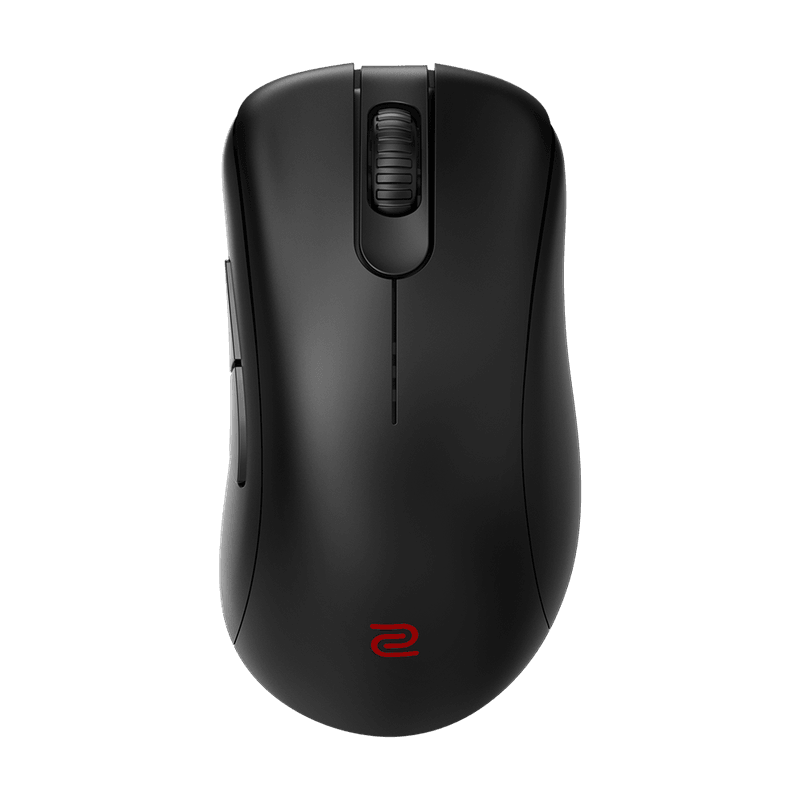
BenQ Zowie EC2-CW6.3Beloved driverless shape and solid tracking, but 77g weight, 3200 DPI and 1000Hz feel dated for a premium price justified mostly by pedigree.77 g1,000 HzThe EC2-CW polls at up to 1000Hz over its included Enhanced Receiver with no higher-polling option, and DPI deliberately tops out at 3200 by Zowie's driverless design, rated for about 70 hours of wireless use.3,200 dpiPixArt PAW3370 sensor; on-mouse DPI steps of 400/800/1600/3200, max 3200.70 hoursZOWIE rates 70 hours wirelessly with constant movement. The EC2-CW tops out at 1000Hz, so the figure is effectively quoted at 1000Hz. The mouse has no RGB lighting.MechanicalReviewers report Huano (Black Shell Blue Dot) mechanical main-button switches rated ~10M clicks; ZOWIE's spec table does not name the switch. The 24-step scroll wheel is optical, but the main clicks are mechanical.Right-handed
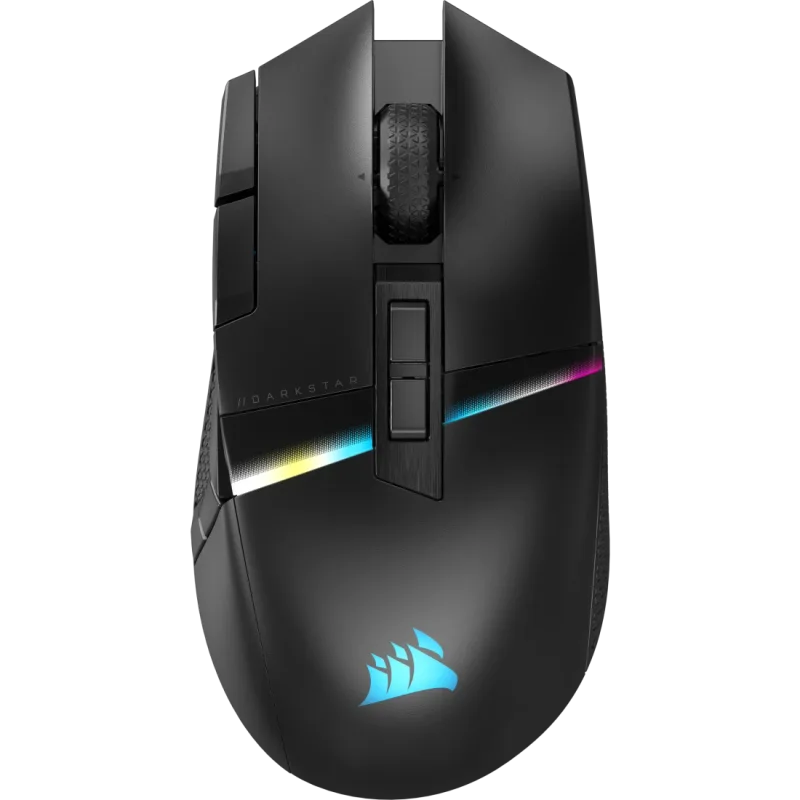
Corsair Darkstar Wireless5.6Capable sensor and build wrecked by a polarizing side-button cluster reviewers openly panned, plus heavy weight and questionable polling at a premium price.96 g2,000 HzCorsair rates the Darkstar at 2000Hz over its included Slipstream receiver (TechPowerUp found it effectively duplicates packets to a true 1000Hz), with no higher-polling dongle offered and high polling cutting into the 65-hour 2.4GHz battery.26,000 dpi65 hours65 hours is Corsair's rated figure over 2.4GHz SLIPSTREAM with RGB backlighting OFF. Corsair quotes up to 80hrs over Bluetooth. With RGB on at the 2000Hz polling rate, reviewers measured roughly 20 hours. Corsair does not clearly state the polling rate the 65hr figure is quoted at.OpticalRight-handedAsymmetrical right-handed MMO shape with a six-button side cluster wall; built for large hands, palm/claw grip.
Corsair M75 Air Wireless6.0Good 60g shape and sensor undercut by only two side buttons and an advertised 2000Hz that testing showed behaves like 1000Hz wireless.60 gCorsair's stated weight is 60g (listed as 60g/2.11oz on the product page). No lighter SKU; black and white variants weigh the same.2,000 HzThe M75 Air reaches 2000Hz over its bundled Slipstream 2.4GHz receiver with no separate dongle required, and pushing the top rate meaningfully shortens the modest 34-hour battery life versus 1000Hz.26,000 dpi34 hours34 hours is the manufacturer's headline rating over 2.4GHz SLIPSTREAM; Corsair separately rates up to 100 hours over Bluetooth. The M75 Air has no RGB lighting, so the figure is not RGB-dependent. Corsair does not specify the polling rate the 34h figure is quoted at (presumed 1,000Hz).OpticalOptical switches (Corsair QUICKSTRIKE optical) on the main buttons; TechPowerUp confirmed they are optical, not mechanical Omron.AmbidextrousBody shell is symmetrical (TechPowerUp and TechRadar describe it as ambidextrous), but side buttons are on the left side only, so it is practically usable right-handed; Corsair notes it is best suited to right-handed gamers despite the symmetrical shape.
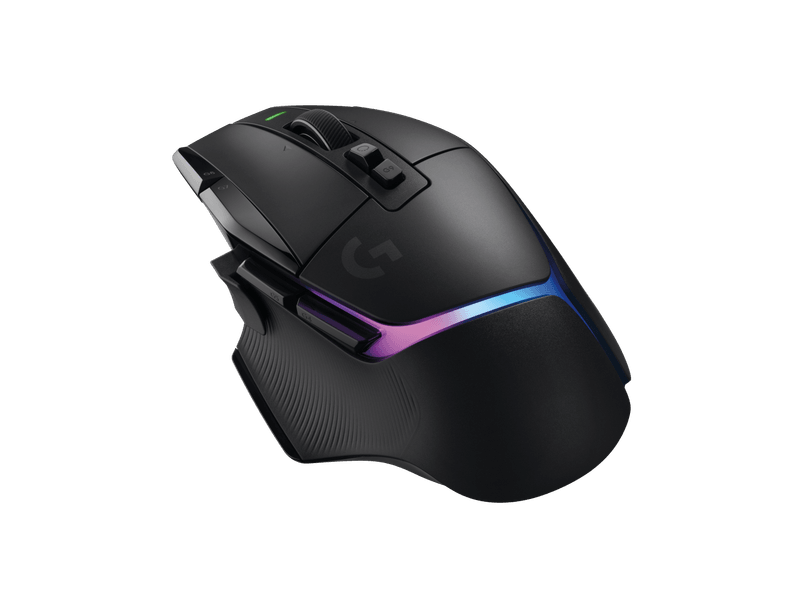
Corsair Scimitar Elite Wireless SE7.0Widely considered the best wireless MMO for its sliding 12-button grid, worth the premium if you use the wall despite the heavy 114g body.114 g1,000 HzThe Scimitar Elite Wireless SE tops out at 1000Hz over both its bundled Slipstream receiver and Bluetooth, with no higher-polling accessory offered, so there is no high-polling battery penalty against its 150-hour rating.33,000 dpiMARKSMAN S 33K optical sensor, up to 33,000 DPI, 750 IPS, 50G acceleration, adjustable in 1 DPI steps.150 hoursCorsair rates up to 150 hours over 2.4GHz SLIPSTREAM with RGB off at 1,000Hz polling; up to 500 hours over Bluetooth (RGB off). Charges via USB-C in ~60 minutes.OpticalRight-handedRight-handed MMO shape with a 12-button 3x4 side-button grid and KeySlider mechanism; contoured for right hand use.
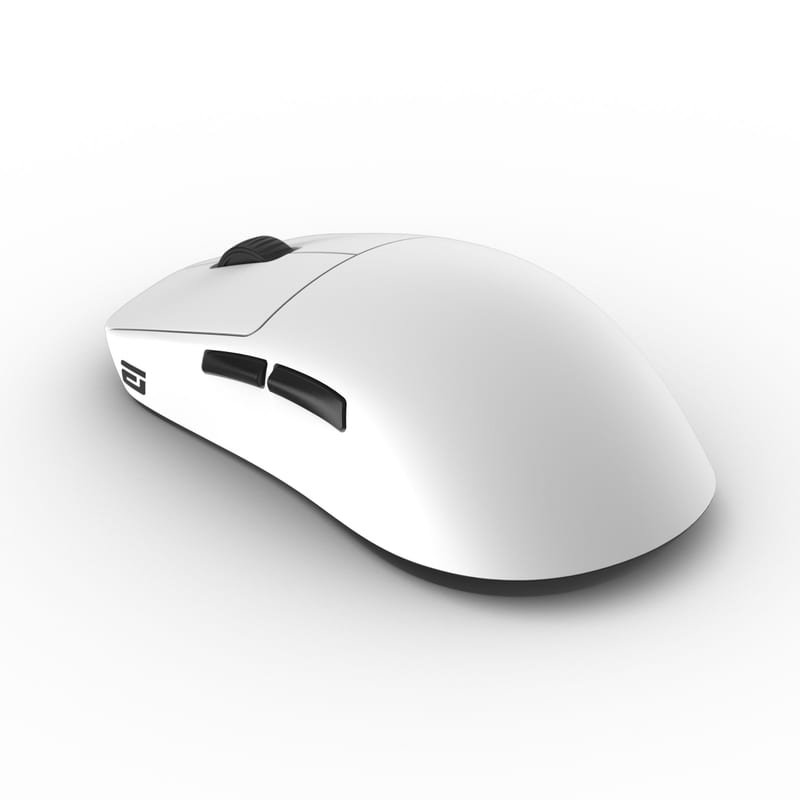
Endgame Gear OP1we6.9Excellent build and Kailh GO switches make it a claw-grip favorite, but the 1000Hz cap and premium price date it against 4K/8K competitors.58.5 g1,000 HzThe OP1we is fixed at 1000Hz over its bundled 2.4GHz receiver with no high-polling dongle option, which helps it reach about 60 hours of battery life.19,000 dpi60 hoursEndgame Gear rates roughly 60 hours; the OP1we is a 1000Hz-only mouse, so this figure is at 1000Hz. There is no RGB on this mouse, so no lighting caveat applies. TechPowerUp corroborates around 60 hours from the 335mAh cell.OpticalKailh GO optical main switches.Right-handedRight-handed/ergonomic OP1 shape aimed at claw and fingertip grip.
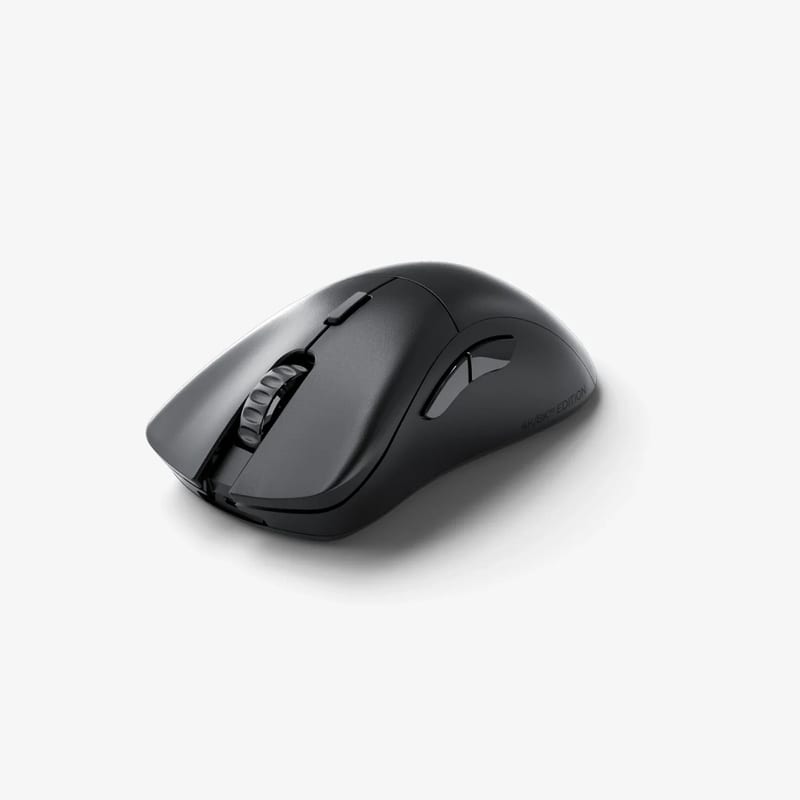
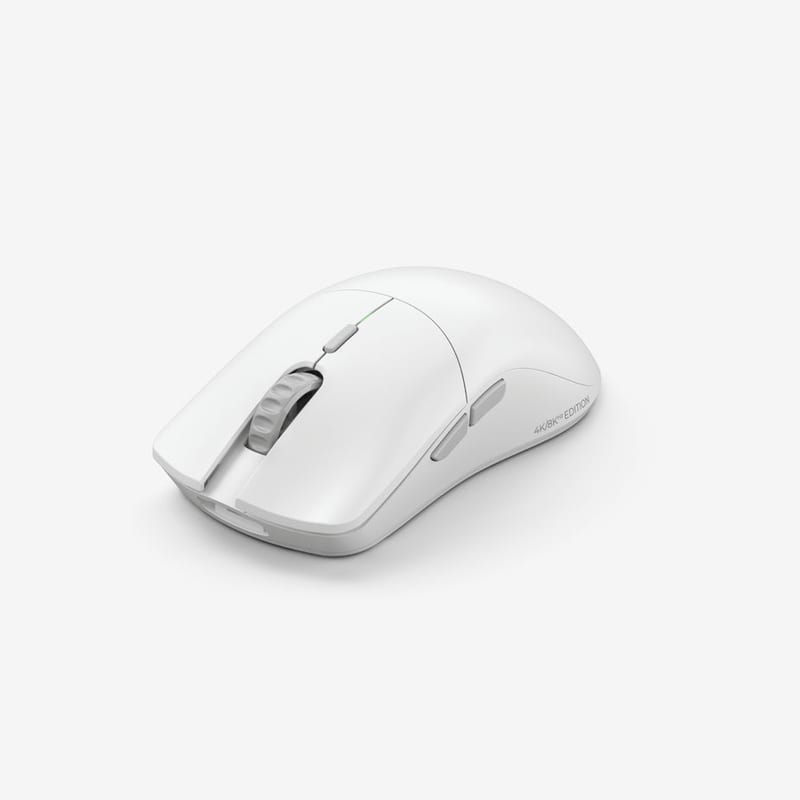
Glorious Model D 2 Pro6.7Competent ergo ultralight reviewers found unremarkable, with mediocre software and a 4K premium most buyers should skip for the cheaper 1K version.62 gManufacturer's stated weight for the 4K/8K Edition is 62g (also cited on the Amazon listing as '62g Superlight'); the standard 1K Pro is ~60g. Glorious' marketing line 'from 57 grams' is a lightest-configuration claim, not the actual review weight. TechteamGB weighed a unit at 64g.4,000 HzThe 4K/8K edition includes a 4KHz 2.4GHz receiver good for 2000Hz and 4000Hz wireless, reserves 8000Hz for wired only, and running 4000Hz cuts battery from about 80 hours to roughly 35.26,000 dpi80 hours80h is the manufacturer's headline figure quoted at 1000Hz polling (RGB off; these are single-LED mice). Reviewers note the rate roughly halves/quarters at higher polling: Tom's Hardware cites ~35h at 4000Hz.OpticalGlorious Optical Switches rated for 100 million clicks (per Glorious FAQ).Right-handedThe Model D line is Glorious' ergonomic/contoured right-hand shape (high arch), as opposed to the ambidextrous Model O.
Glorious Model O 2 Pro7.0Strong ultralight with a proven PAW3395 sensor, but premium pricing against cheaper flagship-sensor rivals and consistently glitchy Core software cap the appeal.59 g57g is the base 1K edition (lightest). The 4K/8K edition weighs 59g per Glorious and KitGuru.4,000 HzThe 4K/8K edition ships with a 4KHz 2.4GHz receiver for up to 4000Hz wireless, its rated 8000Hz is wired-only, and pushing 4000Hz drops battery from about 80 hours to roughly 35.26,000 dpiGlorious BAMF 2.0 optical sensor (rebadged PixArt PAW3395), 100-26,000 DPI, 650 IPS, 50G.80 hoursManufacturer-rated 80 hrs over 2.4GHz at 1000Hz polling (RGB off, no lighting on this model). Drops to ~35 hrs at 4000Hz per KitGuru/Glorious. Figure is for the 2.4GHz dongle; the Pro has no Bluetooth.OpticalGlorious Optical switches rated for 100M clicks (BAMF-series optical actuation).Ambidextrous
HyperX Pulsefire Haste 2 Wireless7.1Refined 61g mainstream value with solid build and battery, recommended for shape and weight rather than its lagging 1000Hz polling and carried-over quirks.61 gManufacturer states 61g (mouse only). Some listings round to 60g.1,000 HzThe standard Haste 2 Wireless is limited to 1000Hz over its bundled 2.4GHz receiver; HyperX's 4000Hz polling lives only in the separate Pulsefire Haste 2 Pro 4K Wireless model, so this SKU carries no high-polling battery penalty against its 100-hour rating.26,000 dpi100 hoursHyperX rates 'up to 100 hours' at 1000Hz over 2.4GHz with RGB lighting disabled. TechPowerUp notes HyperX does not fully specify the test conditions.MechanicalMain buttons use HyperX-branded mechanical switches (TTC Gold, per TechPowerUp) rated for 100 million clicks; side buttons use Kailh switches.Ambidextrous
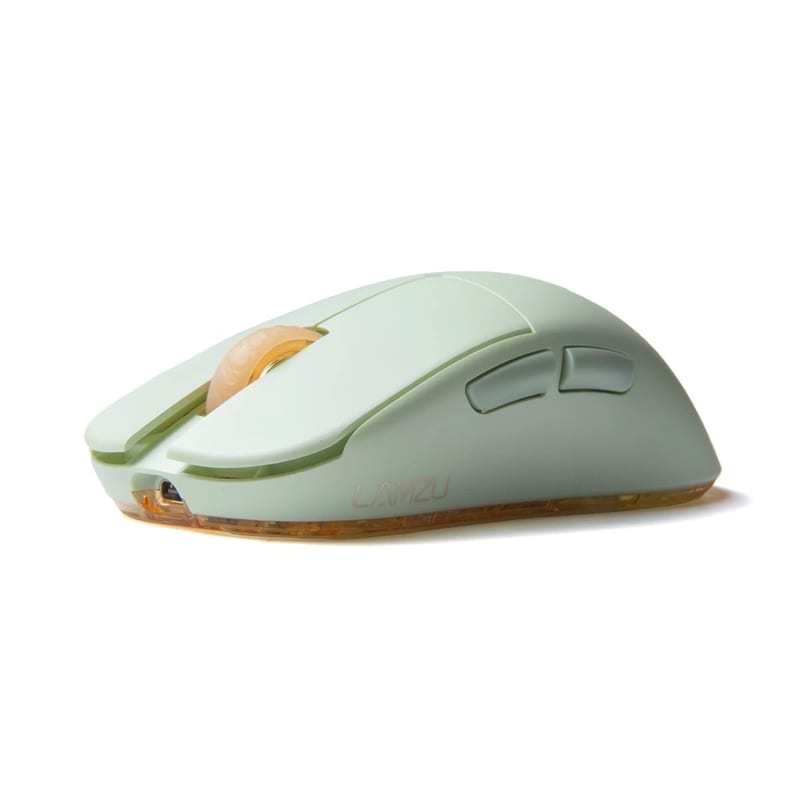
Lamzu Atlantis Mini Pro7.5One of the better small-hands superlights at 51g with a proven sensor and strong value, let down mainly by mediocre software and paid 4K.Best in column51 gManufacturer states 51g (+/-2g), mouse only. This is the small-hand version of the ambidextrous Atlantis.1,000 HzThe Mini Pro is only 4K compatible and ships with a 1000Hz receiver, so 4000Hz requires Lamzu's 4K dongle bought separately (the separate Atlantis Mini 4K SKU includes it), and 4K polling roughly quarters battery from its rated 70 hours.26,000 dpi70 hoursLamzu's headline rating is 70 hours over 2.4GHz. Figure is quoted at 1000Hz polling; the mouse has no RGB. Running the optional 4K/4000Hz dongle roughly quarters real-world battery life.MechanicalHuano mechanical switches (blue shell, pink plunger) on the main buttons. Note the separate Champion Edition uses optical switches instead.Ambidextrous
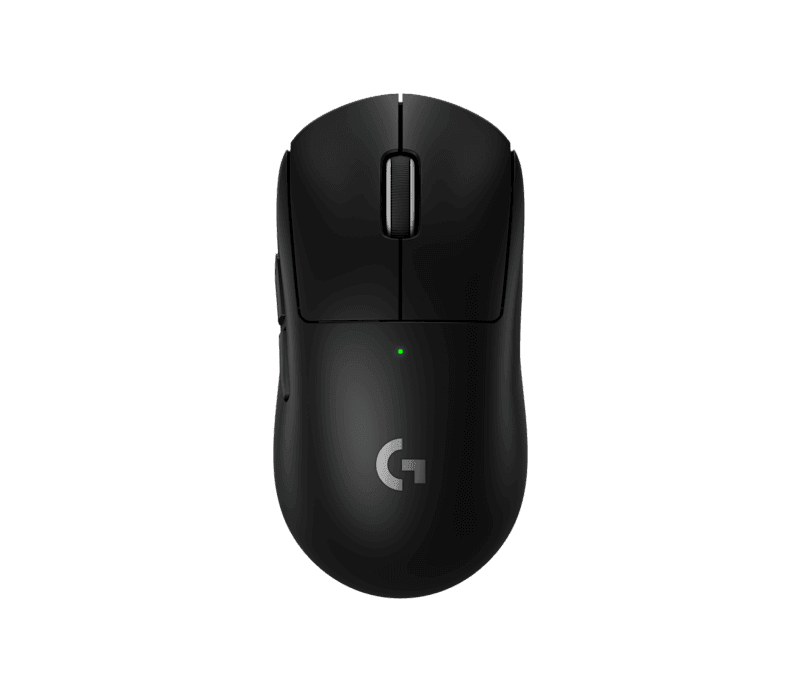
Logitech G Pro X Superlight 29.0Pro-proven benchmark with a flawless sensor and true 8K polling through the standard receiver, docked slightly for the slippery plain coating and steep price.60 gBest in column8,000 HzThe bundled LIGHTSPEED receiver reaches the full 8000Hz wireless out of the box with no extra dongle to buy, but running 8kHz drops the 95-hour battery to roughly a quarter (about 19 hours).Best in column44,000 dpiThe HERO 2 sensor is now rated to 44,000 DPI/CPI (per Logitech's current spec sheet, Amazon and Best Buy listings). The mouse launched in 2023 advertised at 32,000 DPI, and some retailers (Newegg, Micro Center) still list 32,000; the ceiling was raised to 44,000 via firmware. Real-world usable DPI is far lower.95 hoursLogitech's headline 95 hours is quoted at 1000Hz polling. This mouse has no RGB. Battery falls sharply with polling rate: roughly ~60h at 2000Hz, ~40h at 4000Hz, and ~20h at 8000Hz per reviewer testing, which is the whole reason this sheet normalizes to the 1000Hz rated figure.Optical-mechanical hybridLogitech LIGHTFORCE hybrid optical-mechanical main switches (mechanical tactile feel with an optical actuation signal, marketed as immune to double-click wear). Teardowns identify the underlying part as an Omron D2FP-FH1.AmbidextrousSymmetrical ambidextrous body shell, but side buttons are on the left side only, so it is practically usable right-handed. Approx. 125 x 63.5 x 40 mm.
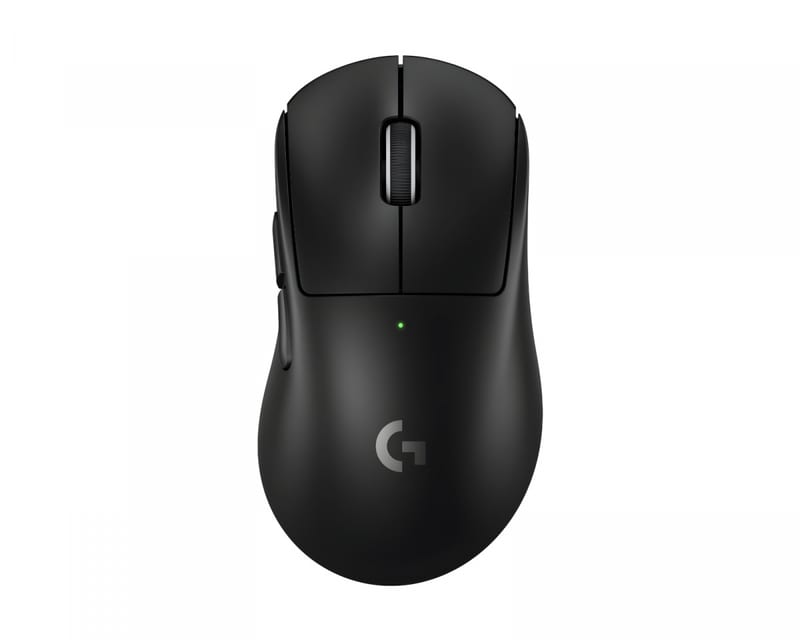
Logitech G Pro X Superlight 2 Dex8.1Same elite internals in an ergonomic shell, but reviewers found the contoured grip awkward and the price hard to justify over the standard version.60 gBest in column8,000 HzIts included LIGHTSPEED receiver hits the full 8000Hz wireless in-box with no separate dongle needed, though pushing polling to 8kHz cuts battery from 95 hours to around 19.Best in column44,000 dpi95 hoursLogitech's 95-hour rating is quoted at 1000Hz polling; the mouse has no RGB to disable. Reviewers (Tom's Hardware, PC Gamer) note it falls to roughly 19-20 hours when running 8000Hz polling with optical-only click reporting enabled.Optical-mechanical hybridLogitech LIGHTFORCE main switches, a hybrid optical-mechanical design.Right-handedErgonomic/contoured right-handed shape (the 'Dex' variant of the symmetrical Superlight 2).
Logitech G 309 Lightspeed7.8Sub-$80 street price buys reliable tracking, crisp clicks and huge AA battery life, punching above its weight despite the taller build and 1000Hz cap.86 g86 g with a single AA battery installed (base/as-sold config). Drops to 68 g when the battery is removed and the mouse is powered by a Logitech POWERPLAY mousepad, per Logitech's official spec page.1,000 HzThe G309 maxes at 1000Hz on its bundled LIGHTSPEED receiver with no high-polling upgrade available, which helps it reach 300-plus hours on a single AA battery.25,600 dpiBest in column300 hoursLogitech rates 300+ hours over Lightspeed 2.4GHz at the 1000 Hz/1 ms report rate (there is no RGB on this mouse, so no lighting caveat). Bluetooth extends this to 600+ hours. Uses one AA alkaline battery.Optical-mechanical hybridLogitech LIGHTFORCE hybrid switches (optical actuation with a mechanical feel) on the two main buttons.Ambidextrous
Logitech G 502 X Plus7.3Feature-rich palm-grip flagship with a great scroll and buttons, held back by 106g heft and a 1000Hz ceiling in a lightweight era.106 gStated ~106g for the mouse only; the G502 X Plus keeps RGB and drops the old adjustable-weight system of the G502 HERO.1,000 HzThe G502 X Plus tops out at 1000Hz wireless on its bundled LIGHTSPEED receiver with no higher-polling option, so battery holds at the rated 130 hours with RGB off.25,600 dpi130 hoursManufacturer rates up to 130 hours with RGB lighting off (quoted at the standard 1000Hz LIGHTSPEED report rate); this drops to 37 hours with RGB set to always-on.Optical-mechanical hybridLogitech LIGHTFORCE hybrid optical-mechanical main switches (mechanical feel with optical actuation).Right-handed
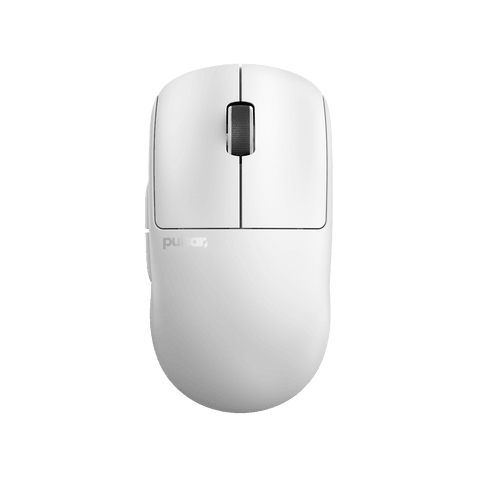
Pulsar X2V37.7Safe high-quality all-rounder with a top-tier grippy coating and flawless XS-1 sensor, though weak side buttons and non-record weight keep it off the podium.52 gManufacturer states 52g (+/-1g) for the Size 2 / Medium (Amazon and pulsar.gg product page). The Size 1 / Mini is rated 51g. Independent review units measured ~53g (nookyyy, MaxGaming spec sheet). Value shown is the medium/flagship configuration.1,000 HzThe standard X2 v3 box carries only a 1000Hz receiver, so 4000/8000Hz wireless needs Pulsar's 8K dongle bought separately, and running 8K roughly quarters battery life from its rated 70 hours.32,000 dpiSensor is the Pulsar XS-1, a custom bin of the PixArt PAW3950 (750 IPS, 50g accel).70 hoursPulsar's own product page does not publish a headline hours figure. Spec aggregators (e.g. TurboVS) list ~70h over 2.4GHz, which corresponds to 1000Hz with lighting off; treat as approximate. As a worst-case data point, nookyyy cites ~12h at the max 8000Hz polling rate with lighting on, consistent with 8K roughly quartering runtime.OpticalMain buttons use Raesha SMT optical switches (~80M rated); side buttons and scroll wheel use Kailh mechanical micro switches.AmbidextrousSymmetrical (ambidextrous) shell with a wide waist / low hump aimed at claw and fingertip grips; side buttons are on the left only, so it is intended for right-hand use despite the symmetrical body.
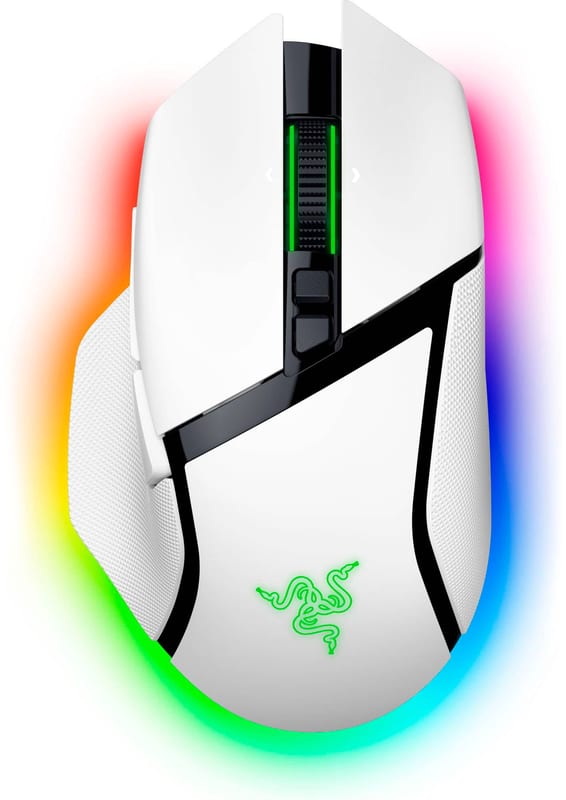
Razer Basilisk V3 Pro 35K7.0Polished and loaded but an iterative refresh reviewers say adds little, weighed down at 112g with true 8K locked behind a separate dongle.112 gRazer's stated weight is 112g, mouse only (no cable/dongle).1,000 HzPolls at 1000Hz out of the box, with 8000Hz unlocked only by the separately sold HyperPolling Wireless Dongle (or 4000Hz via the Mouse Dock Pro), and high polling roughly quarters the 140-hour 2.4GHz battery life.35,000 dpi140 hoursRazer rates up to 140 hours over HyperSpeed 2.4GHz, quoted at 1000Hz with RGB lighting off (up to 210 hours over Bluetooth). Running the optional 8000Hz mode roughly quarters real-world runtime.OpticalRazer Optical Mouse Switches Gen-3, 0.2ms actuation, 90-million-click rated lifecycle.Right-handedRight-handed ergonomic body with a signature thumb rest and a side-button wall.
Razer Cobra Pro6.6Well-built do-everything mouse whose value suffers: pricey before the extra HyperPolling dongle, heavier than esports rivals, and not the top pick anywhere.77 g1,000 HzUses the included 1000Hz HyperSpeed dongle by default, and its 4000Hz maximum is reachable only with the separately sold HyperPolling Wireless Dongle, which drops battery from about 100 hours to roughly a third.30,000 dpi100 hoursRazer's headline 100 hours is over 2.4GHz HyperSpeed at 1000Hz (RGB behavior unstated, typically minimized/off). Bluetooth is rated up to 170 hours. Running the HyperPolling dongle at 4000Hz drops it to about 33 hours per Razer.OpticalAmbidextrousSymmetrical (ambidextrous) body, but two side buttons are on the left side only, so it is practically a right-hand mouse; RTINGS describes it as a symmetrical shape.
Razer DeathAdder V3 Pro8.9Called practically perfect for right-handed FPS, with a beloved shape and elite low-latency switches, only dinged for MSRP and the extra-cost 8K dongle.63 gRazer states 63g for the black Classic Base SKU; the white SKU is listed at 64g. Base/lightest configuration used.1,000 HzThe standalone retail box includes only the 1000Hz HyperSpeed dongle, and hitting the sensor's true 8000Hz ceiling needs Razer's HyperPolling Wireless Dongle bought separately, which cuts the 90-hour battery to roughly a quarter.30,000 dpiRazer Focus Pro 30K optical sensor, 750 IPS, 70G.90 hoursRated 'up to 90 hours' at 1000Hz over 2.4GHz HyperSpeed (no RGB on this mouse). Razer notes using 4000Hz polling drops it to ~24 hours; 8000Hz is lower still.OpticalRazer Optical Mouse Switches Gen-3.Right-handed
Razer Naga V2 Pro7.2The most versatile MMO thanks to swappable side plates and a great sensor, but you pay flagship money and still cap at 1000Hz.134 gRazer-stated 134 g (mouse only). This is a heavy MMO mouse; weight is broadly consistent across reviews (TechPowerUp, Tom's Hardware).1,000 HzThis MMO mouse caps at 1000Hz and has no HyperPolling support, so there is no higher-rate dongle option and the 150-hour 2.4GHz battery figure reflects its only polling mode.30,000 dpi150 hours150 h is Razer's headline figure over HyperSpeed 2.4 GHz with RGB lighting OFF. Bluetooth is rated up to 300 h. Real-world with RGB enabled is roughly 80 h. Quoted at 1000 Hz.OpticalRazer 3rd-generation optical mouse switches on the main buttons.Right-handed
Razer Viper V3 HyperSpeed8.4At $70 it delivers flawless flagship tracking and class-leading grip, repeatedly named the best-value wireless mouse despite AA weight and paid high-polling.82 gRazer's stated 82g is with a single AA battery installed (the realistic in-use weight); the mouse-only body without a battery is 57g. It ships without a battery.1,000 HzPolls at 1000Hz with the bundled HyperSpeed 2.4GHz dongle, and reaching the true 8000Hz rate requires Razer's HyperPolling Wireless Dongle bought separately, which roughly quarters the single AA battery's 280-hour runtime.30,000 dpi280 hoursRazer's headline 280 hours is quoted at 1000Hz polling. Dropping in the HyperPolling dongle cuts it to roughly 75 hours at 4000Hz and about 50 hours at 8000Hz. The mouse has no RGB, so lighting is not a factor.MechanicalAmbidextrousSymmetrical (ambidextrous) body classification per RTINGS; Razer markets it as right-handed because the two side buttons are on the left side only, so it is not usable left-handed.
Razer Viper V3 Pro9.4The pro-adopted ultralight benchmark: 54g, superb switches, lowest measured click latency, and it bundles the 8K dongle rivals charge extra for.54 g54g for the Black edition (base/lightest); the White edition is listed at 55g.Best in column8,000 HzUnusually for a Razer mouse, the HyperPolling 8000Hz wireless dongle ships inside the retail box, so the full 8K rate needs no extra purchase, though running 8000Hz drops the roughly 95-hour battery to about a quarter of that.35,000 dpiRazer Focus Pro 35K Optical Sensor Gen-2, up to 35,000 CPI, 750 IPS max tracking speed.95 hours95 hours is Razer's headline figure quoted at 1000Hz. Battery drops sharply at higher polling: Razer/TechPowerUp cite roughly 17 hours at 8000Hz. Figure is for the sensor/radio (no RGB on this mouse to disable).OpticalAmbidextrousSymmetrical body (Razer markets it as a symmetrical/ambidextrous shape) but with side buttons on the left side only, so it is functionally right-hand use.
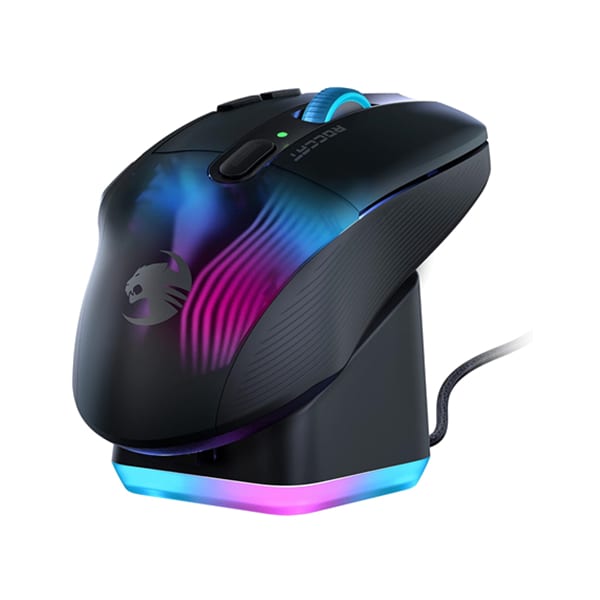
Roccat Kone XP Air5.9Flashy feature-packed ergo with a fast sensor and handy charging dock, but 99g weight and mediocre real-world battery land its value only on sale.99 gManufacturer/press-kit stated 99g (mouse only). The translucent RGB shell keeps it here despite the 15-button ergonomic body; heavier than modern lightweight competitors.1,000 HzThe Kone XP Air is limited to 1000Hz over its bundled 2.4GHz Stellar Wireless receiver with no higher-polling accessory offered, so its 100-hour rating carries no high-polling battery penalty.19,000 dpi100 hoursRoccat's headline is '100+ hours' quoted at 1000Hz. RGB lighting materially cuts this; reviewers (Tom's Hardware, GameTyrant) found real-world battery mediocre with RGB on, which is why the mouse ships with a rapid-charge dock (10 min charge = ~5 hours).OpticalRoccat Titan Optical switches (optical actuation).Right-handedErgonomic right-handed contour with a thumb-side button wall.
SteelSeries Aerox 3 Wireless (2024)6.4Feature-rich mid-range value with rare IP54 protection, but the flexy holey shell, mushy clicks and 1000Hz cap keep it below the esports front-runners.68 gSteelSeries lists 68g for the Onyx SKU; some retailer/press copy rounds to 66g. Base/lightest is 68g per the manufacturer spec page.1,000 HzThe Aerox 3 Wireless maxes at 1000Hz over its included 2.4GHz receiver, with no 4K or 8K dongle option, so its 80-hour 2.4GHz battery is not subject to a high-polling penalty.18,000 dpi80 hoursManufacturer headline '200 hours' is the Bluetooth 5.0 figure. Over the 2.4GHz gaming dongle SteelSeries and reviewers (TechPowerUp, Trusted Reviews) put it at up to ~80 hours with default lighting (LEDs dim 50% after 30s idle, sleep after ~5 min). RGB fully on lowers it further. Recorded 80 as the 2.4GHz-equivalent number.MechanicalTTC Golden Micro IP54 mechanical switches rated 80M clicks (dust/water resistant). Not optical.Ambidextrous
SteelSeries Aerox 5 Wireless6.1Versatile multi-genre pick with useful extra buttons, dragged down by 74g weight, mushy mechanical switches and a premium price hurting its value case.74 g74g is the Wireless model's stated weight; the separate wired Aerox 5 is 66g. SteelSeries markets the pair as 66g/74g respectively.1,000 HzThe Aerox 5 Wireless caps at 1000Hz over its included 2.4GHz receiver with no higher-polling dongle available, so there is no high-polling battery cost against its 80-hour 2.4GHz rating.18,000 dpi80 hoursThe 180-hour headline is the low-power Bluetooth figure. Over the default 2.4GHz gaming connection SteelSeries and TechPowerUp rate it at up to 80 hours with RGB off, so that is the number recorded here.MechanicalSteelSeries Golden Micro IP54 mechanical switches rated for 80M clicks (the TrueMove Air sensor itself is optical, but the main click switches are mechanical).Right-handed
Vaxee XE Wireless6.4Impressive first wireless effort with a great shape and tuning, but 76g is heavy for its era and you pay enthusiast prices for feel.76 g4,000 HzThe XE Wireless reaches 4000Hz on its standard bundled receiver via a firmware update with no extra dongle needed, though High Speed Mode roughly halves battery from about 90 hours to 45, and DPI is capped at 3200 by design.3,200 dpiPixArt PAW3395 sensor; Vaxee caps selectable CPI at 3200 even though the sensor can go higher.90 hoursManufacturer's 90h headline is quoted at 1000Hz in Standard/default run mode with no RGB. High-Speed Mode roughly halves it to ~45h, and Competitive Mode is rated ~50h; running 4000Hz reduces it substantially further.MechanicalHuano main-button switches (Black Shell / Blue Dot, ~70g actuation, rated ~10M clicks).Ambidextrous
How the AI score works, and who wrote it

A language model rated these, not a test lab. Every score from1 to 10 is an AI assessment of how good the product is against the other 26 in this comparison, formed from the specifications we verified plus the published lab reviews and owner reception found while researching each one. Nobody at Slopsheets listened to, wore or plugged in any of it.

It weighs the things a spec table cannot show: how a product is actually reviewed, how well the software works, build quality, and what you get for the money. That is deliberate. An earlier version of this column was pure arithmetic on the table and it ranked a bundle of cheap boxes above a class-leading single unit, because counting hardware is not the same as judging it.

Treat it as an informed starting point and read the sourced comparison, not as a verdict. The score is relative to this comparison only, so it means nothing across categories, and it carries no price, star rating or review count. Every specification behind it is sourced and checked; the score on top of them is opinion.

Every wireless gaming mouse in this table has an "8,000Hz" number somewhere on its box or its store page. For most of them, it is a number you cannot reach with what comes in that box.

That is the mouse world's version of a trick the whole industry runs. The headline figure is real in a lab, under conditions you do not own yet. Razer's DeathAdder V3 Pro, its Basilisk V3 Pro, and its Viper V3 HyperSpeed all advertise 8,000Hz polling. All three ship with a 1,000Hz dongle in the retail box, and the dongle that actually does 8,000Hz is a separate purchase, the HyperPolling Wireless Dongle. Pulsar's X2 v3 is the same story with a Pulsar dongle. ASUS makes you buy a Polling Rate Booster. Out of these 26 mice, exactly three give you 8,000Hz from the receiver in the box, and only one of them is a Razer.

So the polling column on this page is the in-the-box rate: the fastest polling the hardware you paid for can do before you buy an accessory. Sort by it and 17 of these 26 mice sit at 1,000Hz. That is the single most reordering thing this table does, and no other roundup does it, because every other roundup copies the 8,000Hz off the marketing page and stacks it in one column.

17 of 26
of these mice actually ship at 1,000Hz in the box, despite the 8,000Hz number on their store pages.

Six specs decide how a wireless mouse behaves once it is in your hand: what it weighs, how fast it polls out of the box, how high its sensor claims to count, how long it lasts on a charge, what its main switches are made of, and which hand it fits. The number that is not in the table is how it aims, because that is your grip and your shape, and no column settles it. The labs that measure the parts you can measure are linked at the bottom.

Weight: 51 grams to 134, and the two mice hiding a battery in that number

The honest range here runs from the Lamzu Atlantis Mini Pro at 51 grams to the Razer Naga V2 Pro at 134, which is nearly a factor of three.

The sub-55-gram tier is where the aim-focused money goes, and it is led by the enthusiast brands rather than the giants: the Lamzu Atlantis Mini Pro at 51g, the Pulsar X2 v3 at 52g, then a three-way tie at 54g between the Razer Viper V3 Pro, the ASUS ROG Harpe Ace, and the ROG Keris II Ace. Getting a flagship sensor and a rigid shell under 55 grams was a genuine engineering problem five years ago and is now table stakes at the top.

Two weights in this table are lies of omission, and they are the interesting ones. The Razer Viper V3 HyperSpeed reads 82g and the Logitech G309 reads 86g, which looks heavy next to the 54g crowd. Both run on a single AA battery, and both figures include it. Pull the cell and the HyperSpeed is a 57g mouse and the G309 is a 68g mouse. Whether you record the with-battery number is a real question, and the answer is yes, because the mouse does not work without it. But you should know the shell is lighter than the number, and that a fresh alkaline versus a rechargeable AA changes the weight in your hand from week to week. RTINGS weighs these the same way, with the battery in.

The number says

The Razer Viper V3 HyperSpeed weighs 82g, heavy next to the 54g flagships.

The shell says

That figure includes a single AA cell. Pull it and the HyperSpeed is a 57g mouse; the shell was never heavy.

The top of the table is where weight stops being a gaming spec and becomes a category. The Corsair Scimitar Elite at 114g and the Naga V2 Pro at 134g are MMO mice with a wall of thumb buttons, and they are heavy because twelve switches and a bigger battery weigh something. Nobody flicks a Naga. You palm it and let your thumb do the work, and 134 grams sitting still is fine.

Slopsheets says: Under 60 grams matters if you play claw or fingertip and flick a lot, and it stops mattering the moment you rest your palm. Buy the shape first and let weight break the tie, because a 54g mouse in the wrong shape aims worse than a 68g mouse in the right one. And read the AA asterisk before you call the HyperSpeed heavy.

Polling rate: the 8,000Hz number is mostly a dongle you have not bought yet

This is the column the rest of the internet gets wrong, so it is worth being exact.

Three mice here reach 8,000Hz with the receiver in the box: the Logitech G Pro X Superlight 2, the Superlight 2 Dex, and the Razer Viper V3 Pro. The Logitechs do it through the standard LIGHTSPEED receiver after a firmware update, which TechPowerUp verified by testing the actual report rate rather than trusting the menu. The Viper V3 Pro does it because Razer, unusually, put the HyperPolling dongle in the box, which is a large part of why it is our overall pick and why the enthusiast forums stopped complaining about it.

Four mice reach 4,000Hz in the box: the ASUS ROG Keris II Ace, which includes the Polling Rate Booster, the Glorious Model O 2 Pro and Model D 2 Pro in their 4K/8K editions, and the Vaxee XE Wireless, which got there through firmware without a separate dongle. Two Corsairs advertise 2,000Hz, the M75 Air and the Darkstar, and here the caveat is different: TechPowerUp measured the 2.4GHz link on both and found it submitting no more data than 1,000Hz for most of the time, so treat that 2,000 as a 1,000 with a marketing coat on.

Everything else, 17 of the 26, is 1,000Hz in the box. That includes mice whose store pages shout 8,000Hz. The DeathAdder V3 Pro, the Basilisk V3 Pro 35K, the Viper V3 HyperSpeed, and the Cobra Pro all need Razer's separately sold HyperPolling dongle to get past 1,000. The Pulsar X2 v3 needs a Pulsar 8K dongle. The Lamzu Atlantis Mini Pro needs a Lamzu 4K dongle. The Harpe Ace needs the ROG Polling Rate Booster. None of those dongles is in the box, and all of them cost real money on top of a mouse that already costs plenty.

Two things are worth knowing before you decide you need any of this. The jump from 1,000Hz to 8,000Hz shaves click latency by a fraction of a millisecond, which is measurable on a scope and invisible to most players below the very top of ranked. And it comes out of your battery: Razer's own figures put the Viper V3 Pro at roughly 17 hours at 8,000Hz against 95 at 1,000, and the same quartering shows up on every high-polling mouse here. You are trading three-quarters of your runtime for a latency change you may not feel.

Don't overpay for: If you are not in the top fraction of a percent of an FPS ladder, 1,000Hz is fine and always was. If you do want 8,000Hz, the honest buys are the ones that include the dongle, the Viper V3 Pro and the two Superlight 2s, because everyone else sells you a mouse and then sells you the number on its own box.

Max DPI: the number that stopped meaning anything, and the two brands that admit it

The DPI figures in this table run from 44,000 down to 3,200. That is a 14-fold spread, and it decides nothing, because you play somewhere between 400 and 1,600 like every person who has ever won a match.

The Logitech Superlight 2 and its Dex sibling top the column at 44,000, a figure Logitech raised from the launch spec of 32,000 through firmware, on a sensor whose real job it never changes. The Keris II Ace claims 42,000, the Harpe Ace 36,000, the Viper V3 Pro and Basilisk 35,000. These are all sensor-ceiling numbers, and the sensor ceiling is a spec-sheet contest that the marketing departments agreed to have with each other.

What matters is the sensor model underneath, and the good news is that at this level they are all effectively flawless. RTINGS and TechPowerUp put the Razer Focus Pro line, Logitech's HERO 2, the PixArt PAW3395 and 3950 that the enthusiast brands bin, and the ROG AimPoint through the same tracking tests, and none of them smooth, accelerate, or drop out in normal use. A mouse tracking cleanly at your actual 800 DPI is the whole ballgame; whether its ceiling is 26,000 or 44,000 is trivia.

The two most honest entries in this column are at the bottom. The BenQ Zowie EC2-CW and the Vaxee XE Wireless both cap out at 3,200 DPI, and both use sensors that could go far higher. That is a design decision, not a limitation. These are esports-purist brands that decided the extra digits were noise and left them off, and their audience agrees. When a company that could print 30,000 on the box prints 3,200 instead, it is telling you something true about the number.

Pure theater: Ignore this column when you buy and sort by it only to laugh. Pick the sensor by its reviews, not its ceiling, and know that a mouse advertising 3,200 DPI is not worse than one advertising 44,000, it is just run by people who stopped playing the game.

Rated battery: honest hours, measured at 1,000Hz with the lights off

Every battery figure in this table is the manufacturer's rating at 1,000Hz polling with RGB off, because that is the one condition all of them quote and the only way to line them up. Read it as a best case.

The two big numbers are not really rechargeable-battery numbers. The Logitech G309 rates 300-plus hours and the Viper V3 HyperSpeed rates 280, and both run on a AA. You do not charge these, you swap a cell twice a year, which is a genuinely different ownership model and the reason those figures dwarf everything else. Among the mice with a built-in battery, the honest leaders are the heavy ones: the Naga V2 Pro and the Scimitar Elite at 150 hours, the Basilisk at 140, the G502 X Plus at 130, because a bigger shell holds a bigger cell.

The lightweight flagships cluster lower and tighter, in the 90-to-100-hour band: the Viper V3 Pro, both Superlight 2s, the DeathAdder V3 Pro, the Harpe Ace. The enthusiast superlights sit lower again at 60 to 80, the price of a small battery in a small shell. The floor is the Corsair M75 Air at 34 hours, which is a lot of charging for a mouse, and a real knock against an otherwise good 60g shape.

Now apply the two taxes the rated number hides. Turn RGB on where the mouse has it and the figure falls, sometimes by half. Add the high-polling dongle you may have just bought and it falls by three-quarters. The Basilisk's headline 140 hours, run the way its own marketing sells it, with 8,000Hz and the lights on, is closer to 35. The rated number is not a lie, it is just the number for a mouse you are not going to use.

Skip the charging chore: If you hate charging, the AA mice and the heavy MMOs win outright, and it is not close. If you want a lightweight flagship, expect to plug in weekly, expect the dongle and the RGB to make it more often, and treat the SteelSeries Aerox 5's old 180-hour claim, which was always the Bluetooth figure, as the reason we list it at 80.

Switches: optical versus mechanical, and the double-click that used to kill mice

For most of the last decade the way a gaming mouse died was the double-click. A mechanical switch wears, its contact starts to bounce, and one physical press registers as two. It was the single most common failure in the category, and it is why this column exists.

Optical switches fixed it by removing the contact. A beam breaks instead of two pieces of metal touching, so there is nothing to wear out and no bounce to develop. Fourteen mice here use them, including every Razer here except the mechanical-switched HyperSpeed, both Glorious models, the Corsairs, and the Keris II Ace. If you have ever RMA'd a mouse for phantom clicks, this is the column that makes it stop happening.

Logitech splits the difference with its LIGHTFORCE switches on all four of its mice here, a hybrid that keeps a mechanical tactile feel but reads the click optically, so you get the crisp press without the failure mode. The remaining eight are honest mechanical switches, mostly Huano and TTC parts, on the Zowie, the Vaxee, the two SteelSeries, the HyperX, the Lamzu, the Harpe Ace, and the Viper V3 HyperSpeed. They feel great and many players prefer them; they are simply the parts that can eventually develop the fault.

One spec-sheet trap worth naming: the ASUS ROG Harpe Ace lists "optical" prominently, and a few retailers repeat it in the switch field. That refers to its 36,000 DPI optical sensor, not its switches, which are mechanical ROG micro switches. The word optical on a mouse listing can describe the eye or the button, and the two are not the same promise.

For longevity: If reliability over years is your priority, buy optical or the Logitech hybrid and stop worrying about double-click for good. If you buy mechanical, buy it for the feel with eyes open, because you are choosing the one part in a modern mouse that still wears out.

Shape: "ambidextrous" almost always means right-handed with a symmetrical shell

The table splits 13-13 between ambidextrous and right-handed shapes, and the ambidextrous half comes with an asterisk that no manufacturer prints.

An ambidextrous mouse here means a symmetrical body, not a mouse a left-hander can actually use. The Viper V3 Pro, the Superlight 2, the M75 Air, the Model O 2 Pro, the Pulsar and the Lamzu are all "ambidextrous," and all of them put their side buttons on the left flank only, where a right thumb reaches them. Grip one left-handed and the buttons are under your ring and pinky fingers, which is useless. True left-handed support, with buttons on both sides or a mirrored SKU, is essentially absent from this entire field. If you are left-handed, the symmetrical shells are a slightly better bet only because the shape fits, and you will be playing without side buttons either way.

For right-handers the choice is real and it is about grip. The contoured right-handed shells, the DeathAdder V3 Pro, the Keris II Ace, the G502, the ergonomic Glorious Model D, fill a palm and support it, which suits palm and relaxed-claw grips over long sessions. The symmetrical shells suit claw and fingertip players who want to move the mouse with their fingers rather than their wrist. The DeathAdder shape in particular is the one a large share of professional FPS players have used for years, which is worth more than any number in this table and is exactly why it is not one.

Buy on this one: This is the column to buy on and the one the spec sheet is least honest about. Match the shape to your grip, ignore the word ambidextrous unless you are left-handed and then grieve quietly, and if a shape has worked for you before, its successor almost always still fits.

What the table is actually telling you

Sort by weight and the enthusiast brands win. Sort by in-the-box polling and Logitech and the Viper V3 Pro win. Sort by battery and the AA mice and the MMOs win. Sort by DPI and you learn nothing. No mouse here tops more than two columns at once, which is the real message: this is a category of well-executed tradeoffs with no single dominant product.

Razer takes the highest score and three of the top five, the Viper V3 Pro, the DeathAdder V3 Pro, and the Viper V3 HyperSpeed, and that is not a favor, it is what the reviews say: elite sensors, the lowest click latencies anyone measures, and in the HyperSpeed's case the best value in wireless right now. The mouse that breaks the run is the Logitech G Pro X Superlight 2, our second-highest score and the strongest in-box 8,000Hz that is not a Razer. ASUS builds the ergonomic shape that respects your wallet by bundling its dongle, and the two lightest shells here belong to Lamzu and Pulsar, brands most buyers have never heard of and competitive players know by heart.

The thing we deliberately keep out of the table is how any of these aim, because that lives in your grip and your shape and cannot be made a sortable number. What we can tell you is that the 8,000Hz on the box is usually a separate purchase, the DPI on the box is theater, and the battery on the box is a best case in a dark room. Strip those three back to what you actually get, and the field reorders in ways the marketing would rather you not see.

Sources / further reading