Twenty-three smart locks, and the spec that decides most of them is not the one on the front of the box. It is whether the thing needs a second device plugged in somewhere in your house to work at all, and whether any lab ever put the bolt in a jig and hit it. The sortable table and "check price" buttons live above this article. Down here I translate the spec sheets into what they mean on a real door, which is where I spend my working life.
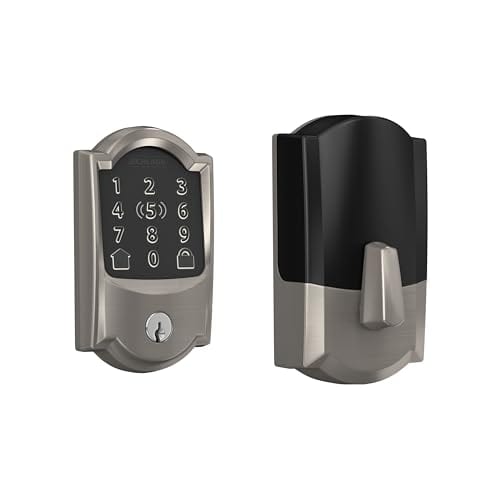
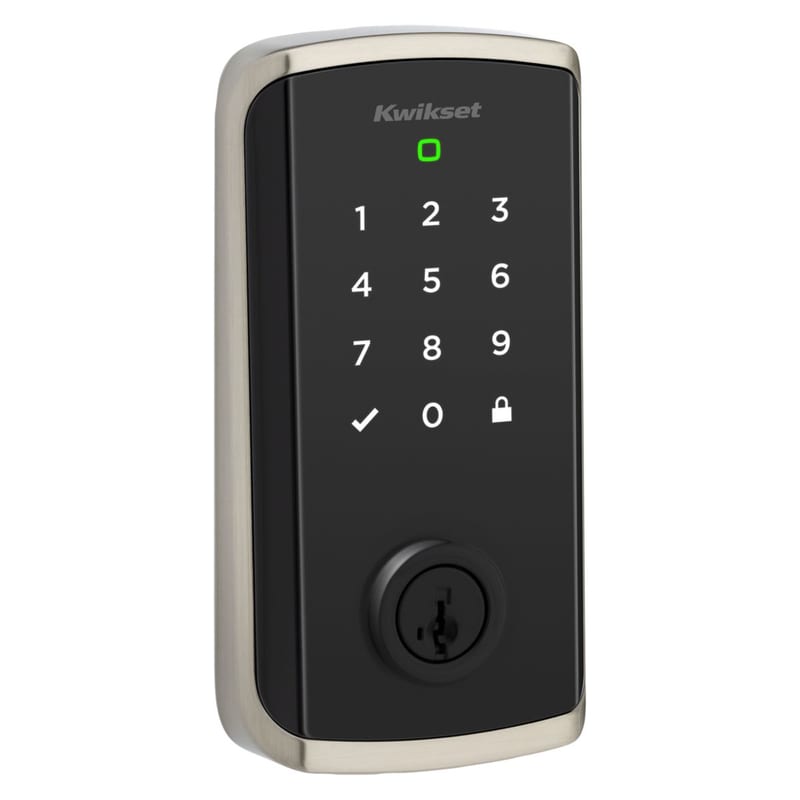
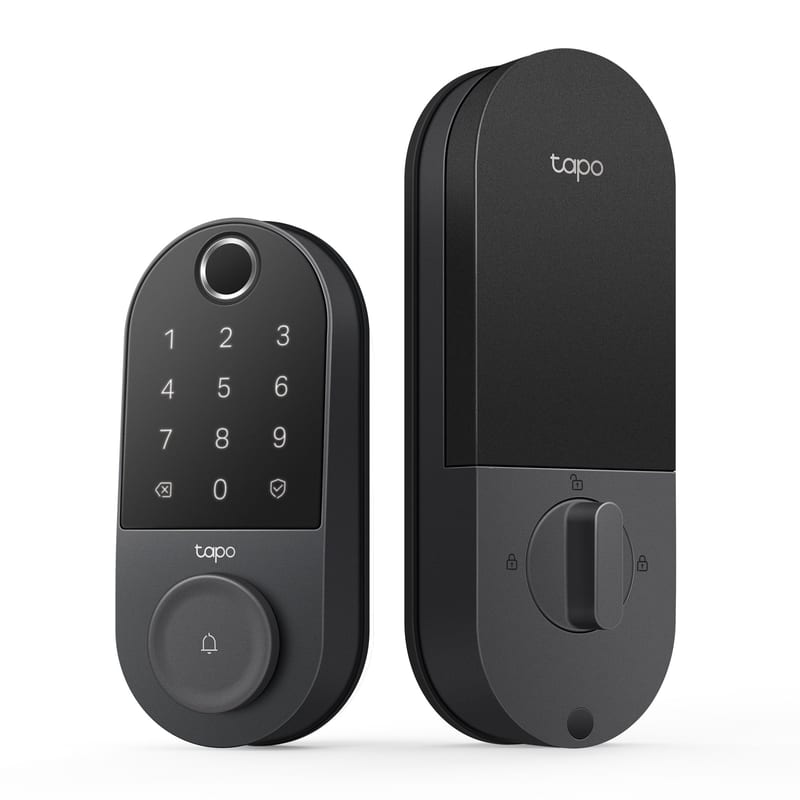
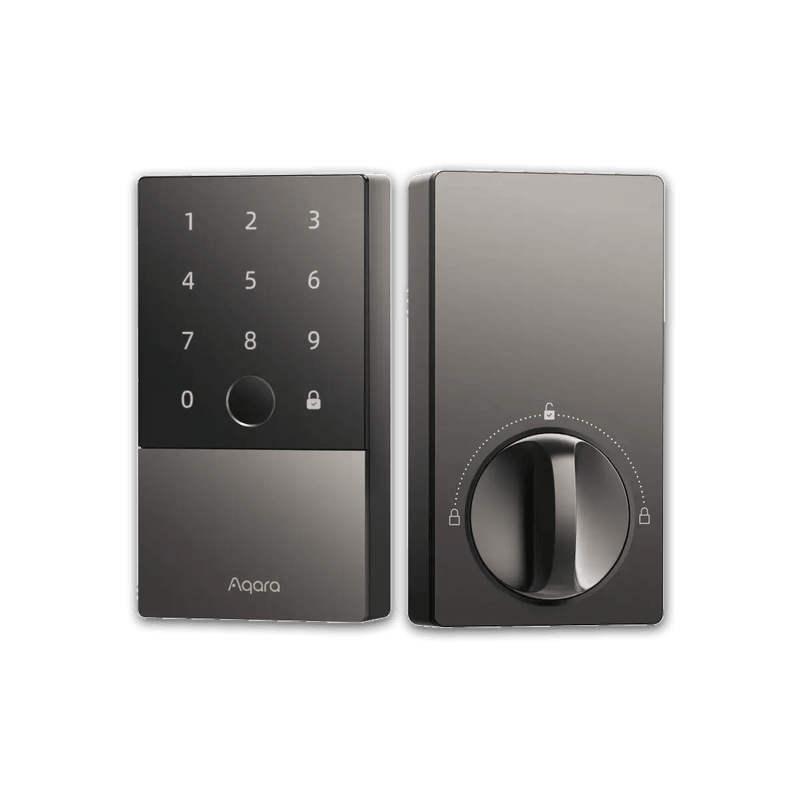
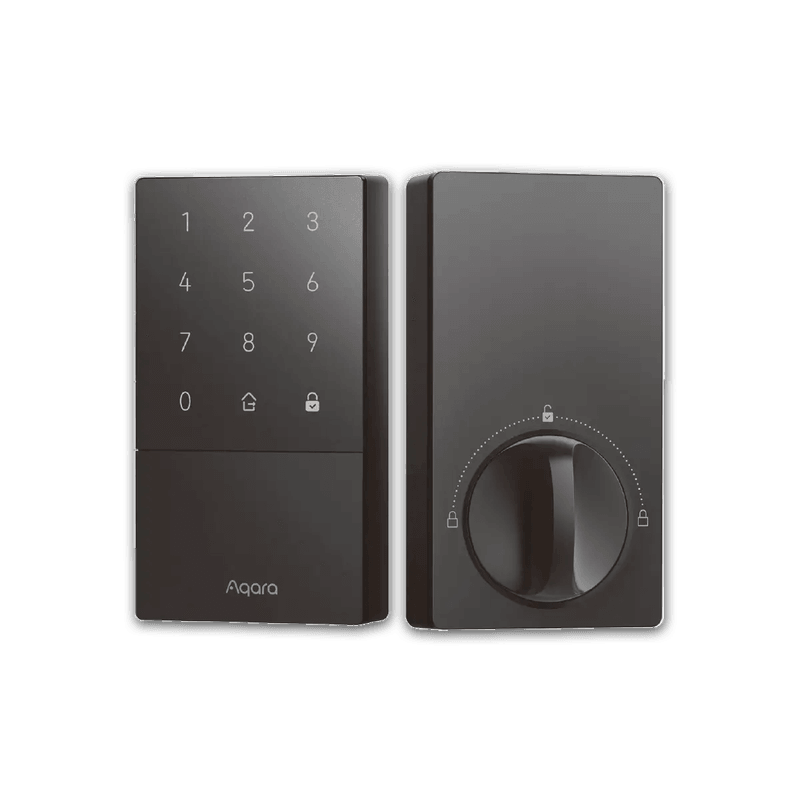
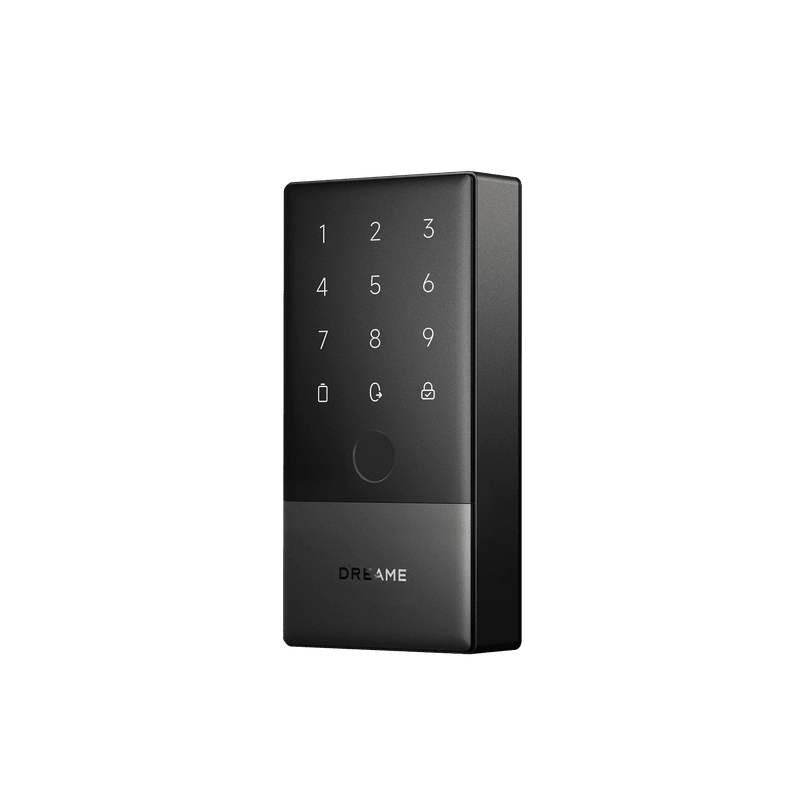
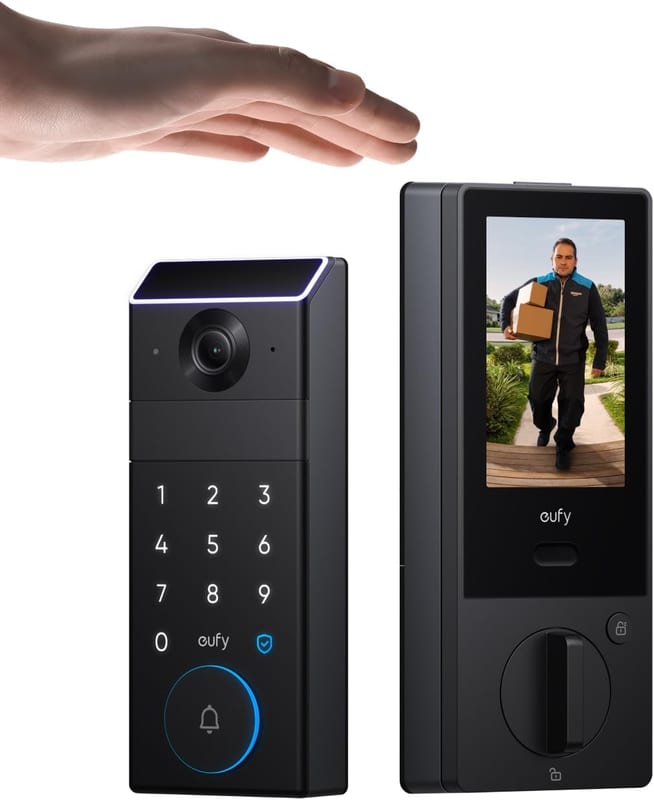
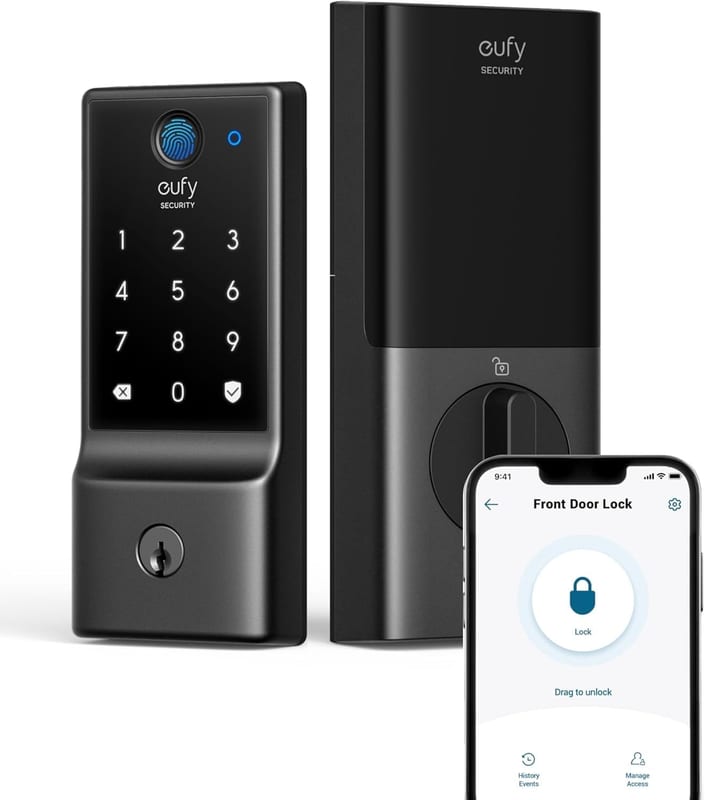
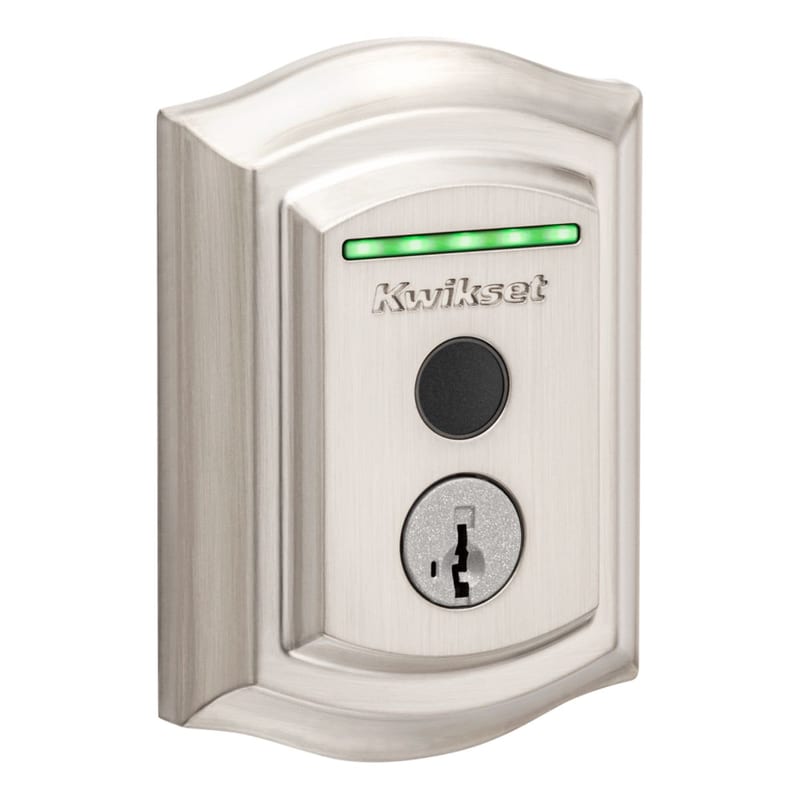
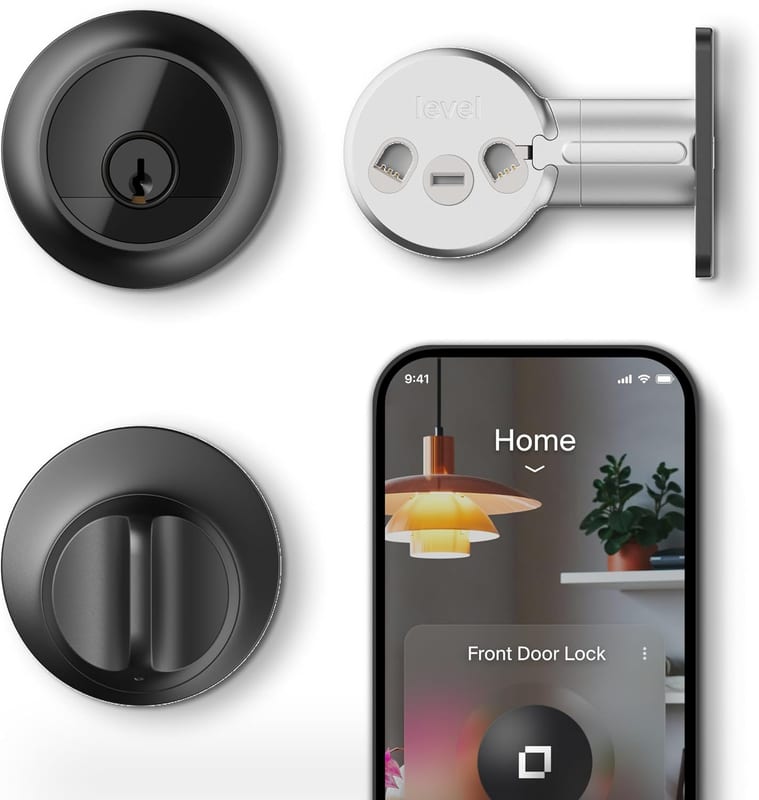
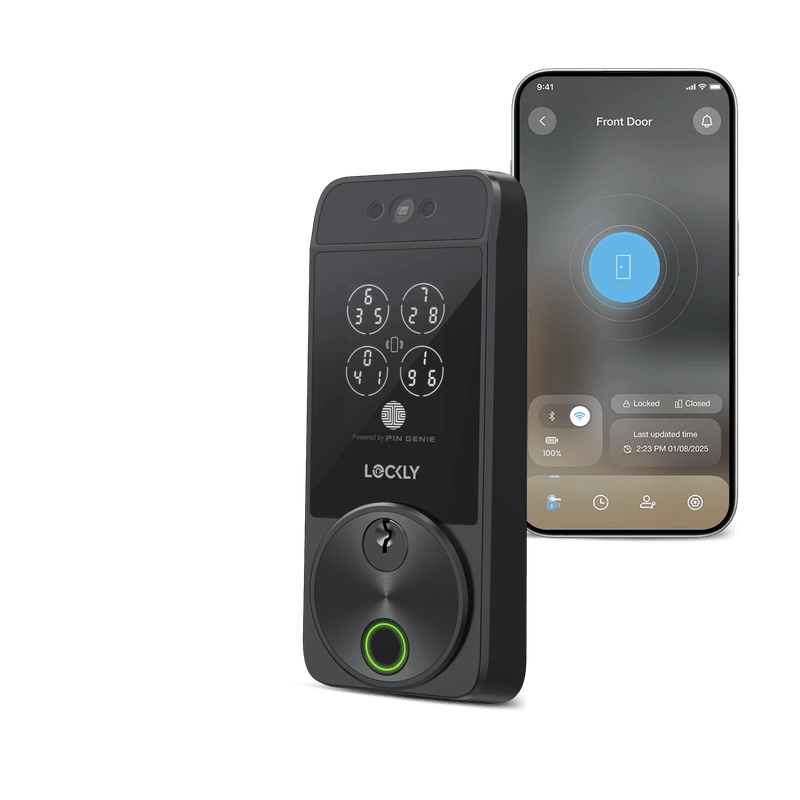
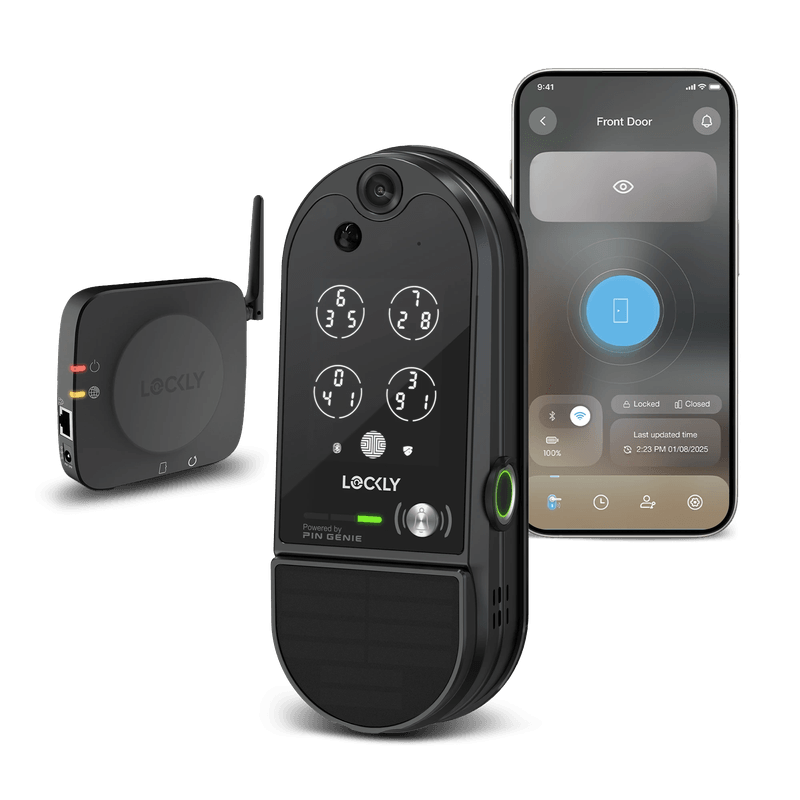
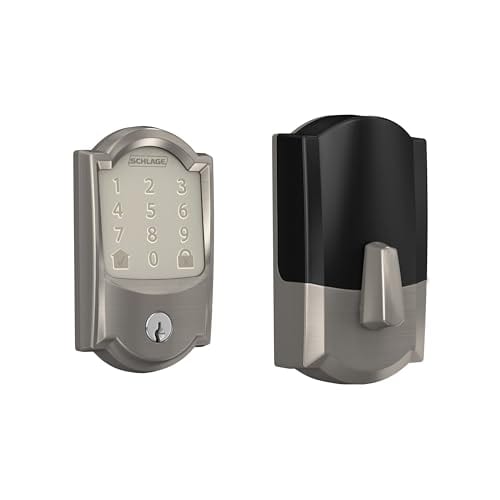
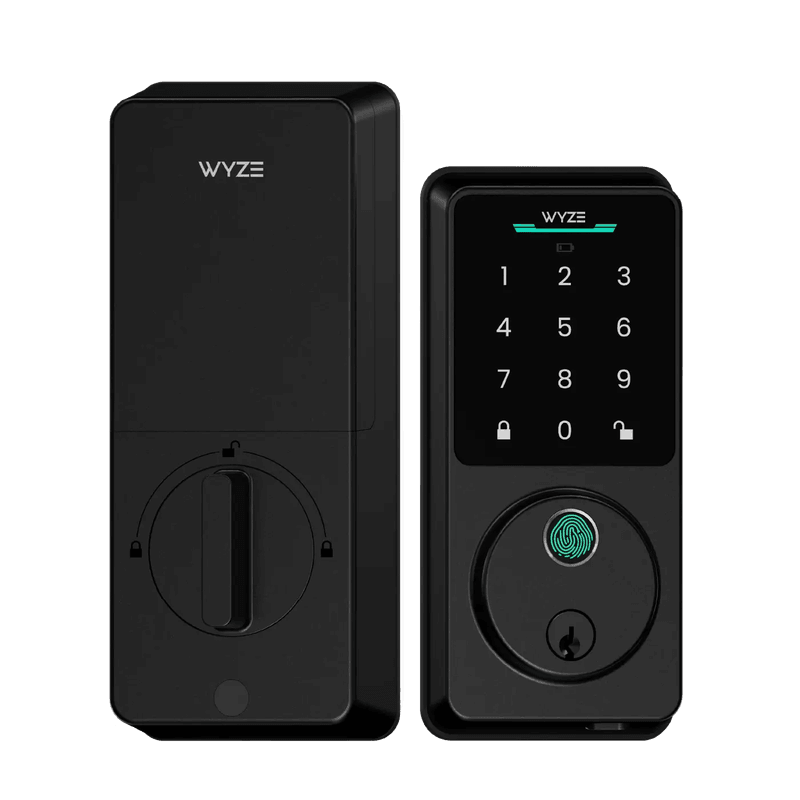
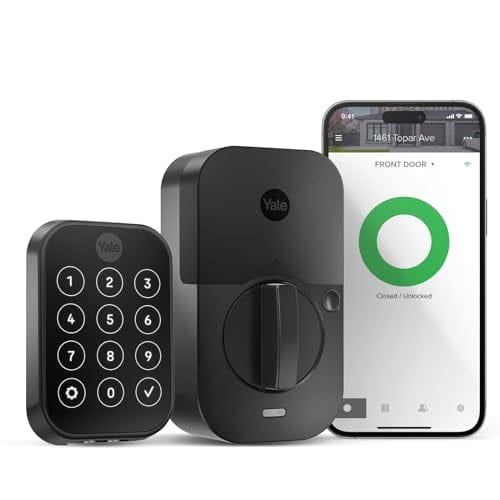
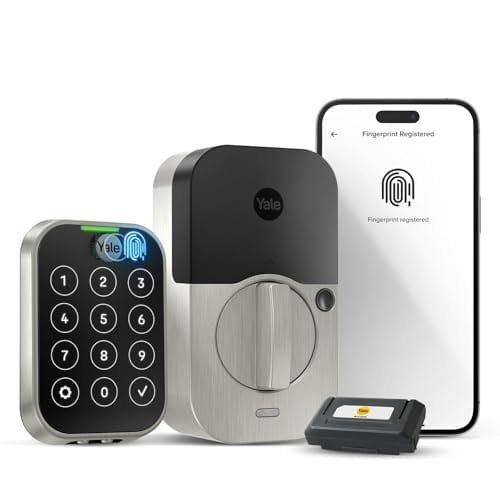
The lineup: the two American incumbents, Schlage (Encode Plus and Encode) and Kwikset (Halo Touch and Halo Select), plus Yale's Assure Lock 2 Touch and Assure Lock 2 Key-Free Touchscreen and the retrofit August Wi-Fi Smart Lock (4th Gen). From the smart-home side, three from Aqara (U100, U200, U50), two from eufy (Smart Lock C220 and the palm-reading FamiLock S3 Max), three from ULTRALOQ (U-Bolt Pro WiFi, Bolt Mission, Bolt Fingerprint Matter), two from SwitchBot (Lock Ultra, Lock Pro), the near-invisible Level Lock Pro, two from Lockly (the camera-equipped Vision Elite and the face-reading Visage Zeno Series), the Wyze Lock Bolt v2, the TP-Link Tapo DL110, and the Dreame Navo A10.
Form factor: replace the deadbolt, or clip onto the one you have
Everything starts here, because it decides whether you need a screwdriver and forty minutes or a screwdriver and five.
Nineteen of these are full deadbolt replacements. The old lock comes off, the new one goes on, and the exterior of your door changes. That is the normal way to buy a smart lock and it is what you want if you own the place.
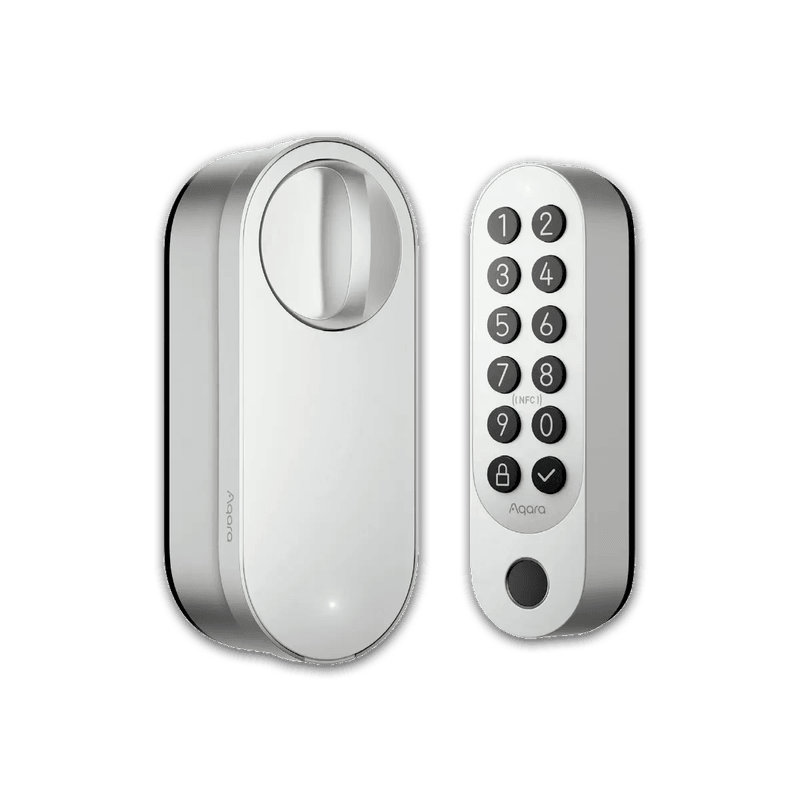
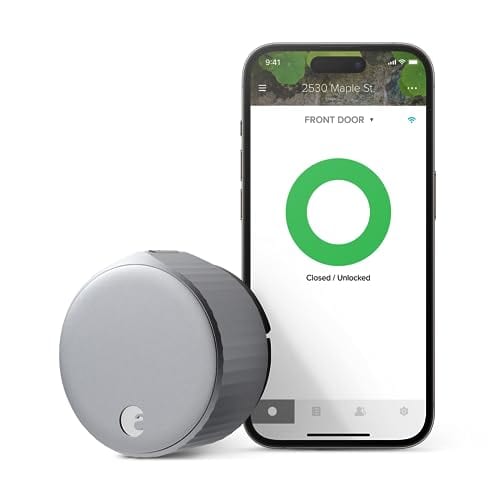
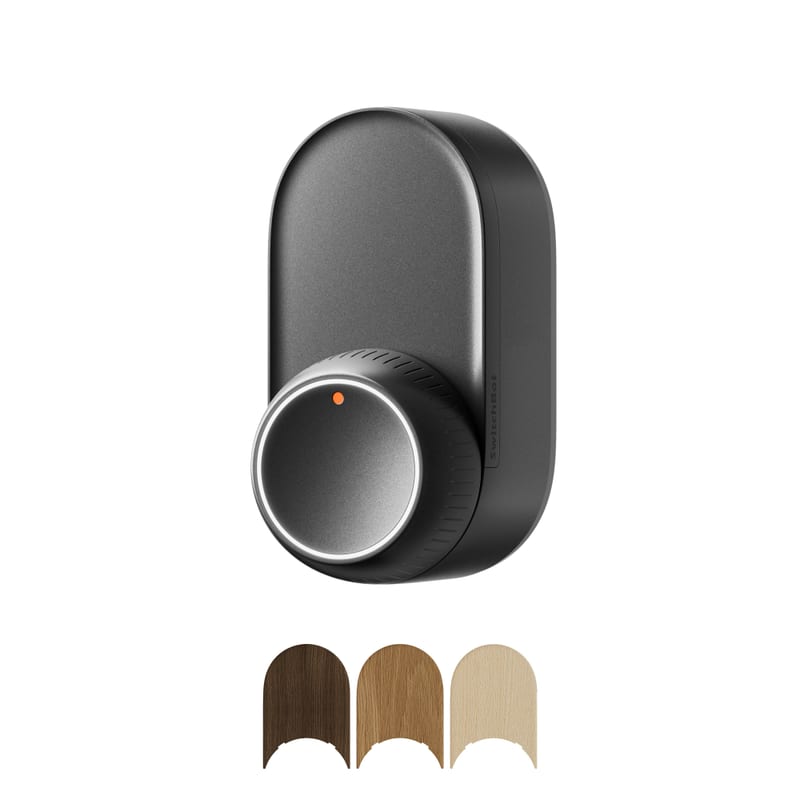
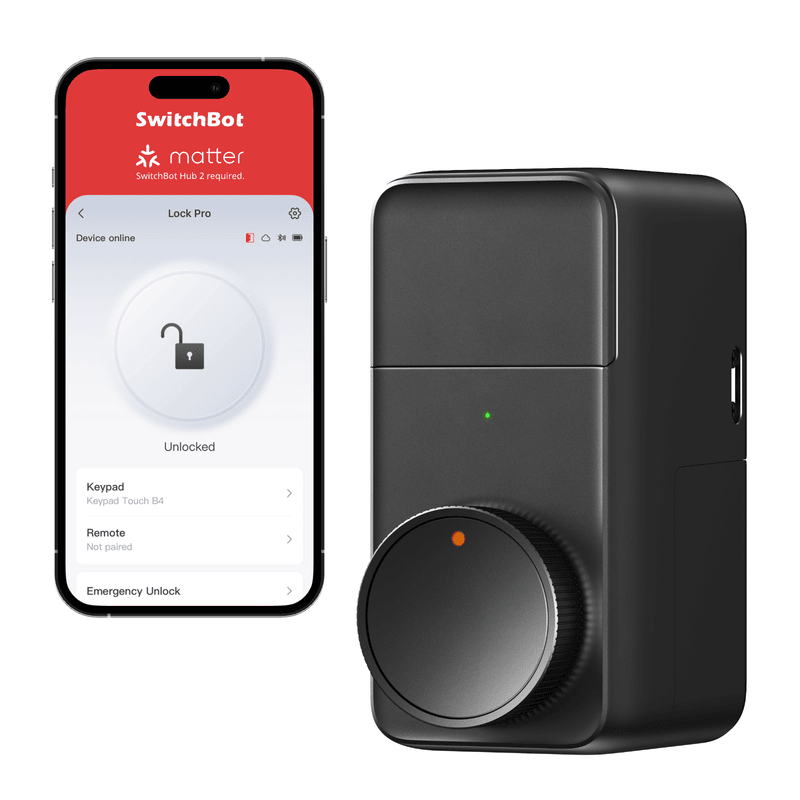
The other four are retrofits that mount on the interior side only and turn the thumbturn you already have: the August 4th Gen, the Aqara U200, and both SwitchBots. Your exterior hardware stays put, your existing key keeps working, and nothing about the door announces that anything changed. That is the renter's answer, and it is also the answer for anyone with an unusual or expensive exterior handle set they do not want to lose.
There is a cost to the retrofit approach that the marketing skips. Because the lock does not include the bolt, no testing lab has anything to grade, and your actual security is whatever cheap builder-grade deadbolt is already on the door. A retrofit makes a bad lock convenient. It does not make it a good lock.
A smart lock upgrade that clips on in five minutes and secures your door.
A retrofit has no bolt of its own, so no lab can grade it, and your real security stays whatever builder-grade deadbolt is already fitted. It makes a bad lock convenient, not good.
Slopsheets says: If you own your door, replace the deadbolt. You get a graded bolt and one device instead of two. Retrofit only if you rent, if the landlord needs the keyway to keep working, or if you genuinely cannot part with the exterior hardware. And if you go retrofit, look at what it is bolting onto first.
Fingerprints, palms, and faces: the biometrics arms race
Twelve of the twenty-three read a fingerprint: the Yale Assure Lock 2 Touch, Aqara's U100 and U200, the eufy C220, ULTRALOQ's U-Bolt Pro WiFi and Bolt Fingerprint Matter, the Kwikset Halo Touch, both Lockly models, the Wyze Lock Bolt v2, the Tapo DL110, and the Dreame Navo A10.
This is the feature that has actually changed the category. A code is something you type badly in the rain with a bag of groceries; a fingerprint is a half-second touch. Yale stores prints locally on the lock with AES-128 encryption for up to 20 users and claims recognition under half a second. Kwikset's Halo Touch holds 100 prints across 50 users. Aqara quotes 98.6 percent accuracy on the U100. These numbers all come from the manufacturers and none of them are independently audited, so read them as claims, but the underlying experience is real and it is better than a keypad.
Two locks here skip fingerprints for something more exotic. The eufy FamiLock S3 Max reads the vein pattern under the skin of your palm rather than the ridges on your finger, which eufy says captures over 50,000 data points, and it bolts a 2K doorbell camera and an interior video screen onto the same deadbolt. Lockly's Visage Zeno Series does 3D face recognition with dual infrared sensors and a radar proximity trigger, so it wakes as you walk up and identifies you in about a second, day or night. PCWorld liked the recognition and disliked nearly everything around it, calling out cluttered styling, an awkwardly placed vertical fingerprint reader and a buggy setup app.
One placement detail the table cannot show you: the Aqara U200's fingerprint reader is not on the lock. The lock body is interior-only, so the reader and keypad live on a separate battery-powered panel that mounts outside and ships in the box. It works, but it is two devices on your door, not one.
The upgrade that matters: Fingerprints are worth paying for and are now available at every price point in this table. Palm and face reading are not meaningfully more secure for a house, they are just faster with your hands full, and both cost a large premium for a first-generation product. Buy those for the convenience, not the security story.
Keypads: the spec five of these quietly leave out
Eighteen locks here have a keypad on the lock itself. The five that do not are worth naming, because "smart lock" and "you can let the dog walker in with a code" are not the same purchase.
The August 4th Gen, the Level Lock Pro, both SwitchBots, and the Kwikset Halo Touch ship with no way to enter a code at the door. Kwikset's is a deliberate choice: the Halo Touch is fingerprint-and-key only, which is clean if everyone who needs access has a finger enrolled and useless the day a contractor turns up. The other four expect you to buy a keypad accessory, and in every case it is sold separately. Level's Keypad, the Yale Keypad for the August, and SwitchBot's Keypad Touch or Keypad Vision are all extra line items.
That accessory also drags in a hidden battery cost. Trusted Reviews and other testers found SwitchBot's own 12-month rating on the Lock Ultra falls to roughly seven months once a Keypad Vision is paired to it.
The one rule: If more than two people need to get in, or if anyone ever needs temporary access, buy a lock with the keypad built in. The accessory route costs more, adds a second thing to maintain, and eats the battery life you bought the lock for. The Level Lock Pro's invisibility is genuinely lovely and genuinely expensive once you add the keypad it needs.
Built-in Wi-Fi versus the bridge nobody mentioned
Fourteen of these have Wi-Fi in the lock. Nine do not, and this is the single most common thing people get wrong at checkout.
A lock with built-in Wi-Fi talks to your router directly. You lock the door from the office, you see the history, done. The Schlage pair, both Yales, the August, the eufy C220 and FamiLock, the U-Bolt Pro WiFi, both Kwiksets, the Wyze, the Tapo, the Dreame and the Lockly Visage all work this way.
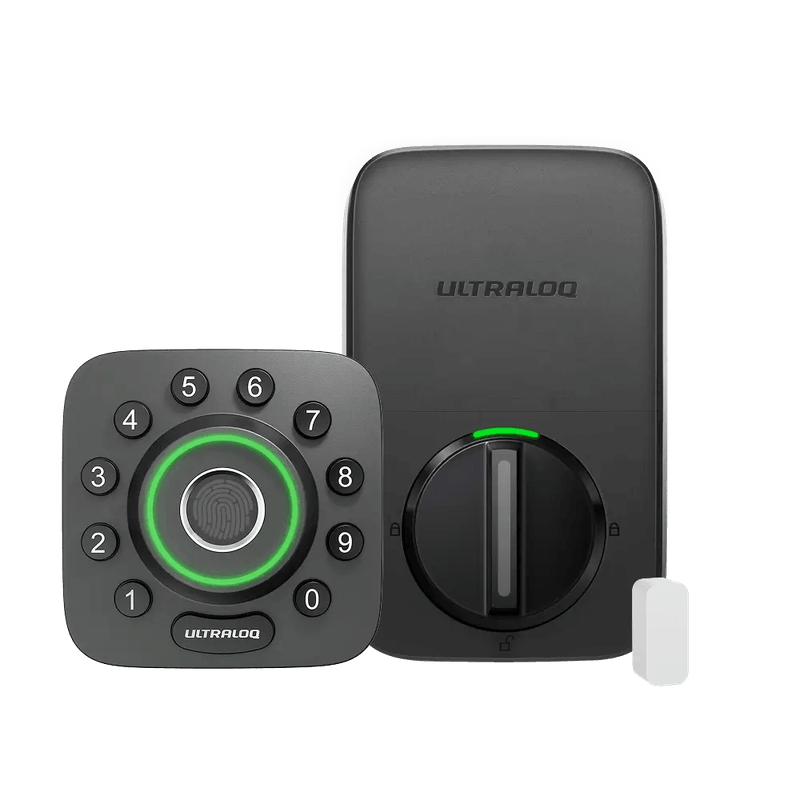
The other nine need something else in the house. All three Aqara locks run Bluetooth and Zigbee or Thread, so remote access wants an Aqara hub. Both SwitchBots need a SwitchBot Hub. ULTRALOQ's Bolt Mission and Bolt Fingerprint Matter have no Wi-Fi radio at all, so it is a Thread border router or the separate ULTRALOQ Bridge. The Level Lock Pro is Thread-only by design. And the Lockly Vision Elite is the sneakiest of the group: it does have Wi-Fi, but through a bundled Vision Connect hub that has to be wired to your router by Ethernet, which is not what most people picture when they read "Wi-Fi smart lock."
None of that is bad engineering. Thread radios are why the Level and the ULTRALOQs get the battery life they do. It is just a second box, a second point of failure, and sometimes a second purchase.
What the box won't tell you: If you have no smart-home hub and no plans for one, buy a lock with Wi-Fi built in and stop reading here. If you already run Apple Home, SmartThings or an Aqara hub, the Thread locks are the better long-term buy and the "no Wi-Fi" column is not a mark against them. Just never assume the box in the picture is included.
Matter over Thread: six locks, and a catch on most of them
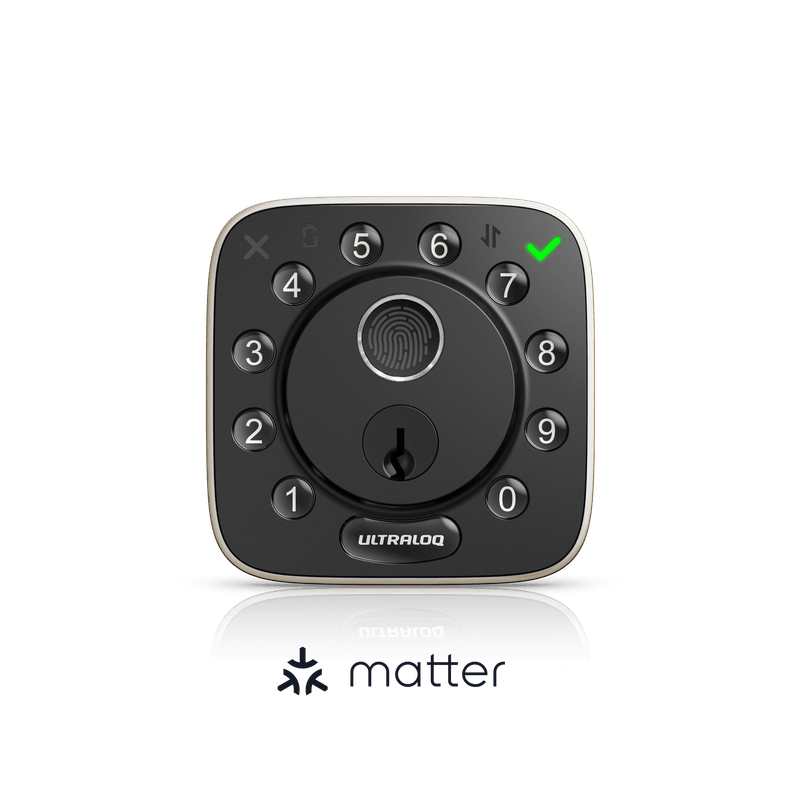
Six of the twenty-three ship native Matter over Thread: the Level Lock Pro, the Aqara U200, ULTRALOQ's Bolt Mission and Bolt Fingerprint Matter, the Kwikset Halo Select, and the Dreame Navo A10. That is the whole list, and it is smaller than the marketing across this category would lead you to believe.
It is worth being precise about what Matter buys you: one lock that works in Apple Home, Google Home, Alexa and SmartThings without a vendor cloud in the middle, and local control that keeps working when the manufacturer's servers do not. For a device that decides whether you can get into your own house, that last part matters more than it does for a light bulb.
The catches are real, though. PCWorld found the Kwikset Halo Select carries both radios but runs one at a time: choose Matter over Thread at setup and you lose the Wi-Fi-only extras, including geofenced auto-unlock, door-open detection and intrusion alerts. On the same lock, that choice roughly doubles battery life, from about six months on Wi-Fi to about twelve on Matter. PCWorld also noted that Matter unlocks on the ULTRALOQ Bolt Fingerprint log oddly as Z-Wave events.
And be careful with the Schlage pair. Various sites list the Encode Plus as a Matter lock. Schlage's own support documentation says plainly that it is not a Matter-enabled device. Its Apple integration is Home Key over NFC, which is a different thing and works only at the door. If you want Matter from Schlage, that is the newer Sense Pro, not these.
The short list: Only three locks here combine a fingerprint reader with Matter over Thread: the Aqara U200, the ULTRALOQ Bolt Fingerprint Matter, and the Dreame Navo A10. If you want biometrics and vendor-independence in one device, that is your entire shortlist. Everyone else is choosing one or the other, whatever the badge on the box implies.
Battery life: a number every brand measures differently
The spread here runs from three months to thirteen, which sounds decisive until you notice nobody agrees on how to measure it.
At the top: the Lockly Vision Elite at 13 months, helped by two 10,000 mAh packs and a small solar strip, then a group of four at 12, the Level Lock Pro, the ULTRALOQ Bolt Fingerprint Matter, the SwitchBot Lock Ultra and the Tapo DL110. The Tapo figure is the most impressive of those, because it is a full year on a lock that also runs a fingerprint reader, a keypad and its own Wi-Fi radio. The SwitchBot Lock Pro follows at 9.
At the bottom sit both Yales and the August at three months. That number needs context and Yale does not publish it in its own spec tables; it comes from Yale representatives quoted by reviewers. The Assure Lock 2 platform reaches around twelve months with no radio module installed, and drops to roughly three once you slot in the Wi-Fi module, because the radio stays awake.
Buy a Yale, plan on changing batteries seasonally.Two patterns are worth spotting. Wi-Fi is what eats batteries: ULTRALOQ's own spec table rates the U-Bolt Pro WiFi at three to six months while the Bluetooth and Z-Wave versions of the same hardware are rated up to a year. And rechargeable packs generally beat AAs here, which is how the Tapo, Lockly and SwitchBot models reach the top of the table.
The catch: Treat every figure in this column as the manufacturer's best case, then look for the escape hatch. The Aqara, ULTRALOQ, eufy and Wyze locks all have an external USB port that will jump-start a dead lock from a power bank, and that feature is worth more on a cold morning than four extra months on a spec sheet.
Security grade: the only number on this page a lab actually tested
Everything above is a feature. This column is a test result, and it is the one I care about most.
BHMA, the US builders hardware body, grades residential locks by putting them through cycle testing, impact testing and force applied directly to the bolt. Grade 1 is the top. Six locks here hold it: both Schlages, the Level Lock Pro, the eufy FamiLock S3 Max, and both Kwiksets. Five are Grade 2: both Yales, the Wyze, the Tapo and the Dreame. Grade 2 is fine for a normal front door. Grade 3 is the residential minimum, and only the eufy C220 sits there among the graded locks.
Three caveats belong in the open. Several Grade 1 locks here are certified as Grade AAA under ANSI/BHMA A156.36, the residential standard, rather than the commercial Grade 1 people picture; Schlage certifies to both. And Aqara does not certify the U100 or U50 at all. Aqara's wording is that they comply with the same safety standard as BHMA Level 3, which is a compliance claim rather than a grade a lab issued, so the table marks those two as claimed and I would read them that way. The same applies to Lockly and to ULTRALOQ, and between them they account for most of the vagueness in this column. Lockly's Visage Zeno spec sheet says it is built to meet ANSI Grade 2 standards, which is a sentence about design intent rather than a grade a lab issued, so it is marked claimed here, and Lockly publishes no grade at all for the Vision Elite, whose only listed certification is an IP54 rating for weather. ULTRALOQ is vaguer still. Its U-Bolt Pro WiFi and Bolt Fingerprint Matter are both sold as being designed to meet the highest possible standards from BHMA and ANSI, a sentence that names no grade whatsoever, and the only certification either page actually lists is IP65 for weather. Both are marked as claimed Grade 1 rather than Grade 1, because designed to meet the highest standards is marketing copy and a grade is a test result. A camera in the doorbell and an IP rating are not security certificates.
Six locks carry no grade. Four of them are retrofits with no bolt of their own to test: the August, the Aqara U200 and both SwitchBots. That is expected and forgivable. The other two are full deadbolt replacements, which is a different matter: the ULTRALOQ Bolt Mission, where the company says only that it is tested to BHMA and ANSI standards without ever publishing a grade, and the Lockly Vision Elite, which lists no grade at all. On a lock that replaces your deadbolt, an unpublished grade is a question worth asking.
Buy the bolt first: A Grade 2 lock from Yale or TP-Link is plenty for a typical front door. Where the grade really matters is the comparison people actually make: a Grade 1 Schlage on the door beats a smart retrofit clipped to whatever the builder installed in 2009, every single time. Buy the bolt first and the app second.
So which smart lock should you buy?
- Best overall: Schlage Encode Plus. Grade 1, Wi-Fi built in, Apple Home Key at the door, and a hundred access codes, from the one brand in this group that also sells commercial hardware. No fingerprint and no Matter, and six months of battery.
- Most future-proof: Kwikset Halo Select. Both a Wi-Fi and a Thread radio in a Grade 1 body, so you pick your ecosystem at setup rather than at checkout. Understand that picking Matter costs you geofenced auto-unlock and intrusion alerts, and buys you roughly double the battery life.
- Best for renters: Aqara Smart Lock U200. A Matter-over-Thread retrofit that leaves the exterior of the door and the landlord's keyway completely alone, with a fingerprint keypad panel included rather than sold separately. TechHive found setup and calibration rough, so allow an evening.
- Best battery with everything switched on: TP-Link Tapo DL110. Fingerprint, keypad, built-in Wi-Fi, BHMA Grade 2, and a rechargeable pack TP-Link rates at a full year that tops up over USB-C. No Matter.
- Most features in one lock: Dreame Navo A10. The only lock here with a fingerprint reader, a keypad, built-in Wi-Fi and Matter over Thread all at once, plus a gyroscope that watches the door actually close before auto-locking. It only went on sale in April 2026, so it is the least-tested pick on this list.
- The invisible one: Level Lock Pro. Nearly all the hardware hides inside the door bore, so it reads as an ordinary deadbolt from both sides, and it is Grade 1 with a year of battery. Budget for the separate keypad and accept that it is Thread-only.
The pattern across all twenty-three is the same. Decide two things first, whether you can replace the whole deadbolt and whether you want a fingerprint, and the rest of the spec sheet collapses to a handful of options. The features that sound most futuristic, palm veins and face scanning, are the ones I would put last.
Frequently asked questions
Which smart locks work without a hub or bridge? Fourteen here have Wi-Fi in the lock: both Schlage Encode models, both Yale Assure Lock 2 models, the August 4th Gen, the eufy C220 and FamiLock S3 Max, the ULTRALOQ U-Bolt Pro WiFi, both Kwikset Halo models, the Wyze Lock Bolt v2, the Tapo DL110, the Dreame Navo A10 and the Lockly Visage. The three Aqara locks, both SwitchBots, the Level Lock Pro and the two Thread ULTRALOQs all need a hub or border router for remote access, and the Lockly Vision Elite needs its bundled hub wired to your router by Ethernet.
Which smart locks support Matter over Thread? Six: the Level Lock Pro, Aqara U200, ULTRALOQ Bolt Mission, ULTRALOQ Bolt Fingerprint Matter, Kwikset Halo Select and Dreame Navo A10. Despite what several sites claim, the Schlage Encode Plus is not one of them; Schlage's own support pages say it is not a Matter device. Its Apple support is Home Key over NFC.
Can I fit a smart lock in a rental? Yes, with a retrofit that mounts on the interior side only and turns your existing thumbturn: the August Wi-Fi Smart Lock 4th Gen, Aqara U200, SwitchBot Lock Pro or SwitchBot Lock Ultra. The exterior hardware and the original keys keep working, so the landlord's access is unchanged. The trade-off is that your security is still whatever deadbolt is already fitted, and none of these carry a grade of their own.
What does BHMA Grade 1 actually mean on a smart lock? It means a lab cycle-tested the lock, struck it, and applied force to the bolt, and it passed at the highest residential tier. Six locks here hold it: both Schlages, the Level Lock Pro, the eufy FamiLock S3 Max, and both Kwiksets. Watch for compliance claims dressed up as grades, which is how Aqara describes the U100 and U50 and how ULTRALOQ describes the U-Bolt Pro WiFi and Bolt Fingerprint Matter.
Which smart lock has the longest battery life? On manufacturer ratings, the Lockly Vision Elite at 13 months, then the Level Lock Pro, ULTRALOQ Bolt Fingerprint Matter, SwitchBot Lock Ultra and TP-Link Tapo DL110 at 12. The Tapo is the most useful of those because it runs a fingerprint reader and its own Wi-Fi on that rating. The shortest are both Yale Assure Lock 2 models and the August at about three months, and in Yale's case that is specifically the cost of the Wi-Fi module.
Do I need a fingerprint reader? Not for security, since a good PIN is no easier to defeat. Get one for speed with full hands, and note that only three locks here pair a fingerprint reader with Matter over Thread: the Aqara U200, the ULTRALOQ Bolt Fingerprint Matter and the Dreame Navo A10.
Sources / further reading
- Consumer Reports, Best Smart Locks, lab-tested ratings from the only outlet here that buys everything it reviews.
- Schlage support: is the Encode Plus Matter-compatible?, the first-party answer that contradicts a lot of the internet.
- PCWorld, Kwikset Halo Select review, on what you give up when you pick Matter over Wi-Fi.
- PCWorld, ULTRALOQ Bolt Fingerprint Matter edition review.
- PCWorld, Lockly Visage Zeno Series review, on face recognition and the software around it.
- TechHive, Aqara Smart Lock U200 review, the rough edges in a Matter retrofit.
- TechHive, Yale Assure Lock 2 Touch with Wi-Fi review.
- Engadget, Yale Assure Lock 2 review, including the door-prep problem that stops the bolt calibrating.
- Gizmodo, SwitchBot Lock Ultra review.
- Tom's Guide, Lockly Vision Elite review, on living with a five-pound lock.
- Tom's Guide, August Wi-Fi Smart Lock review.
- MacRumors, Level Lock Pro review, on the case for a lock you cannot see.
- Schlage Encode Plus product page and Kwikset Halo Select product page, for the first-party spec sheets behind the table above.