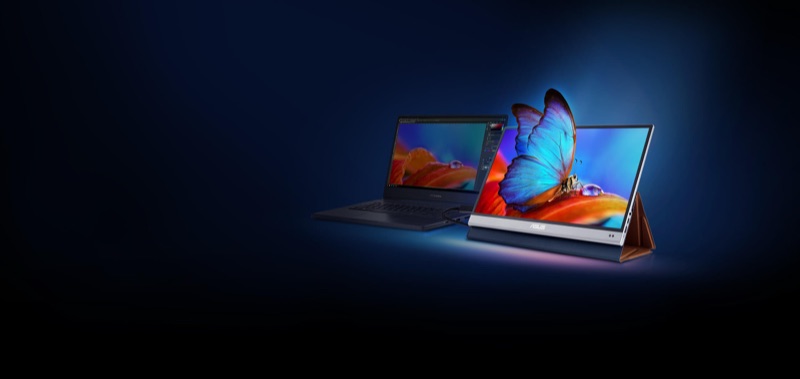
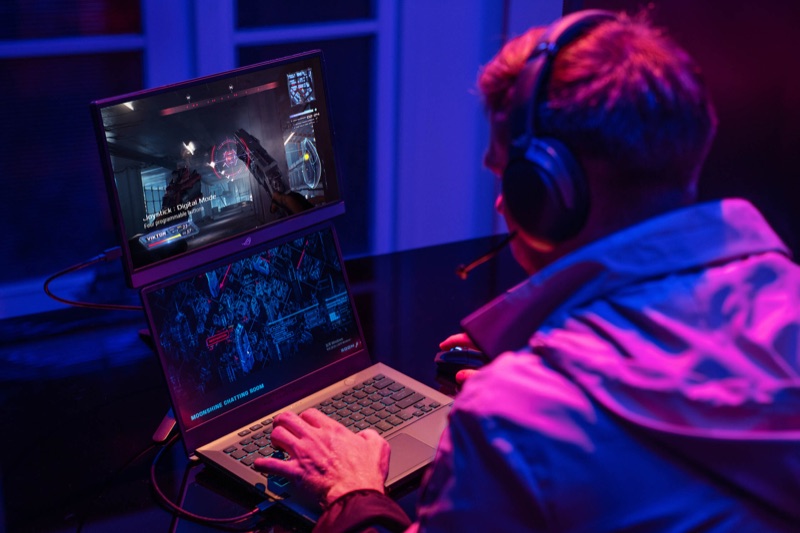
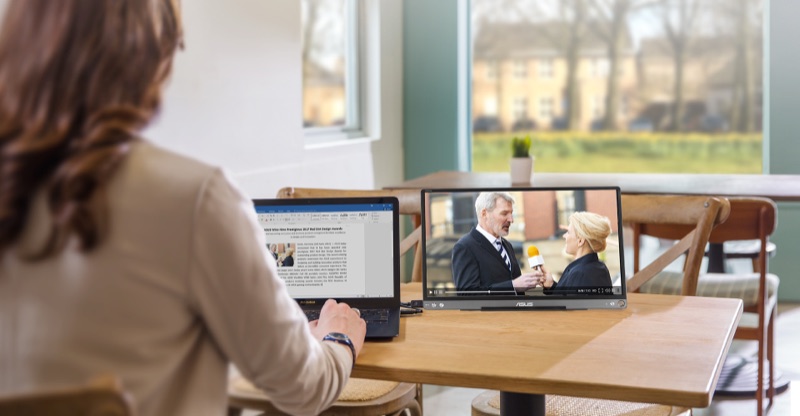
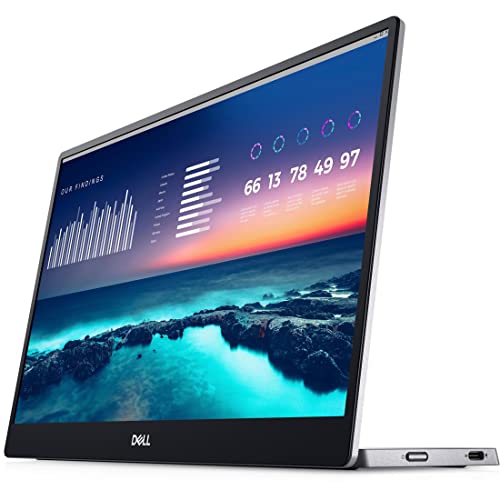
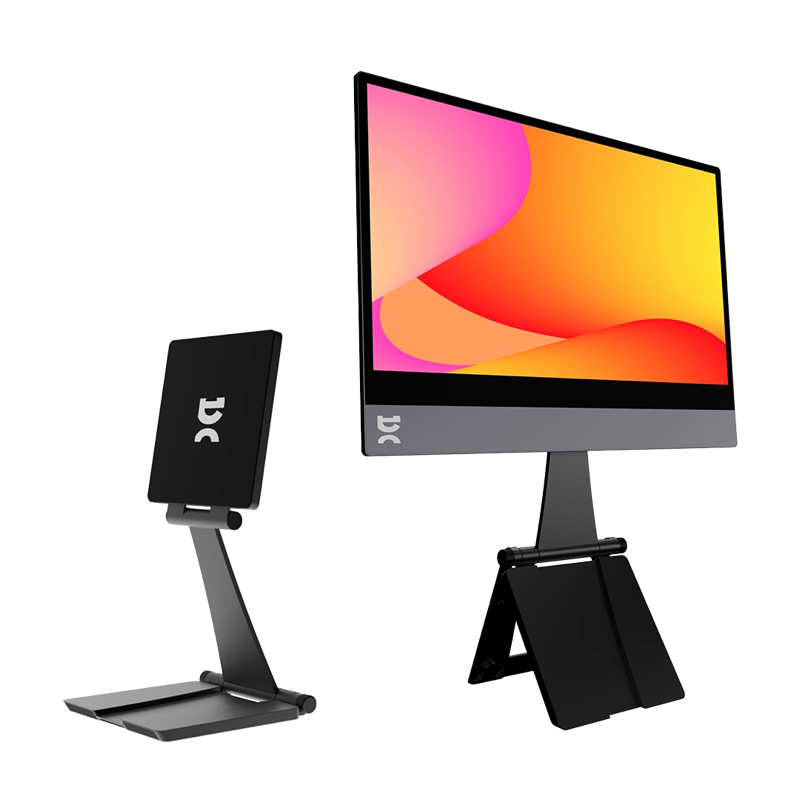
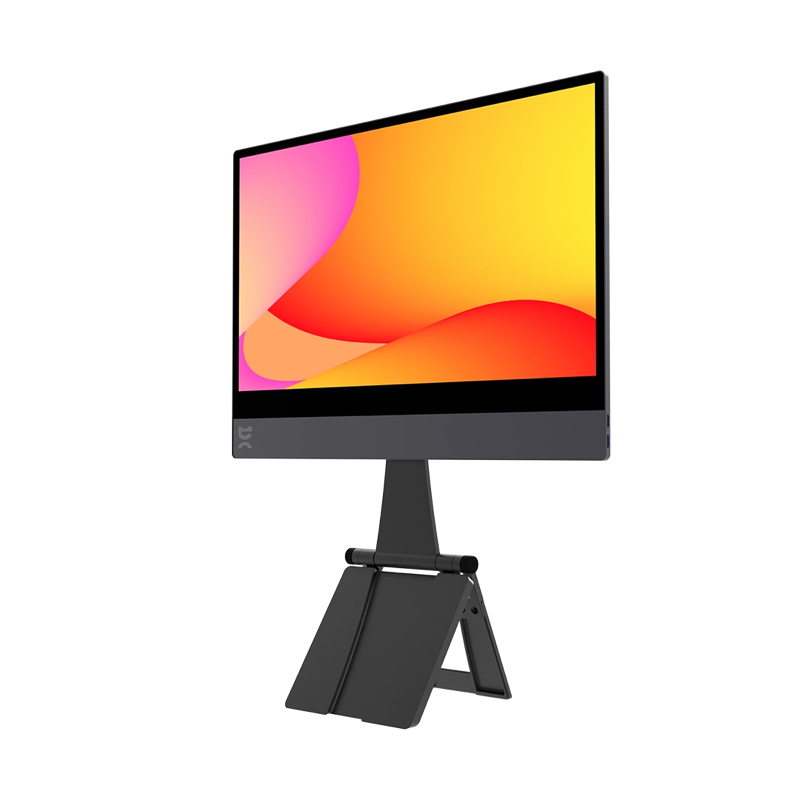
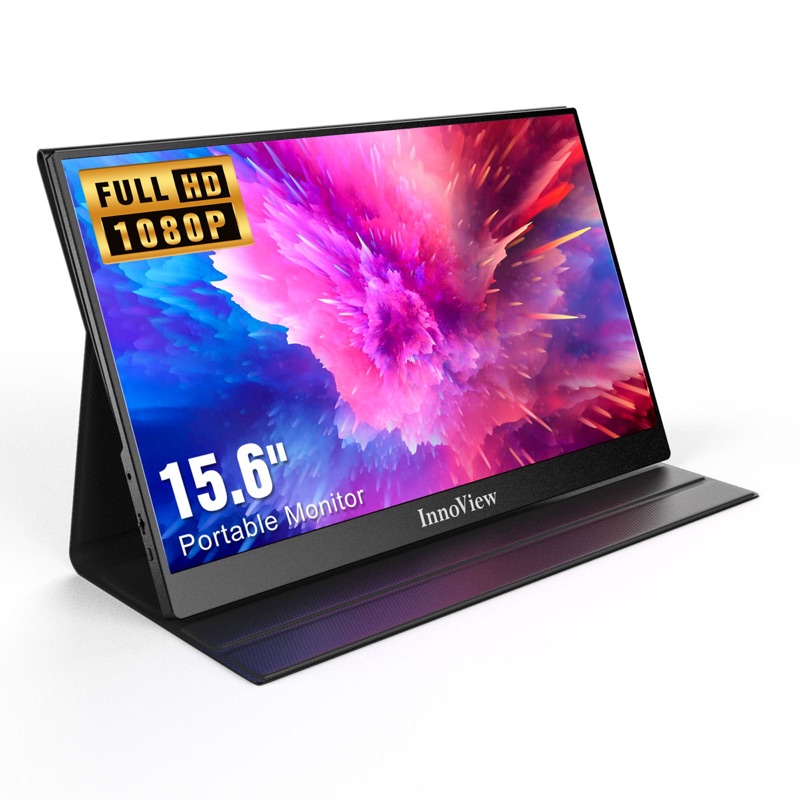
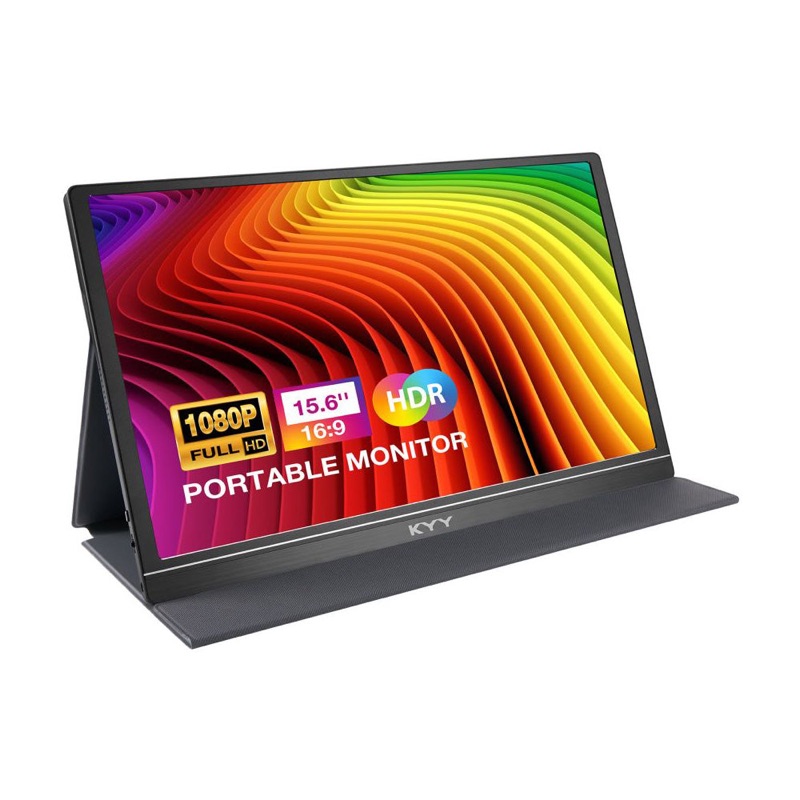
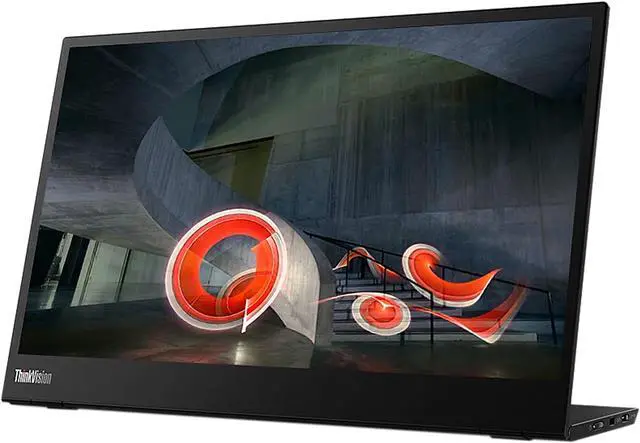
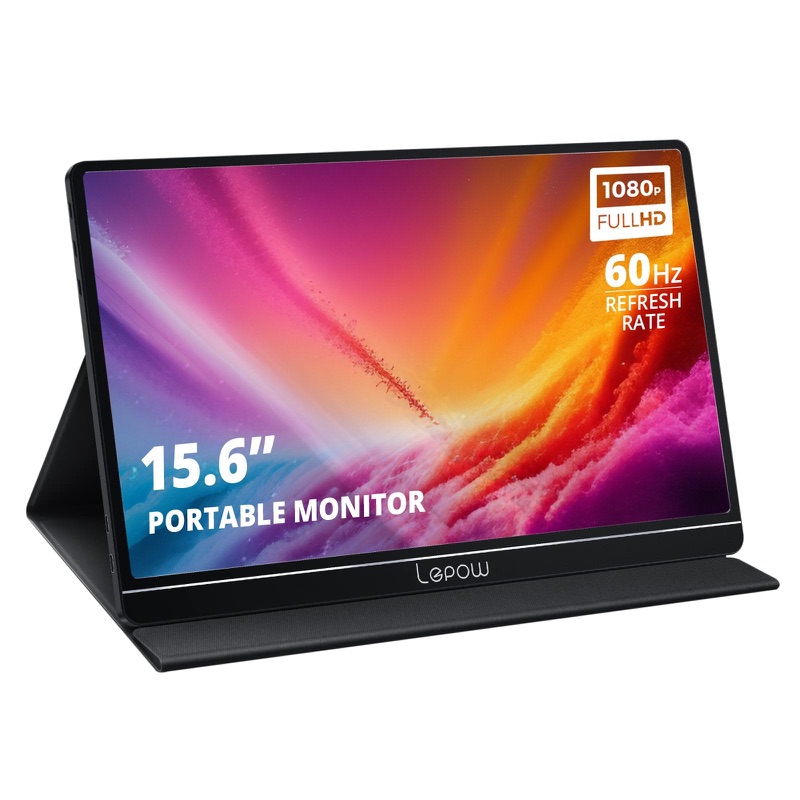
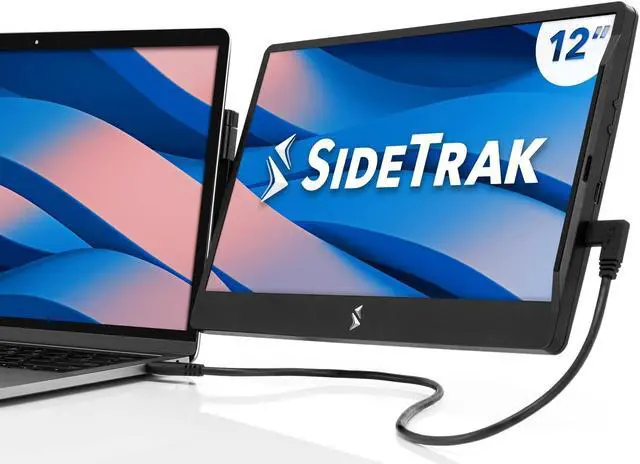
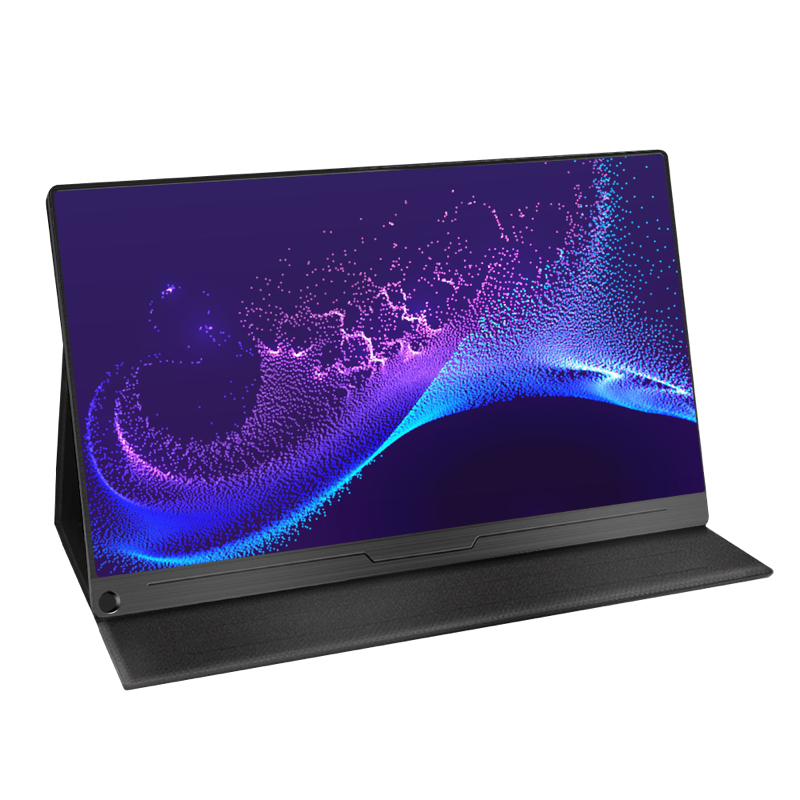
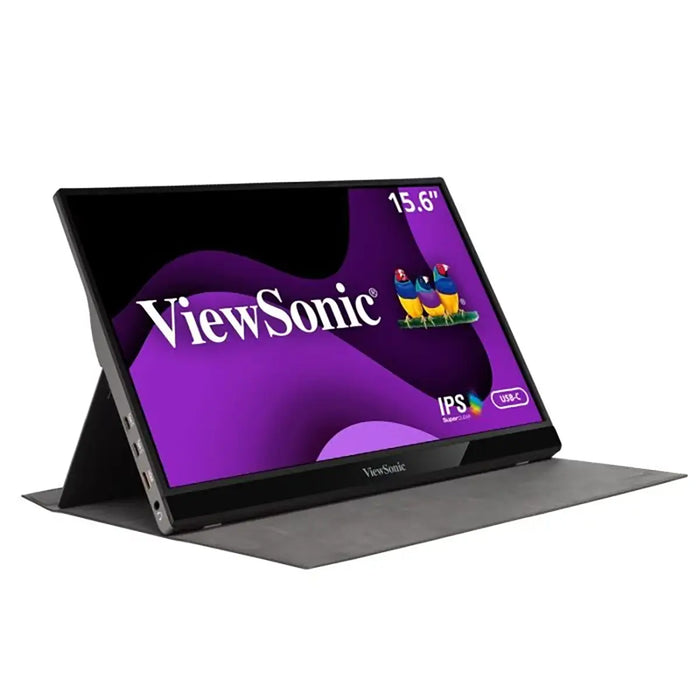
A portable monitor is a laptop-sized panel with a USB-C port and a kickstand. That is the whole product. You plug one cable into a laptop, phone, handheld, or console, and you get a second screen that folds flat into a bag. The pitch is simple and the value is real, which is exactly why the category filled up with dozens of near-identical slabs that all quote the same numbers. This comparison sorts 18 of the popular ones on the six specs that actually differ, and it starts by telling you the uncomfortable part: on most of them, four of those six specs are identical.
Here is the thing nobody selling these wants to lead with. The overwhelming majority of portable monitors, cheap and premium alike, are the same 15.6-inch 1080p IPS panel running at 60Hz. The KYY K3, the Lepow Z1, the Arzopa A1 Gamut, the UPERFECT 15.6, the ViewSonic VG1655, and half a dozen others are, on paper, the same screen in a different shell. So the question is not "which has the best specs," because the specs mostly match. The question is where the handful of real differences live, and whether you need them.
Slopsheets says: Assume every portable monitor is a 1080p IPS panel at 60Hz until proven otherwise, because most of them are. You are not shopping for resolution. You are shopping for size, weight, how bright it gets, and the three or four models that genuinely break the mold.
Screen size: the one spec you pick first, and it decides the weight
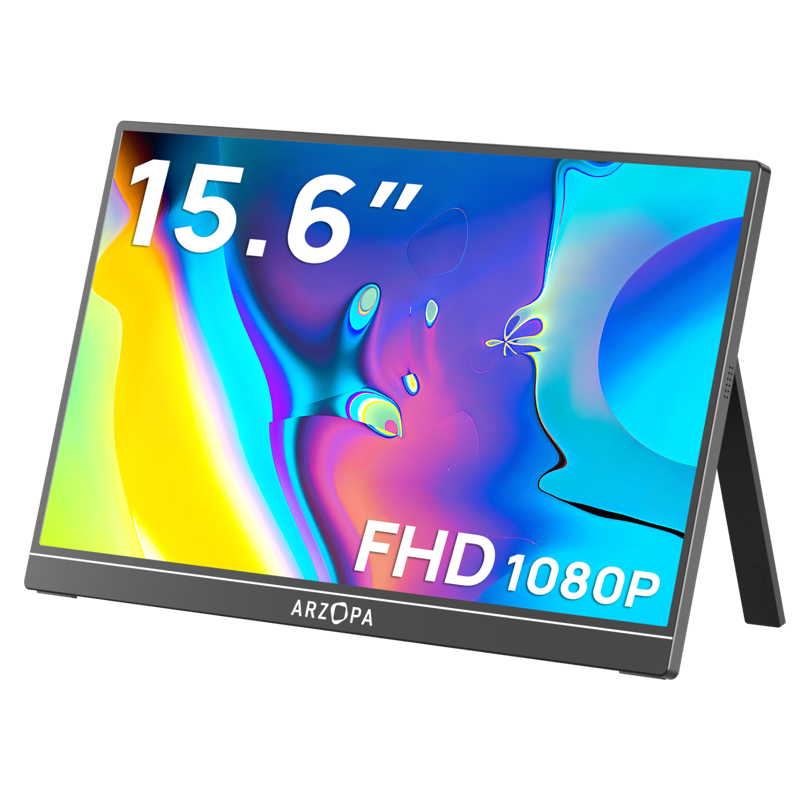
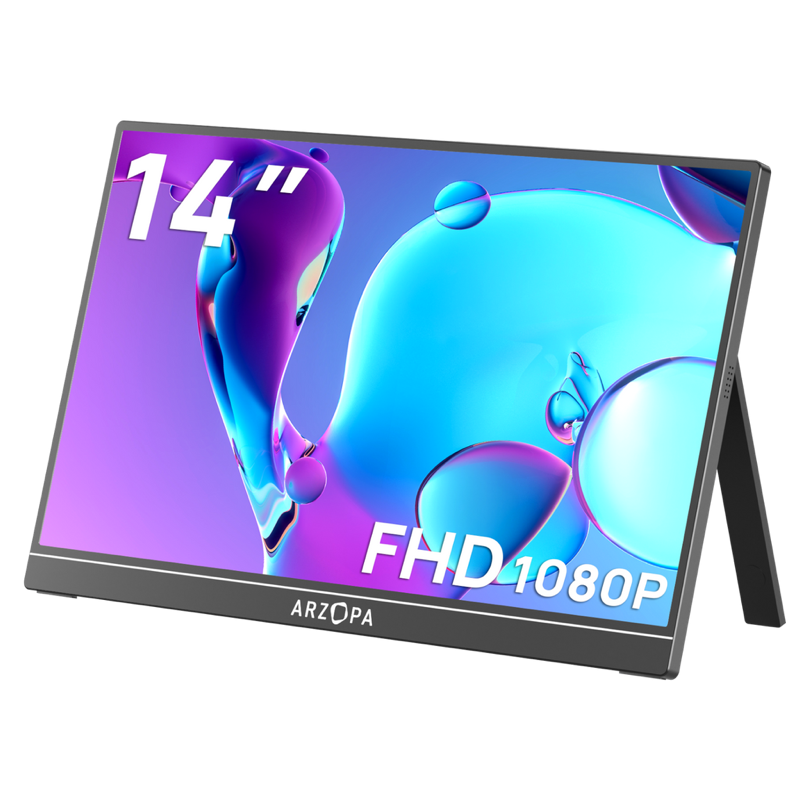
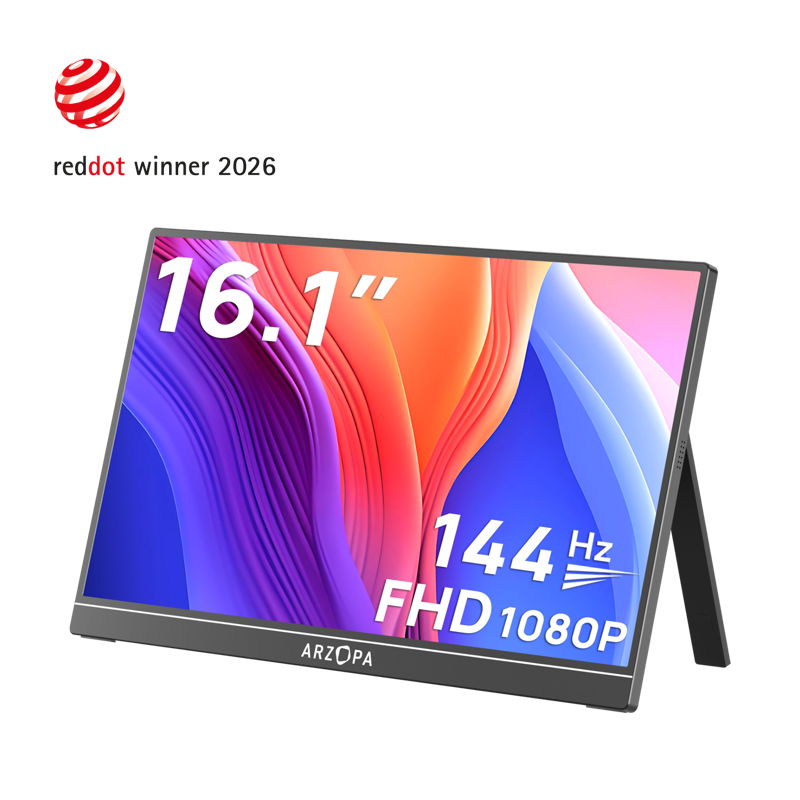
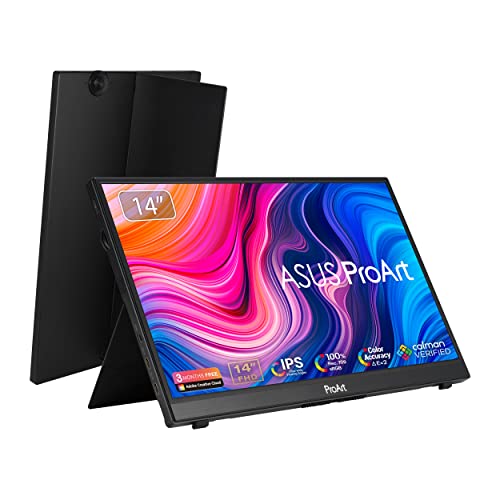
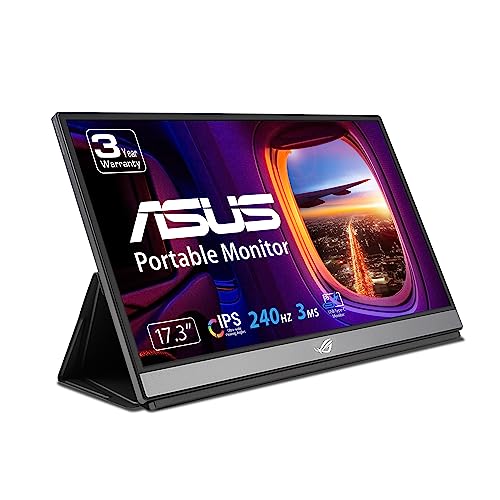
Size is the real fork in the road, and it maps almost directly onto weight, so choose it first. The small end is 12.5 to 14 inches: the SideTrak Swivel (12.5"), and the 14-inch Arzopa A1S, Lenovo ThinkVision M14, Dell C1422H, and Asus ProArt PA148CTV. These are the ones that vanish behind a 13-inch laptop and disappear into the same sleeve. The mainstream is 15.6 inches, where most of the field sits, big enough to be a real desktop's worth of extra space while still matching a 15-inch laptop's footprint. The large end runs 16 to 17.3 inches: the 16.1-inch Arzopa Z1FC, and the 17.3-inch Asus ROG Strix XG17AHPE and espresso Display 17 Pro, which stop being "grab and go" and start being "second desk you happen to be able to move."
The reason size matters more than it looks is that it is really a weight decision in disguise, and weight is what determines whether the thing actually leaves the house. Which is the next column, and the one buyers underweight.
Weight: the spec that decides whether it ever leaves the drawer
A portable monitor only earns the word "portable" if you are willing to carry it, and half a pound is the difference between packing it every day and leaving it home. The featherweights here are the 14-inch models. The Arzopa A1S is the lightest of the whole group at about 1.1 pounds, with the SideTrak Swivel at 1.2 and the Lenovo M14 and Dell C1422H both around 1.3. Those are genuine throw-it-in-any-bag screens.
The 15.6-inch mainstream clusters between 1.4 and 1.8 pounds, which is still easy but no longer weightless: the Asus ZenScreen OLED at 1.4, the UPERFECT at 1.4, the Arzopa A1 Gamut at 1.6, the KYY K3 at 1.7, and the Lepow Z1 and ViewSonic VG1655 at about 1.8. Then the gaming and big-screen models pay for their extras in mass. The Asus ROG Strix XG16AHPE hits 2 pounds because it carries a battery, the 17.3-inch XG17AHPE is 2.3, and the 4K espresso Display 17 Pro is the heaviest at about 2.4. None of these is heavy in absolute terms, but the spread from lightest to heaviest is more than double, and that is the difference between a daily carry and a thing you only move on purpose.
The tradeoff: Weigh the two numbers together: a 17-inch screen is a better monitor and a worse travel companion, every time. If it lives in a backpack, stay at 14 to 15.6 inches and under 1.7 pounds. If it lives on a desk and travels twice a year, ignore weight and buy the size you want.
Resolution: almost the entire category is 1080p, and that is the story
This is the spec where the marketing goes quiet, because there is nothing to brag about. Of the 18 monitors here, 17 are native 1080p (1920x1080). The lone exception is the espresso Display 17 Pro, which runs true 4K (3840x2160). That is it. If you want a sharper-than-1080p portable monitor from a brand-name maker, your mainstream choices are genuinely thin, and the ones that exist (espresso's 4K, and the 2.5K panels from ViewSonic and HP that sit just outside this group's review bar) cost multiples of the 1080p norm.
For a 14 to 16-inch screen viewed at arm's length, 1080p is honestly fine; text is crisp and the pixel density beats most budget desktop monitors. The 4K espresso is a real upgrade for photo and video work where you are staring at fine detail, and RTINGS and PetaPixel both rate it highly for exactly that audience, but for spreadsheets and a browser it is spending a lot to solve a problem you may not have. The practical takeaway is blunt: resolution is not a variable you get to tune in this category, so do not build your decision around it. Sort the table by resolution and you will see almost every row land on the same value, which is the most honest thing this comparison can show you.
Panel type: everything is IPS, except the one OLED that changes the picture
Same story as resolution, with one bright exception. Seventeen of these are IPS, the workhorse LCD panel that gives you wide viewing angles and decent, if unremarkable, color and contrast. IPS is the correct default and there is nothing wrong with it. The Asus ZenScreen OLED MQ16AH is the outlier, and it is the one panel difference your eyes will notice instantly: true blacks, per-pixel contrast, and richer color than any LCD here can produce. Tom's Hardware measured its color coverage well beyond the IPS field.
If you mostly run documents, code, and browser tabs, IPS is completely adequate and you should not pay the OLED premium. If you watch films on it, edit photos, or simply want the panel that looks the most expensive, the OLED is the single most visible upgrade in this entire comparison, more noticeable day to day than the jump to 4K. It is the rare case where a spec-sheet difference translates directly into "this one just looks better."
Brightness: the spec labs quietly disagree with the box on
Brightness, measured in nits, is the spec that separates a screen you can use by a window from one that turns into a mirror. Most of this field rates between 250 and 300 nits, which is fine indoors and marginal in a bright room or outdoors. The rated leaders are the 4K espresso Display 17 Pro at 450 nits and the Asus OLED at 360. The dimmest on paper is the older Asus ZenScreen MB16ACE at 220, with the Arzopa A1S, InnoView 15.8, and ViewSonic VG1655 rated at 250.
Now the honest asterisk, and it is a big one. These are manufacturer-rated numbers, and independent labs routinely measure lower. PCWorld and RTINGS both note that real output often trails the box: the Lepow Z1 is rated 300 nits but RTINGS measured closer to 200 at full white, and Tom's Hardware measured the Dell C1422H at around 240 against its 300 rating. Value brands are the worst offenders for optimistic ratings, so treat any budget panel's brightness claim as a ceiling you will not quite reach. The rule that survives the mess: if you will use the monitor in bright light, buy well above 300 rated nits and lean toward the brands whose numbers labs have actually checked. If it lives in an office or a hotel room, 250 to 300 is plenty.
What the box won't tell you: Read the brightness number as "up to," not "is." A 300-nit value brand and a 300-nit name brand are not the same 300; the labs keep proving it. For a window seat or the patio, over-buy on brightness, because you cannot turn a dim panel up past its ceiling.
Refresh rate: 60Hz everywhere, and three exceptions that are only for gamers
The last spec is the cleanest split. Fifteen of these run at 60Hz, which is right for everything that is not a fast game: documents, video, code, design. Refresh rate above 60 does nothing for static work, so for the vast majority of buyers this column is a non-issue and a higher number is not "better," just irrelevant.
The three exceptions exist purely for gaming, and they are worth it only if you game on the go. The Asus ROG Strix XG16AHPE and Arzopa Z1FC run 144Hz, and the Asus ROG Strix XG17AHPE pushes 240Hz. On a handheld like a Steam Deck or ROG Ally, or a console away from home, that faster refresh is a genuine improvement in motion clarity, and the XG16AHPE's built-in battery means it does it without hunting for a wall outlet, which Tom's Hardware calls out as its real trick. But if you are not gaming, paying for 144Hz or 240Hz buys you a spec you will never see. This is the one column where the highest number is the wrong choice for most people.
144Hz or 240Hz, so a faster panel must be the better buy than a plain 60Hz screen.
Refresh above 60 does nothing for documents, video, or code. Unless you game on the go, it is a spec you will never see.
So which portable monitor should you actually buy?
Pick your size and weight first, accept that it is a 1080p IPS 60Hz panel, and then only pay more to escape that default if you have a specific reason. Our four picks:
- Best overall, Arzopa A1 Gamut. A real 300-nit 15.6-inch panel that PCWorld measured close to its rating, just over 1.5 pounds, with one of the biggest review bases in the category and a price low enough to be an impulse buy. It is the sensible default the whole field is competing against.
- Best screen, Asus ZenScreen OLED MQ16AH. The only panel here whose upgrade you can see across the room. Perfect blacks, 360 nits, richer color than any IPS in this group, and still only 1.4 pounds. If image quality is why you are buying, this is the one, not the 4K.
- Best for gaming, Asus ROG Strix XG16AHPE. 144Hz plus an onboard battery in a 2-pound body, so a handheld or console gets a fast screen with no outlet required. The 240Hz XG17AHPE exists if you want the absolute ceiling, but the 16 is the more portable pick.
- Best for travel, Arzopa A1S. The lightest screen here at 1.1 pounds and a 14-inch footprint that hides behind a laptop, cheap enough to stop worrying about, and backed by more than eleven thousand reviews. When the whole point is that it disappears into the bag, this disappears the best.
Frequently asked questions
Do portable monitors need their own power? Usually not. Most here run on a single USB-C cable that carries both video and power from your laptop, which is the whole appeal. The catch is phones and some handhelds cannot always power a monitor and themselves at once, so those, plus any use with an HDMI-only device, may need the second USB-C port connected to a charger. The Asus ROG battery models are the exception that can run untethered for a while.
Is 1080p good enough on a portable monitor? For a 14 to 16-inch screen at normal viewing distance, yes. Pixel density at that size beats most cheap desktop monitors, and text is sharp. Step up to the 4K espresso Display 17 Pro only if you do detail-critical photo or video work; for browsing, documents, and spreadsheets, 1080p is the sensible default the entire category is built on.
Why is the brightness lower than advertised? Because the number on the box is a manufacturer rating, and independent labs like RTINGS, PCWorld, and Tom's Hardware regularly measure real output below it, especially on value brands. Treat any rated brightness as a ceiling. If you need to use the screen in bright light, buy well above 300 rated nits rather than right at it.
Do I need a touchscreen or a high refresh rate? Only for specific uses. Touch (on the Asus ProArt PA148CTV and both espresso Displays) is useful for tablet-style input, drawing, and presentations, and dead weight otherwise. High refresh (the two ROG Strix models and the Arzopa Z1FC) matters only for gaming; for any static work, 60Hz is correct and the faster panels are a spec you will not notice.
Are the cheap brands like KYY, Arzopa, and Lepow worth it? Yes, with clear eyes. They use the same class of 1080p IPS panel as the name brands, which is why they dominate the best-seller lists, and models like the KYY K3 and Arzopa A1S carry tens of thousands of reviews. The trade-offs are optimistic brightness ratings and thinner build quality and support than an Asus, Dell, or Lenovo. For an occasional second screen, that trade is usually worth it.
Sources / further reading
- RTINGS: The Best Portable Monitors, independent lab testing with measured brightness, color, and response.
- Tom's Hardware: Best Portable Monitors, side-by-side reviews across gaming, OLED, and productivity models.
- PCWorld: Best portable monitors, lab-measured brightness and value-brand testing (Arzopa, InnoView, and more).
- PetaPixel: espresso Display 17 Pro 4K review, a creator's look at the one 4K panel in this group.
- Forbes Vetted: Best Portable Monitors 2026, a broad hands-on roundup across price tiers.