
Twenty-four wall chargers, and the one you actually want is whichever one kills the most other chargers in your bag. GaN, short for gallium nitride, is the reason a 100-watt brick is now roughly the size of the old 30-watt one. That shrinkage quietly changed the question you should be asking. It stopped being "how big is it" and became "how much can it run at the same time." The sortable table and the check-price buttons sit above this article. Down here we turn the wattage ratings into a plain answer about which of your devices each one keeps alive.
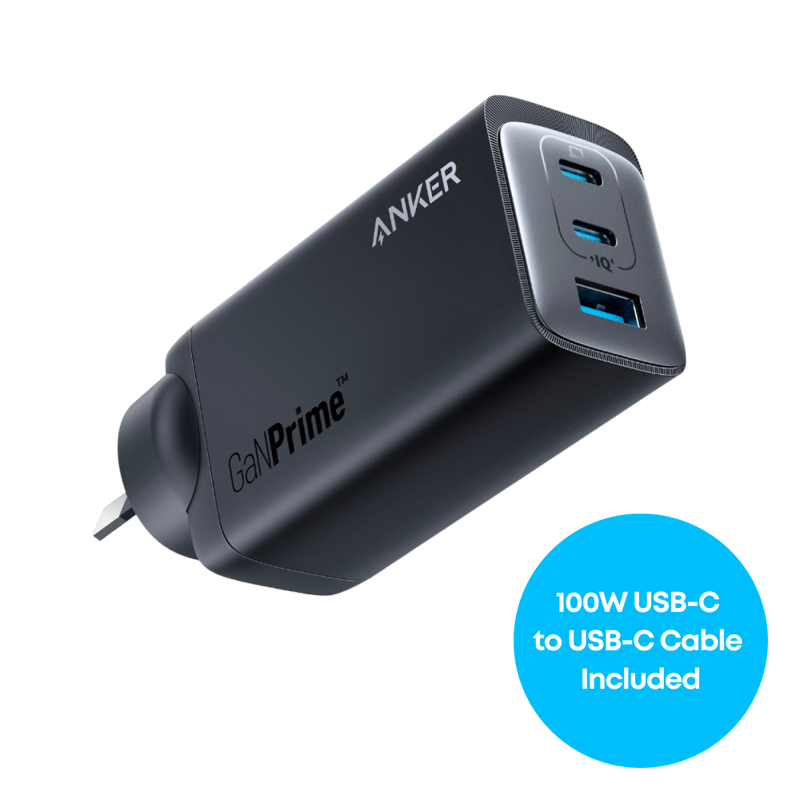
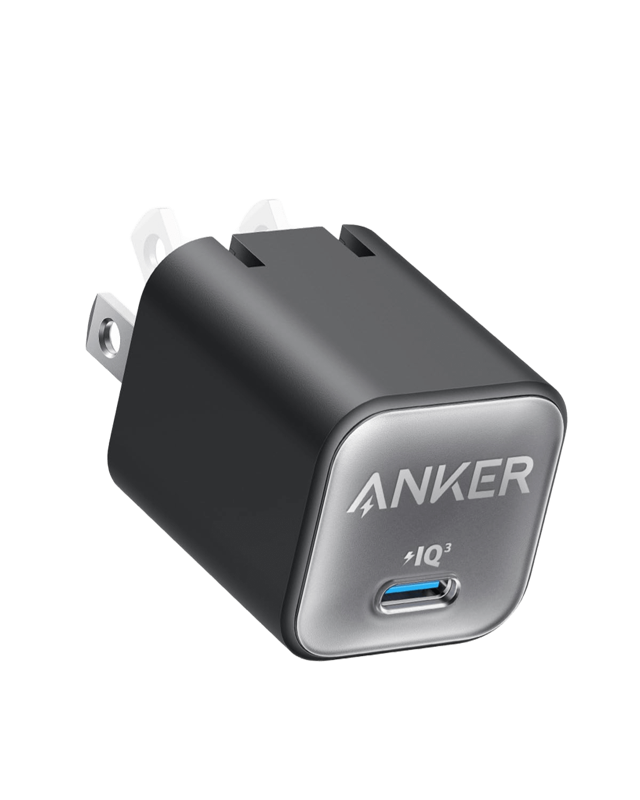
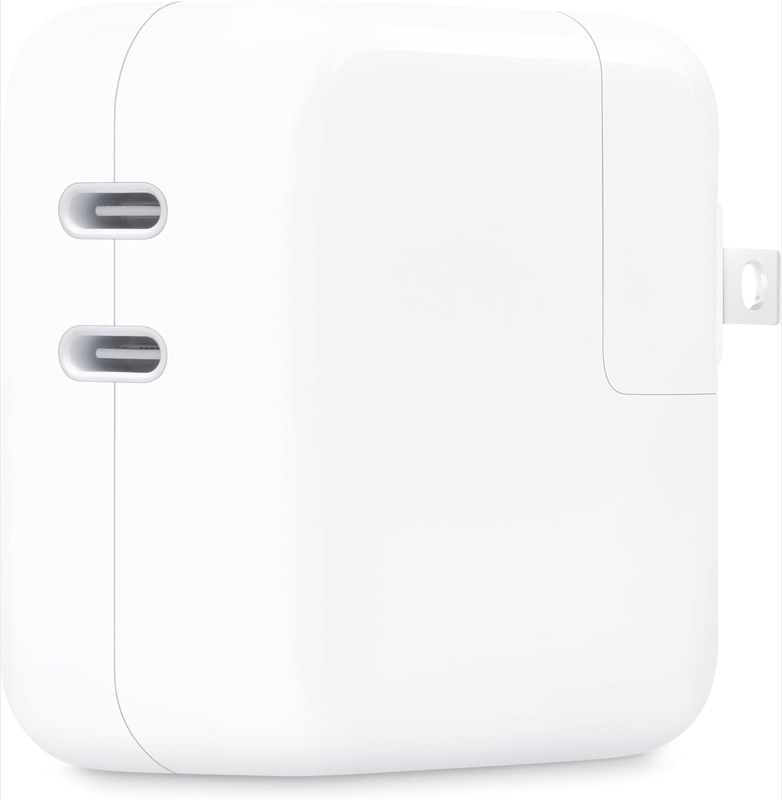
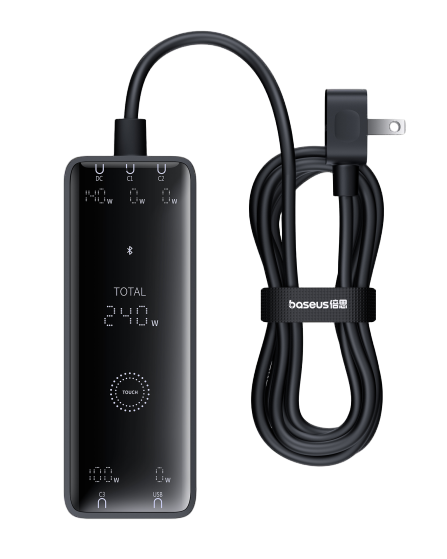
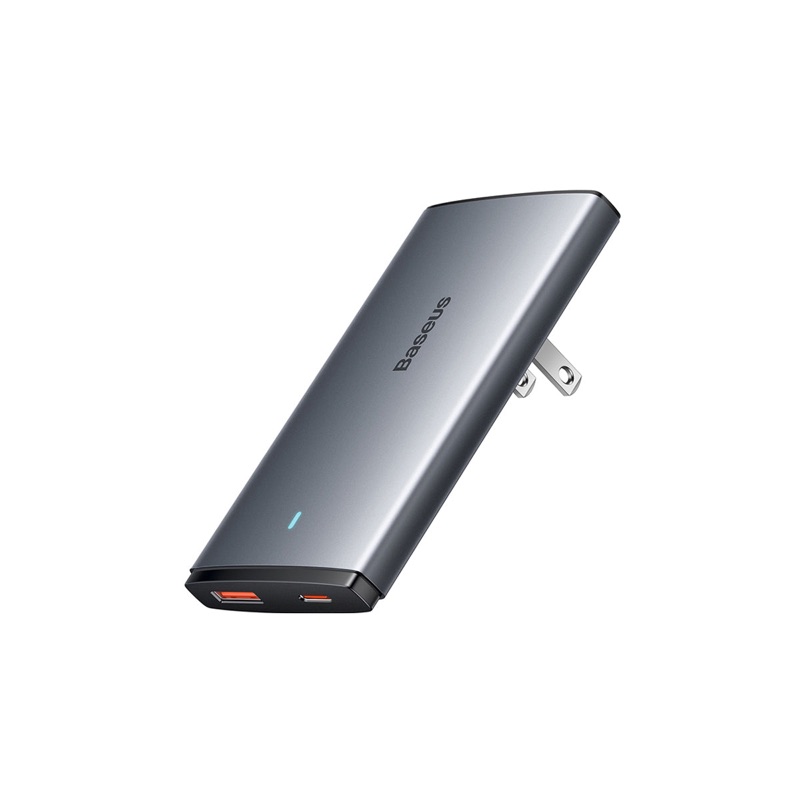
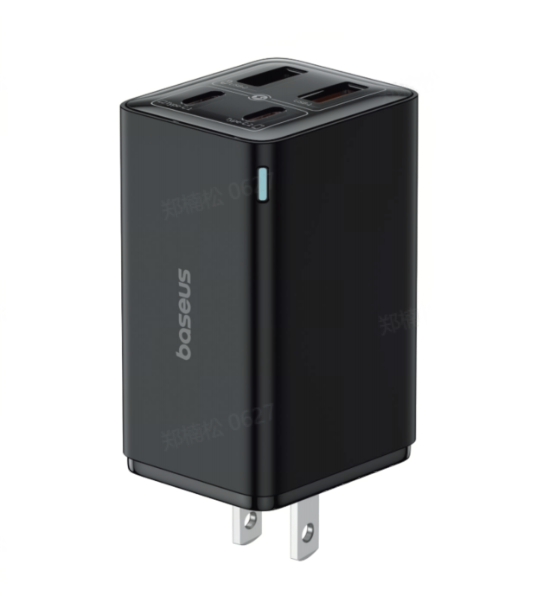
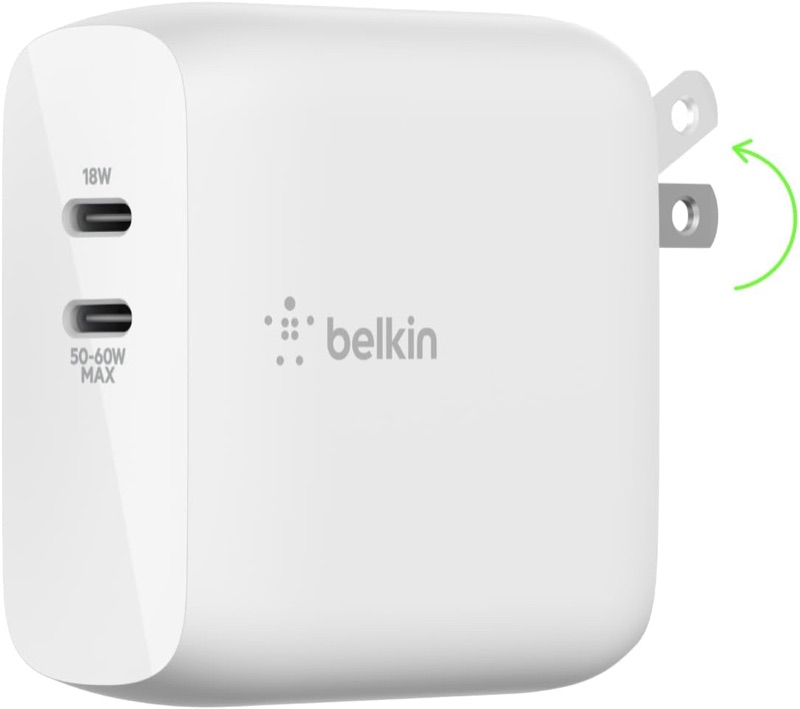
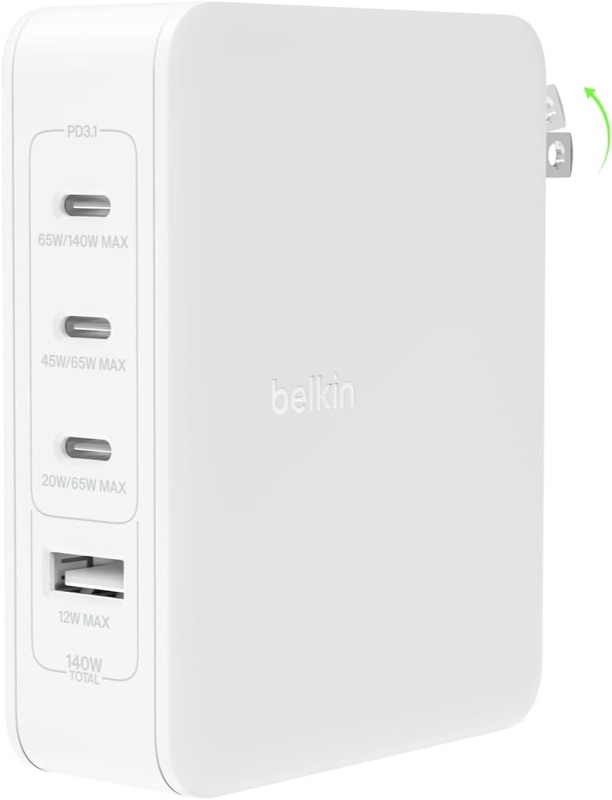
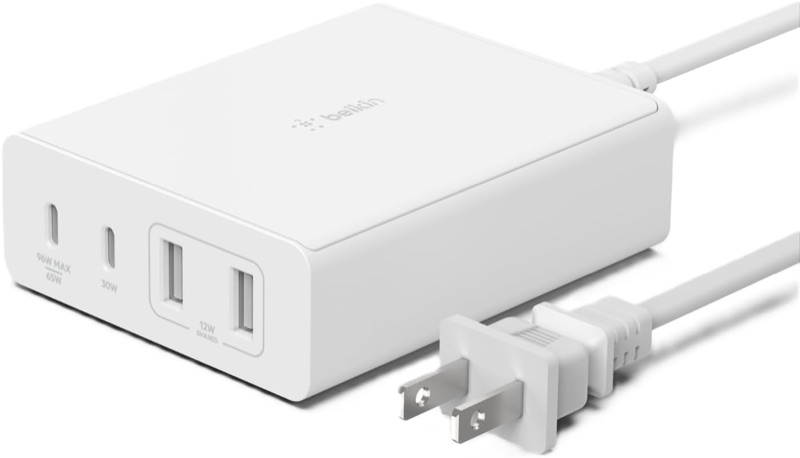
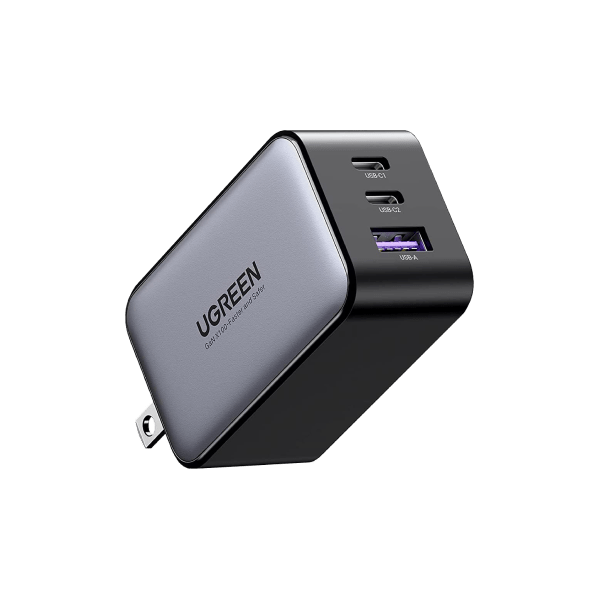
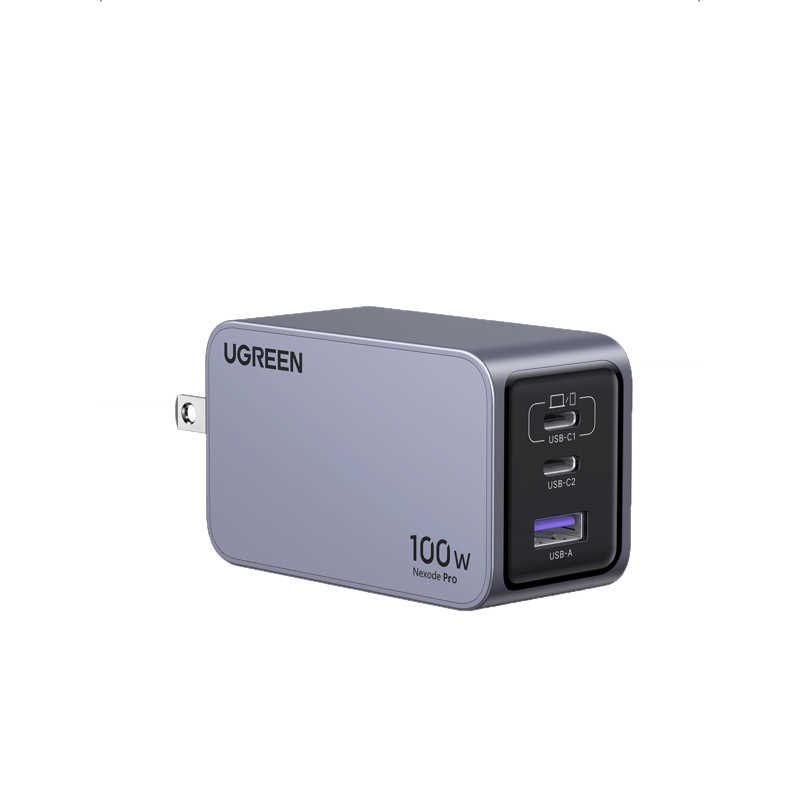
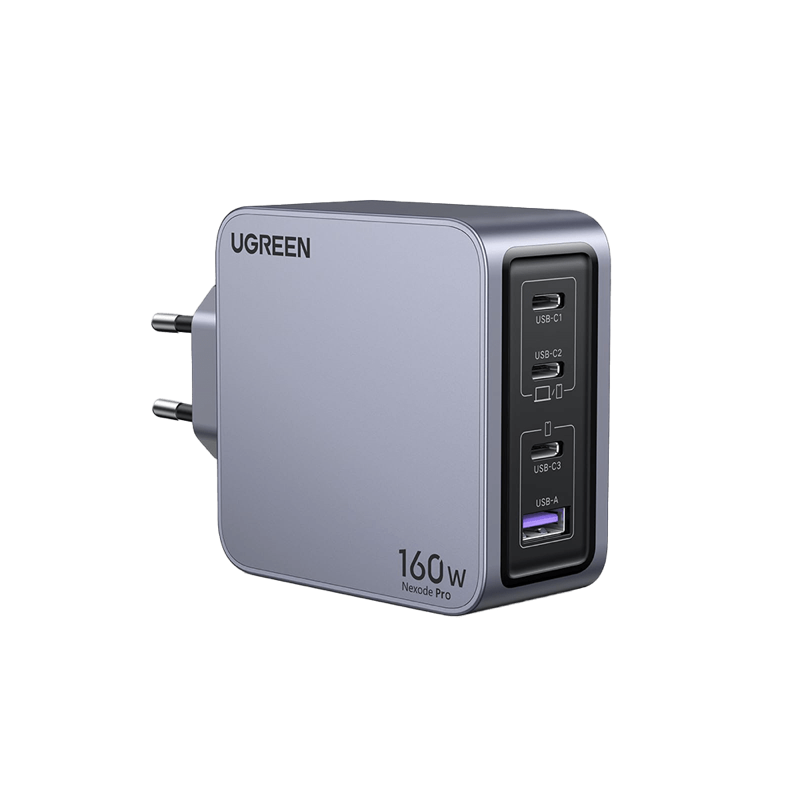
The lineup: six from Anker (the tiny 511 Nano 30W, the 735 Nano II 65W, the Prime 67W, the Prime 100W, the 737 GaNPrime 120W, and the six-port Prime 250W). Six from UGREEN's Nexode range (45W, 65W, 100W, the slim metal Pro 100W, the 140W, and the Pro 160W). Three from Belkin (the BoostCharge Dual 68W, the BoostCharge Pro 108W, and the BoostCharge Pro 140W). Two from Satechi (the four-port 145W travel charger and the single-port 100W). Two first-party adapters from Apple (the 35W Dual and the 140W). Three from Baseus (the foldable GaN5 Pro 65W, the GaN6 Pro 100W, and the 240W desktop unit). Plus one each from Samsung (the 45W Super Fast adapter) and Google (the 45W Pixel charger).
Total output: the wattage tier decides what you can plug in
Everything starts with the headline number on the box, because it sets the ceiling on how much this charger can hand out at once. The field sorts into five honest tiers.
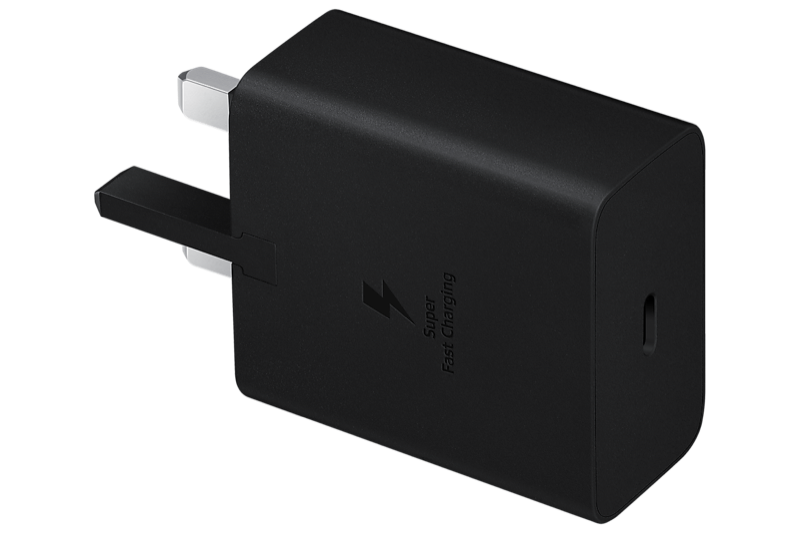
At the bottom, 30 to 45 watts is enough for one phone or tablet at full speed, or a light laptop if you're patient. The Anker 511 Nano covers a single phone at 30 watts. Samsung's 45W and Google's 45W adapters, along with UGREEN's dual-port Nexode 45W and Apple's 35W Dual, sit here for people charging a phone and maybe a watch, nothing more.
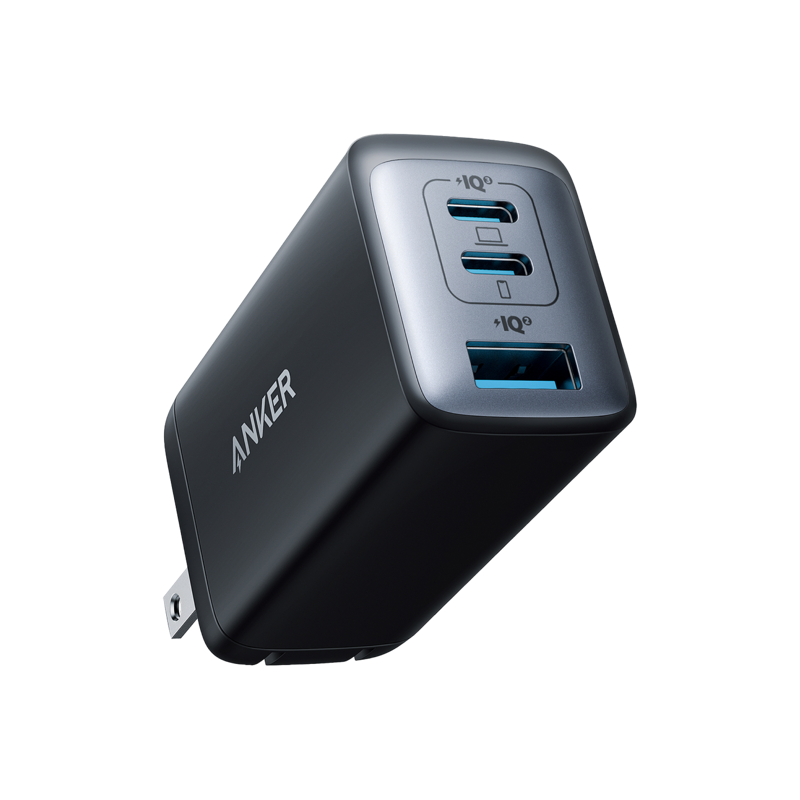
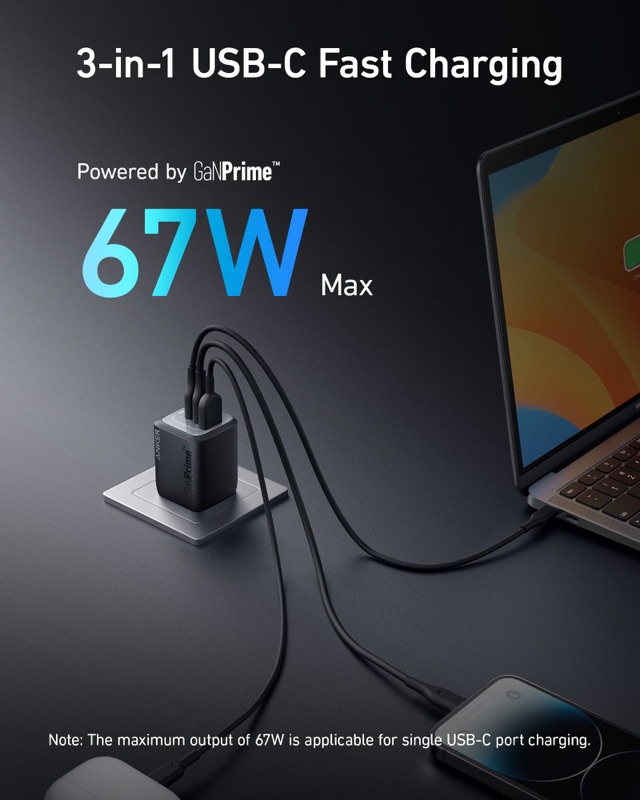
The 65-to-68-watt tier is the real workhorse, and it's where most people should stop reading. Sixty-five watts runs almost any 13- or 14-inch laptop on its own, and with a multi-port model it splits between a laptop and a phone. The Anker 735 Nano II, UGREEN Nexode 65W, Baseus GaN5 Pro, and Belkin's Dual 68W all live here. Android Authority, which has tested more than thirty of these, keeps landing on a 65-watt three-port charger as the one to buy for most people, and the physics back that up.
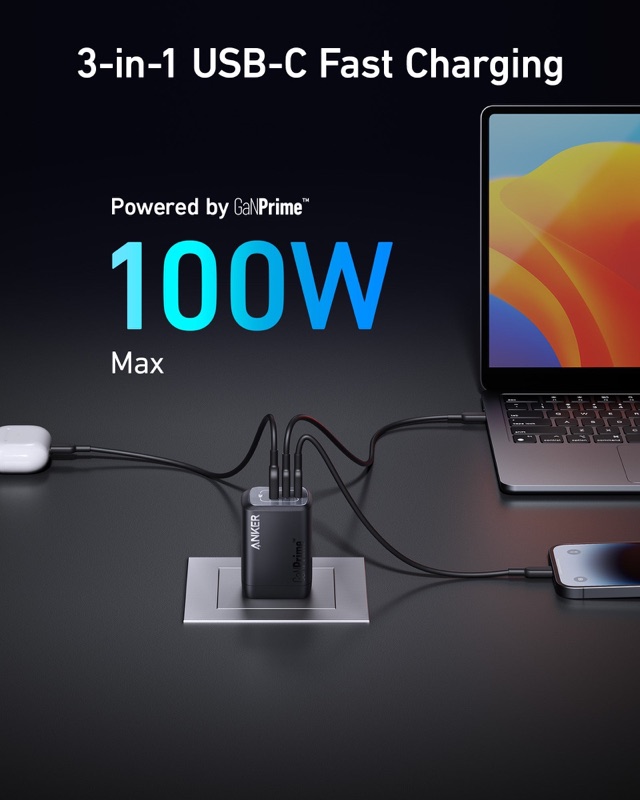
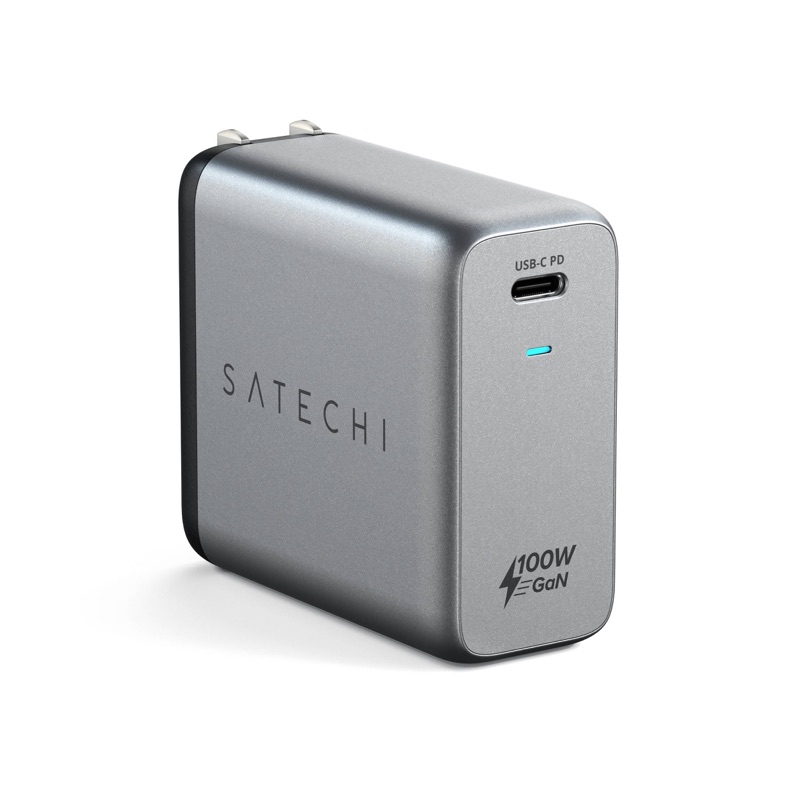
The 100-watt tier is for a laptop plus two other things without either slowing down much. The Anker Prime 100W, both UGREEN 100W models, the Baseus GaN6 Pro, and Satechi's single-port 100W cover every mainstream laptop short of a 16-inch workstation. The Gadgeteer put it bluntly in its 2026 roundup: prices have fallen far enough that it's hard to justify a 65-watt charger over a 100-watt one anymore.
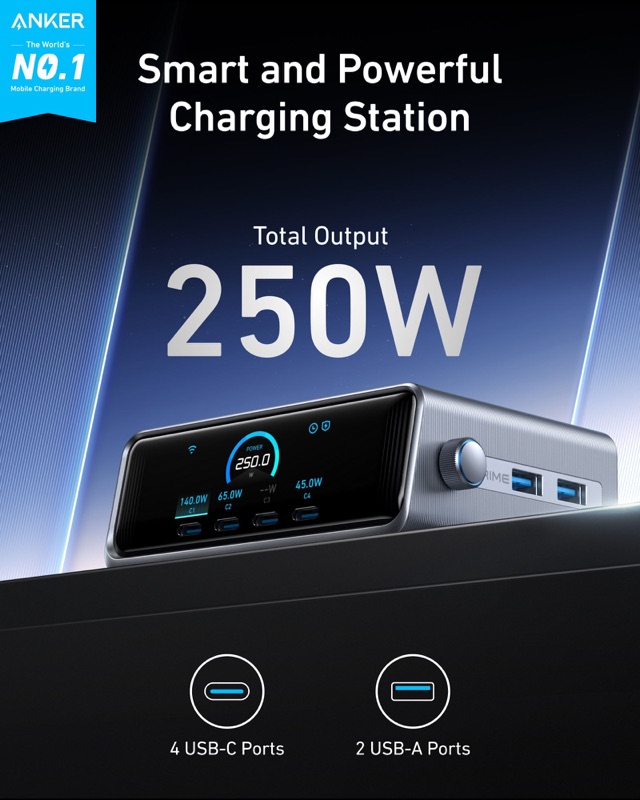
Above that, 120 to 160 watts is for the biggest laptops or for feeding several at once. The Anker 737 (120W), UGREEN 140W, UGREEN Pro 160W, and Belkin Pro 140W push into territory that a 16-inch MacBook Pro or a gaming laptop can actually use. And at the top, the Anker Prime 250W and Baseus 240W are less "chargers" than desk hubs, built to run a laptop, a monitor, a tablet, and two phones off one outlet.
Slopsheets says: Buy for the tier your heaviest device needs, then add one. If your biggest thing is a 14-inch laptop, a 65-watt multi-port charger is the honest answer and everything above it is headroom you'll rarely touch. Reach past 100 watts only if you own a 16-inch laptop or you're deliberately trying to run a whole desk from a single brick.
The number that actually matters: the top port on its own
Here's the trap the headline wattage hides. A 100-watt charger is only 100 watts to a single device. Plug a second thing into it and the top port steps down, because that total is a pool the ports share, not a promise each one keeps. This is the spec our table breaks out as "top port (solo)," and it's the one to read if you have one demanding device.
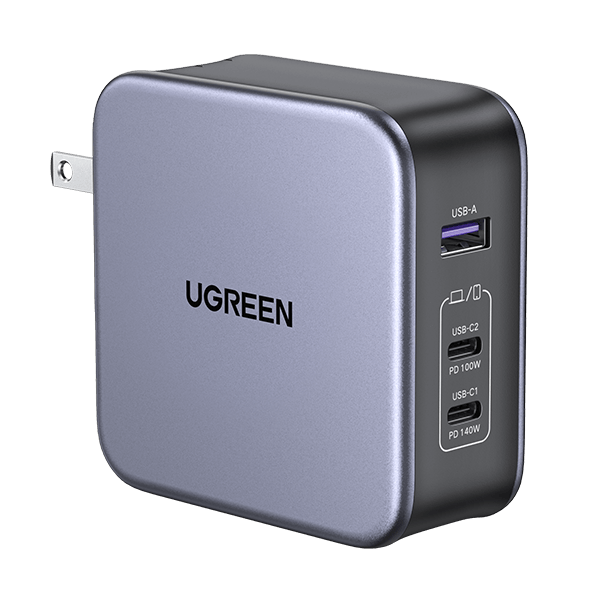
Watch how far the solo number drifts from the total once a charger has several ports. The Anker 737 is rated 120 watts, but its best single port tops out at 100. UGREEN's Pro 160W sounds like a monster, yet its top USB-C port delivers 140 watts, not 160; the rest is there for the other ports. The Baseus 240W and Anker Prime 250W both cap a single USB-C port at 140 watts, per Baseus's spec sheet and ChargerLab's teardown of the Anker unit. Their giant totals exist to feed a crowd, not to push one laptop faster.
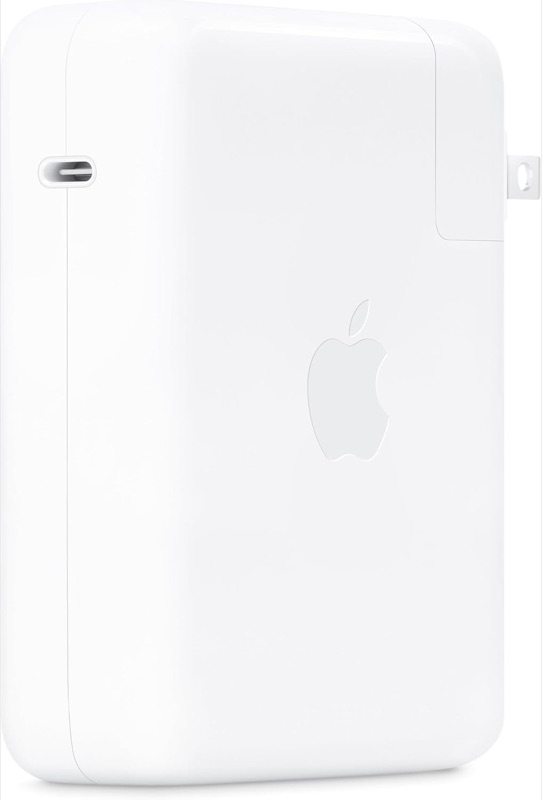
So the 140-watt club, the chargers that can actually fast-charge a 16-inch MacBook Pro at its full rate, is smaller than the wattage ratings suggest: the UGREEN 140W, UGREEN Pro 160W, Belkin Pro 140W, Satechi 145W, Apple 140W, and the two desktop giants. Everything else, no matter how big the total, gives one device at most 100 watts.
Sort by this, not the total: If you own exactly one power-hungry laptop and charge it alone, ignore the total and sort by the top-port number. A 140-watt single port is the only thing a 16-inch MacBook Pro cares about. If instead you're charging a pile of smaller gadgets, the total matters more than any single port, and a 100-watt multi-port charger is plenty.
Ports: how many devices, and the USB-A holdouts
Once GaN made these things small, the differentiator became how many cables you can run at once. The count in our table ranges from one to six.
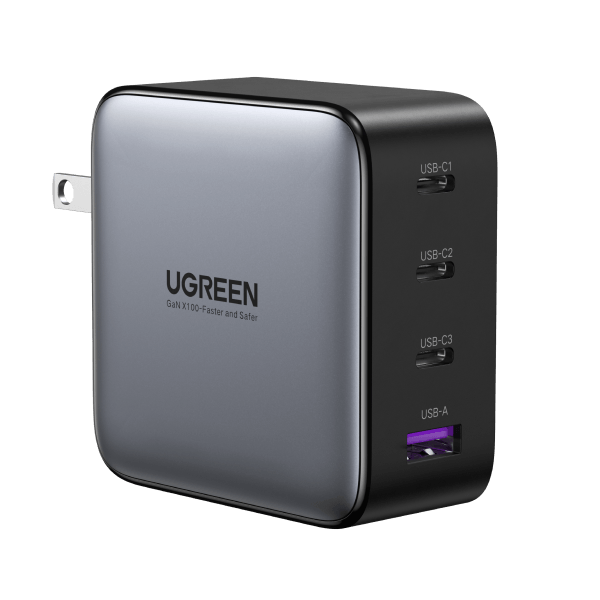
Single-port chargers are the purists: the Anker 511, Satechi 100W, Apple 140W, Samsung 45W, and Google 45W each do one thing well and nothing else. Two- and three-port models are the sweet spot for a person with a laptop and a phone. The four-, five-, and six-port units (UGREEN's 100W and Pro 160W, Baseus's GaN6 Pro and 240W, both four-port Belkins, and the six-port Anker Prime 250W) are desk chargers meant to replace a power strip full of wall warts.
The quieter split is USB-C versus USB-A. Most of these keep one legacy USB-A port for an old cable or a wireless earbud case, and that's fine. Two chargers commit fully to the future: Satechi's 145W travel charger is four USB-C ports and no USB-A at all, and UGREEN's compact 45W is dual USB-C. If everything you own has charged over USB-C for years, an all-C charger stops wasting a port on a standard you've left behind.
The one rule: Count the things you charge at your desk, not the things you own. Most people need two or three ports, not six. Buy an all-USB-C model only if you've genuinely retired your USB-A cables, otherwise that one legacy port earns its keep the first time a friend hands you an old cable.
PPS: the spec Samsung and Pixel owners can't skip
PPS, or Programmable Power Supply, is the boring acronym that decides whether some phones hit their advertised top speed. Samsung's 45-watt Super Fast Charging 2.0 needs it. So do Google's Pixels at their fastest. Beyond those, PPS lets a charger fine-tune its voltage on the fly, which tends to run cooler and gentler on the battery across a lot of devices.
Most of this group has it: every Anker, every UGREEN, both Baseus multi-port models, and of course Samsung's and Google's own adapters. The gaps are worth knowing before you buy. Neither Apple adapter advertises PPS; ChargerLab's teardowns show the 35W using fixed voltage steps and the 140W using Apple's AVS scheme instead. Both Satechi chargers leave PPS off their spec sheets. And Belkin is split down its own line: the flagship BoostCharge Pro 140W supports PPS, confirmed in ChargerLab's teardown, while the cheaper Dual 68W and the 108W desktop don't list it.
45W Super Fast Charging, so any 45-watt brick will hit your Samsung Galaxy or Pixel's top speed.
Without PPS, those phones never reach it. That quietly rules out both Apple bricks, both Satechi units, and Belkin's two smaller chargers.
Samsung and Pixel owners: If you carry a recent Samsung Galaxy or a Pixel and you care about the fast-charge number on the box, PPS is not optional, and that quietly rules out both Apple bricks, both Satechi units, and Belkin's two smaller chargers. If you're on an iPhone or a laptop, PPS is a nice-to-have for cooler charging rather than a dealbreaker.
Foldable prongs versus the travel question
The last thing that separates these, once the electrical specs match, is whether the charger is built to leave the house. Foldable prongs are the tell. They flip flat so nothing snags or stabs the inside of your bag.
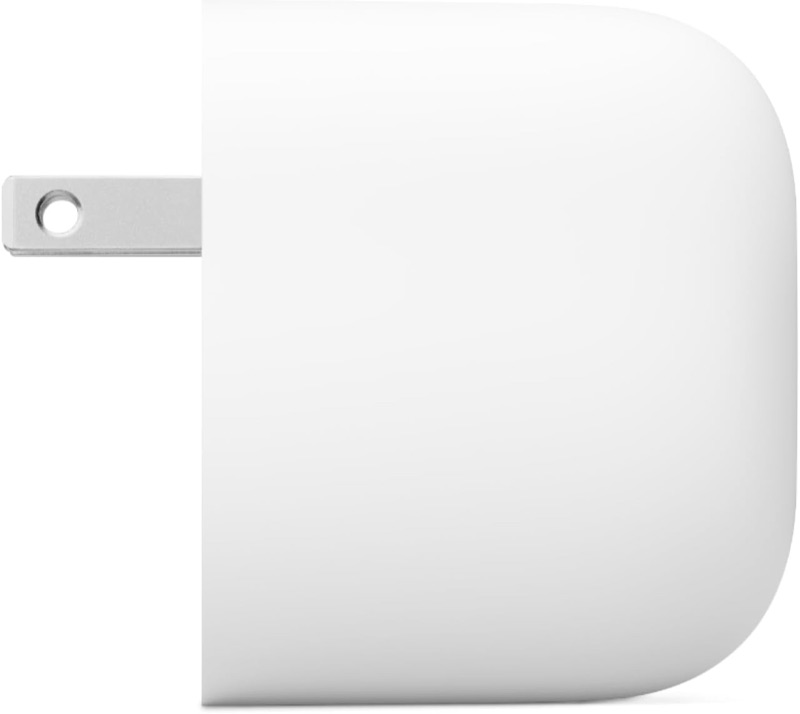
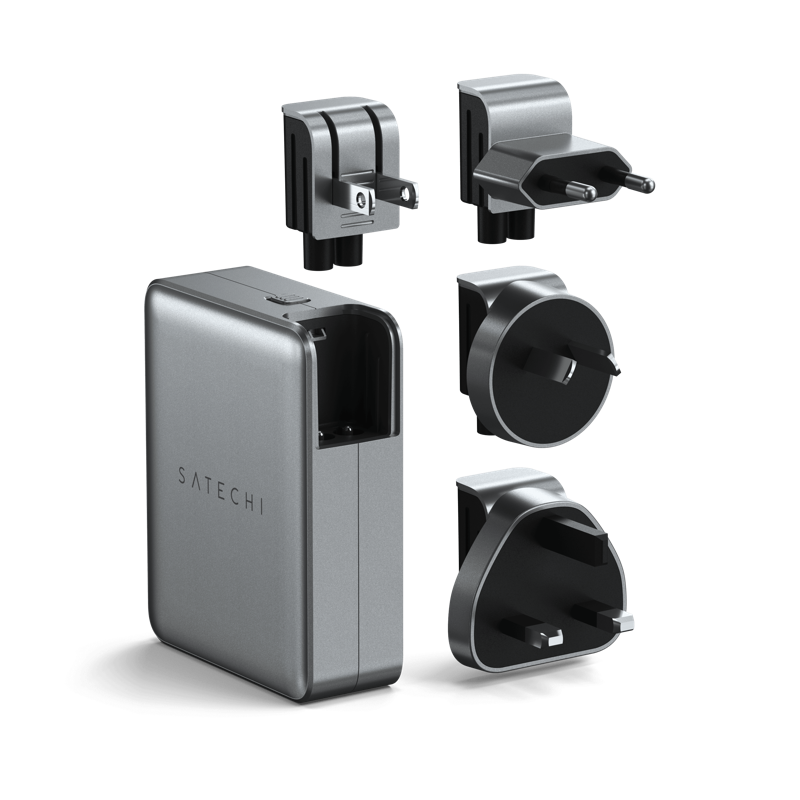
The compact chargers mostly get this right: the Anker 511, 735, Prime 67W, Prime 100W, and 737, the UGREEN 45W, 65W, 100W, 140W, and Pro 160W, the Baseus GaN5 and GaN6, Satechi's 100W, Belkin's 140W, and Apple's 35W Dual all fold. The desktop units don't, by design. The Anker Prime 250W and Baseus 240W use a detachable AC cable and are meant to stay put, as is Belkin's 108W with its fixed 6-foot cord. Two chargers do travel but don't fold: Samsung's and Google's 45-watt adapters have fixed prongs. And the odd one out is Satechi's 145W travel charger, which nothing folds on, but which ships with swappable US, UK, EU, and Australia plug heads, making it the only one here built specifically for flying between countries.
Pack this, not that: For a carry-on, foldable prongs matter more than they sound like they should. A fixed-prong 45-watt adapter or a fixed-cable desktop hub is the wrong thing to pack. If you cross borders, the Satechi 145W with its interchangeable plug heads solves a problem no amount of foldability does, at the cost of being bigger than a pocket charger.
So which GaN charger should you buy?
- One charger to replace most of a drawer: Anker Prime 100W. It gives a laptop 100 watts alone, holds 65 watts to it with a phone sharing the second port, supports PPS, and folds flat. For most people this is the whole answer.
- For a 16-inch laptop or a workstation: UGREEN Nexode 140W. A genuine 140-watt top port, PPS, and foldable prongs, and it typically undercuts the Belkin 140W and Apple's own 140W adapter.
- Smallest thing that still runs a laptop: Anker 735 Nano II 65W or Baseus GaN5 Pro 65W. Three ports, foldable, and small enough to forget in a bag.
- A whole desk from one outlet: Anker Prime 250W or Baseus 240W. Six or five ports and enough total wattage for a laptop, a monitor, and a couple of phones. Neither folds, so leave it on the desk.
- Flying between countries: Satechi 145W travel charger. Four USB-C ports and swappable international plug heads, the one packing choice here that assumes a passport.
- Deep in Apple's world and you don't care about PPS: Apple 35W Dual for a phone and watch, or the 140W for a 16-inch MacBook Pro. Both are fine; both cost more per watt than the third-party equivalents and skip PPS.
The pattern across all twenty-four is the same. Pick the two things you actually care about, usually "what's my biggest device" and "does this leave the house," and the rest of the spec sheet sorts itself out. The headline wattage is the last number to trust, not the first.
Frequently asked questions
What does GaN actually do for a charger? Gallium nitride is a semiconductor that handles heat and high frequencies far better than the silicon in older chargers, so a GaN charger can push the same wattage from a much smaller, cooler body. That's the entire reason a 100-watt charger now fits in a pocket. It does not make charging faster on its own; the wattage and the cable decide that.
If I have a 100-watt charger, does my laptop still get 100 watts when my phone is plugged in too? No. The wattage rating is a shared pool. A two-port 100-watt charger might give a laptop the full 100 watts alone, then drop it to 65 watts and send 30 to the phone once both are connected. If you need full speed to one device, read the "top port (solo)" figure, not the total.
Which of these chargers support PPS for Samsung and Pixel fast charging? Every Anker, every UGREEN, both multi-port Baseus units, the Belkin BoostCharge Pro 140W, and Samsung's and Google's own 45-watt adapters support PPS. The ones that do not are both Apple adapters, both Satechi chargers, and Belkin's Dual 68W and 108W models.
Can a single GaN charger replace both my laptop brick and my phone charger? Yes, and that's the point of buying one. Any 65-watt-or-higher multi-port model here will run a mainstream laptop and a phone at the same time. Step up to 100 watts if you want a third device or a larger laptop in the mix.
Is USB-A obsolete on these? Not yet. Most keep one USB-A port for older cables and accessories, which is still useful. Only go all-USB-C, like the Satechi 145W or the UGREEN 45W, if you've already replaced your USB-A cables.
Sources / further reading
- Anker, Prime 100W GaN Charger (A2343)
- Anker, 735 Charger (Nano II 65W)
- ChargerLab, teardown of the Anker Prime 250W GaN charger
- UGREEN, Nexode 140W USB-C wall charger
- HowToGeek, UGREEN Nexode Pro 160W 4-port GaN charger review
- Belkin, BoostCharge Pro 140W 4-port GaN wall charger (WCH014)
- ChargerLab, teardown of the Belkin BoostCharge Pro 140W (WCH014)
- Satechi, 145W USB-C 4-port GaN travel charger
- Apple, 140W USB-C Power Adapter
- ChargerLab, teardown of the Apple 35W Dual USB-C charger (A2676)
- Baseus, 240W Digital GaN desktop charger
- Samsung, 45W USB-C Super Fast Charging power adapter
- Android Authority, best USB-C wall chargers tested
- The Gadgeteer, best 100W GaN chargers of 2026
- Engadget, the best fast chargers for 2026
- CNN Underscored, best USB-C chargers tested