Sixteen tablets that share a shelf label and split cleanly into two things you might actually want. An "e-ink tablet" in 2026 is either a slate you write on until your hand cramps, or a reader you mostly hold in one hand and occasionally scribble on. They run the same kind of screen and almost nothing else the same, and the column that tells them apart is whether a stylus is the point or an afterthought.
The headline this year is color. Color e-paper went from a couple of curiosities to nearly every brand's flagship, and nine of the sixteen here have it. The asterisk is that color e-ink is dim, soft, and roughly half the resolution of the text on the same screen, so it is a feature for highlighters and cover art, not the phone-grade picture the product pages imply. What follows is what the spec sheets say once you line them up, and where reviewers who actually held them disagree with the marketing.
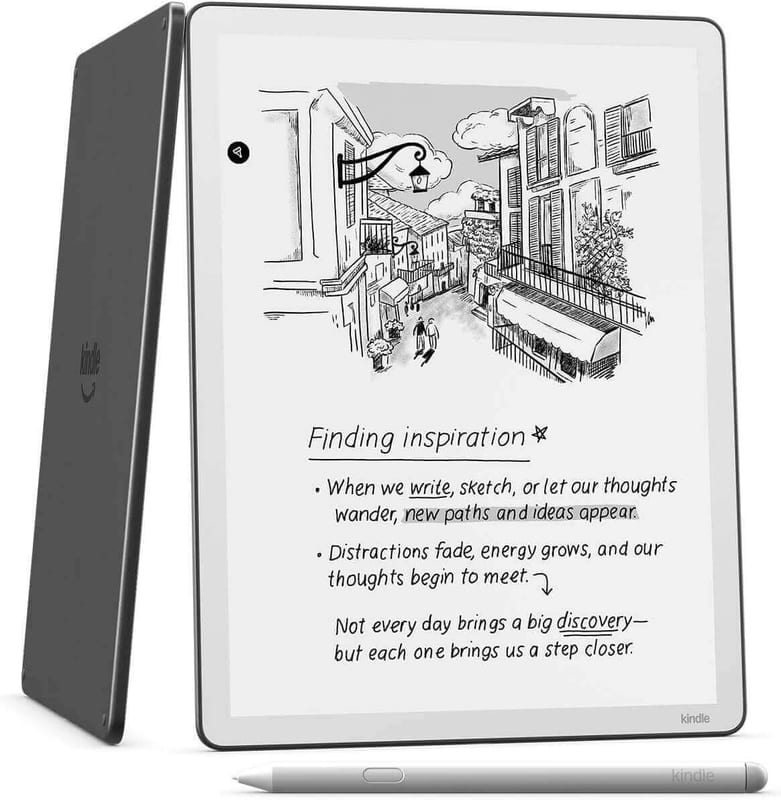
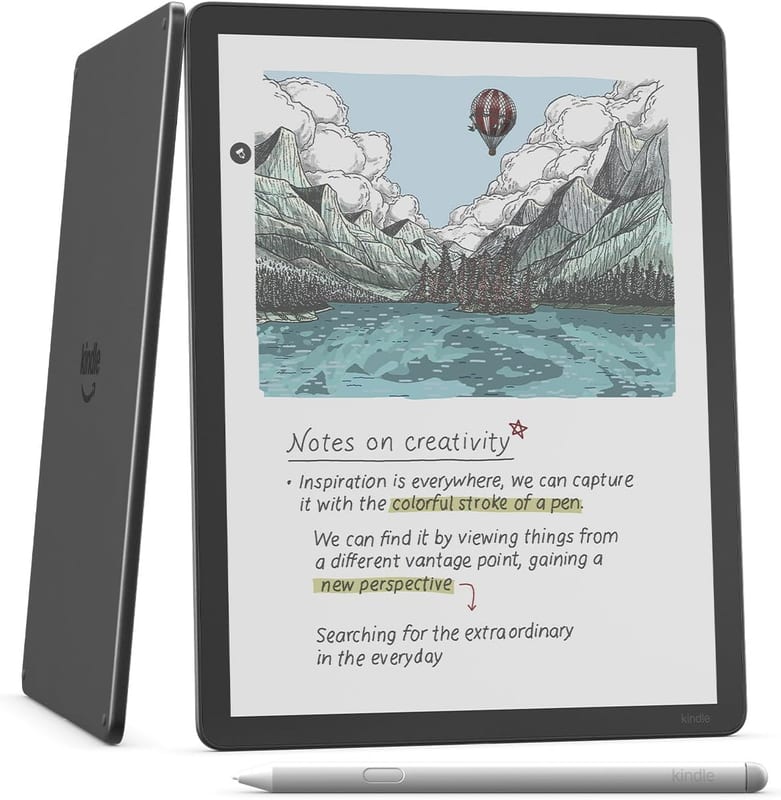
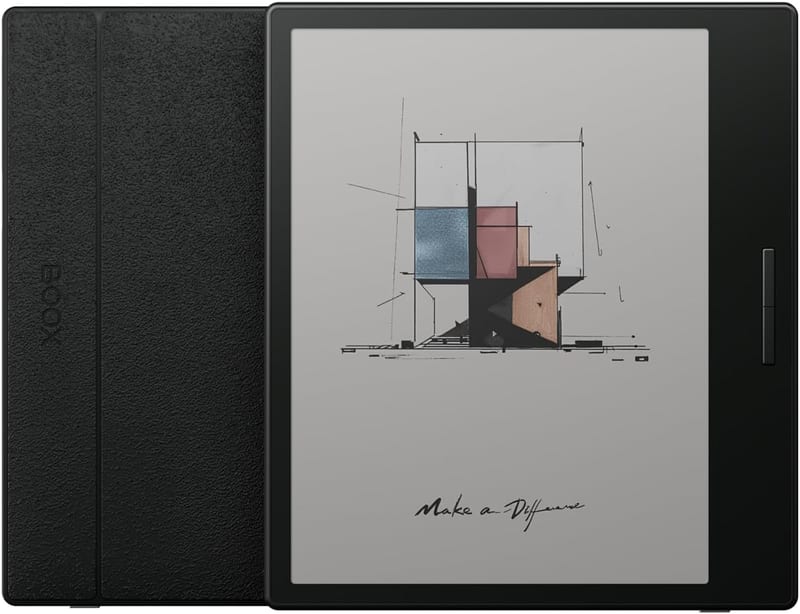
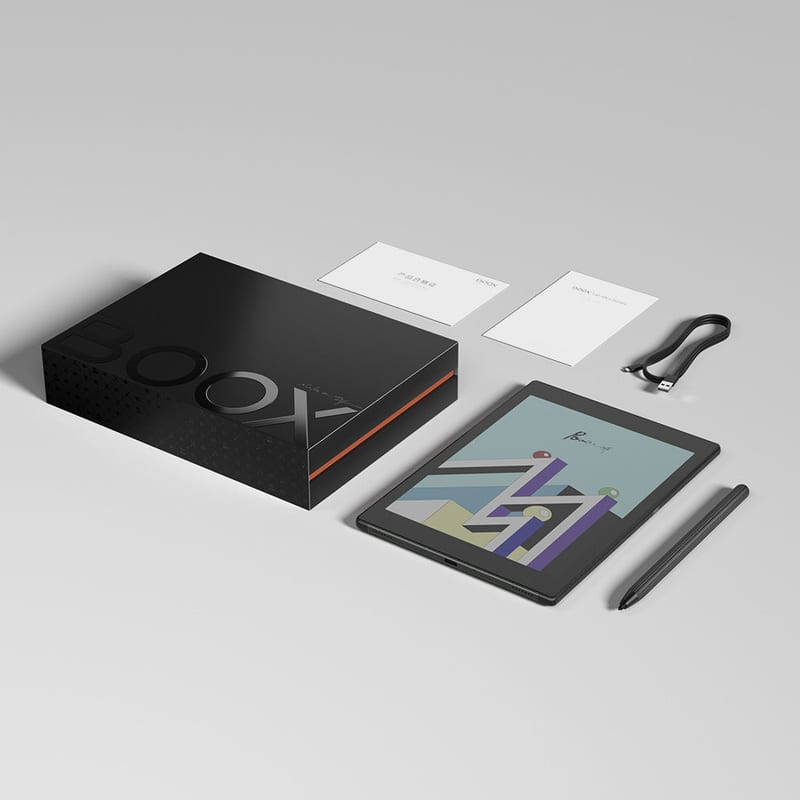
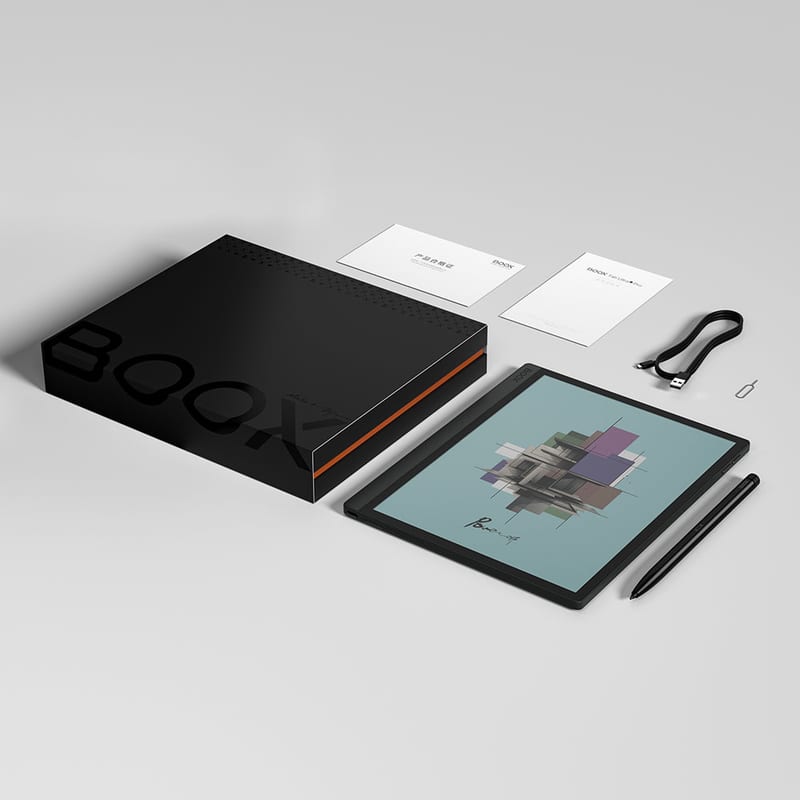
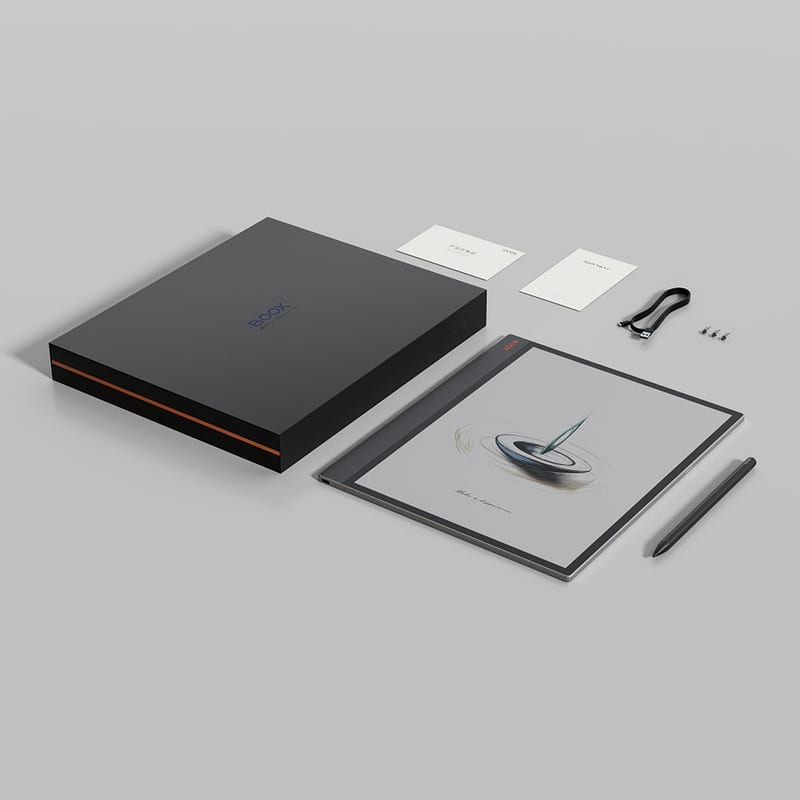
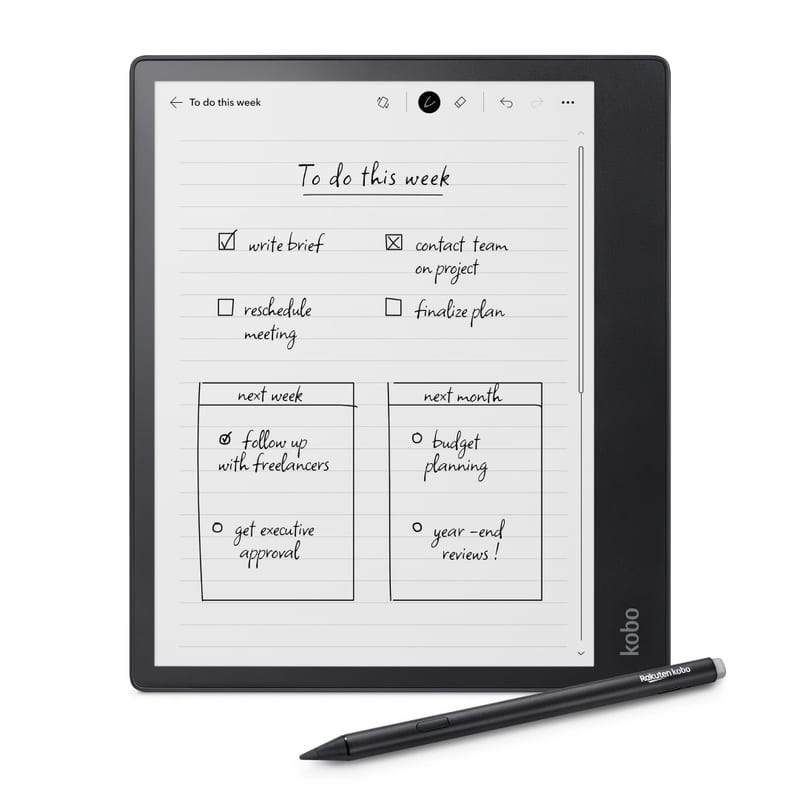
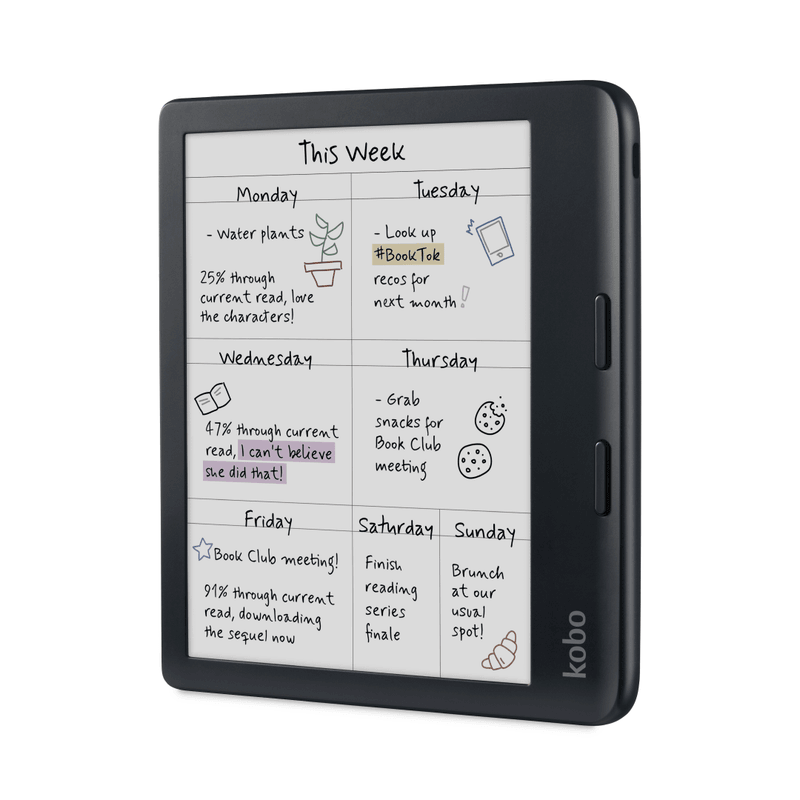
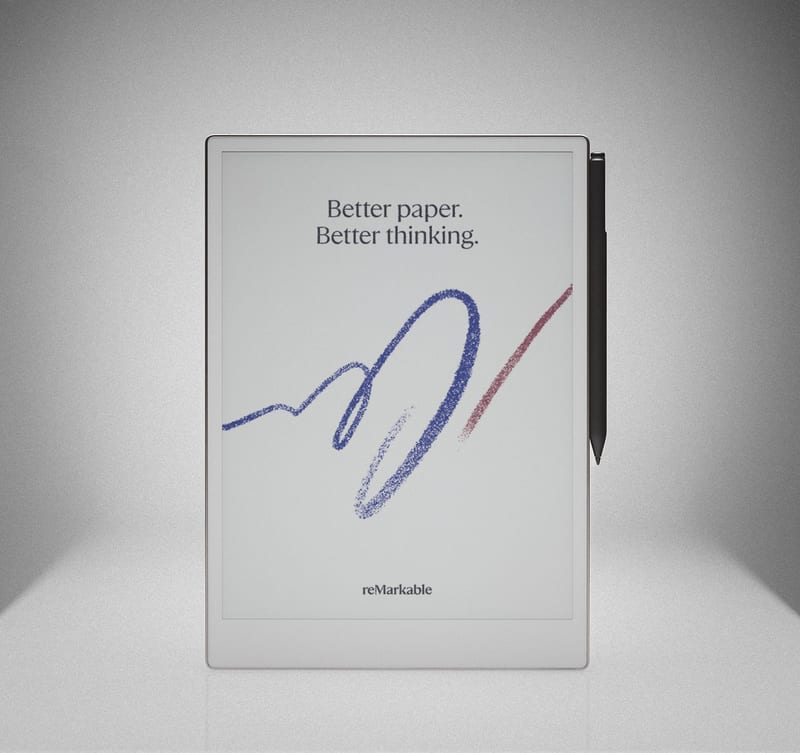
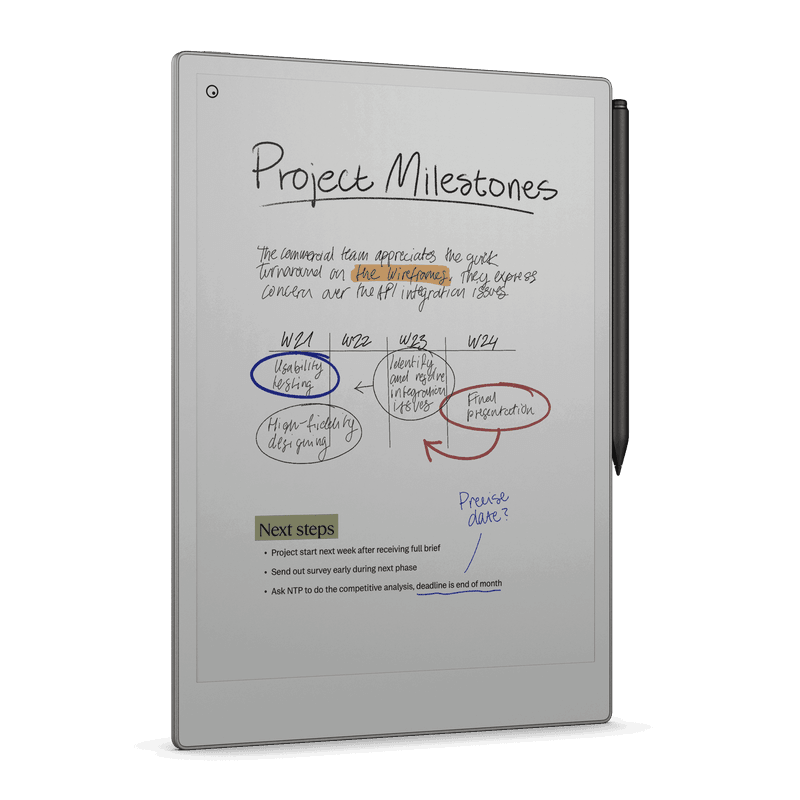
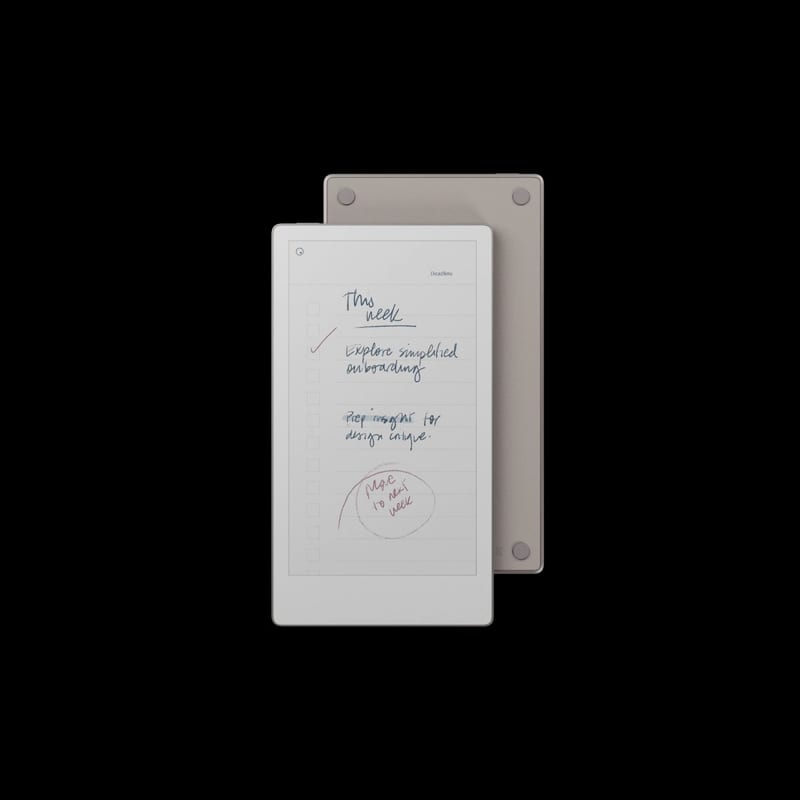
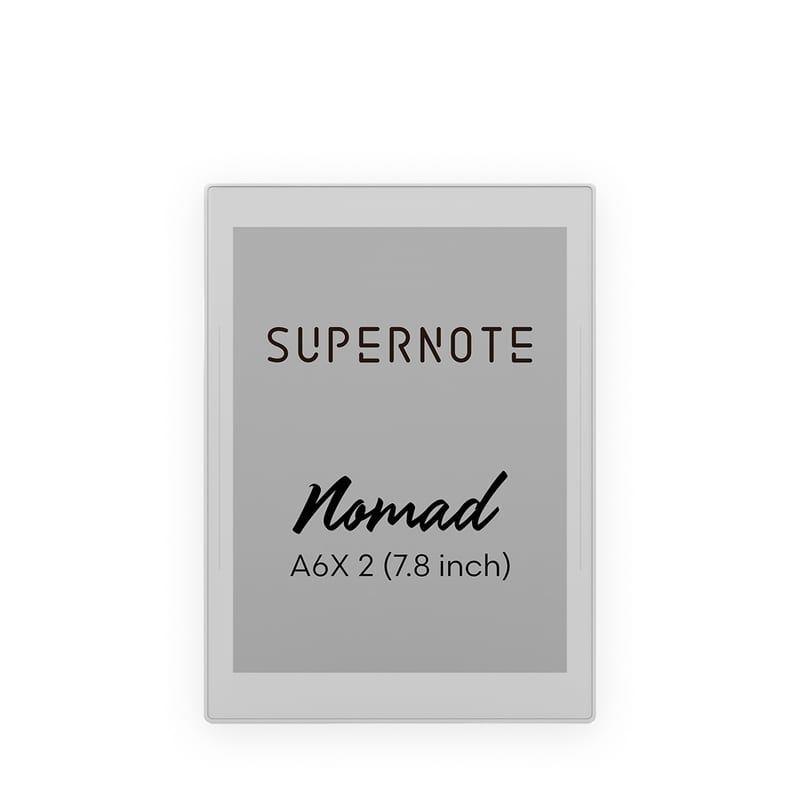
The lineup: three reMarkables (Paper Pro, the smaller Paper Pro Move, and the monochrome reMarkable 2), two Amazon Kindles (the mono Kindle Scribe and the Scribe Colorsoft), two Kobos (the 10-inch Elipsa 2E and the 7-inch Libra Colour), seven Onyx Boox slates (Note Air5 C, Go 10.3, Go Color 7, Note Max, Tab X C, Tab Ultra C Pro, and Tab Mini C), and two Supernotes (the 10.7-inch A5 X2 Manta and the pocketable A6 X2 Nomad).
Screen size: from a phone-sized note to a legal pad
Sort the table by this column and the field falls into three groups that map onto three different jobs.
The 7 to 8-inch group (Kobo Libra Colour, Boox Go Color 7, reMarkable Paper Pro Move, Supernote Nomad, Boox Tab Mini C) is one-handed and bag-friendly. These read like a paperback and take margin notes fine, but a full page of longhand feels cramped. The 10 to 11-inch group is the largest here, and it is the default for a reason: the reMarkable 2, Boox Go 10.3, Note Air5 C, Tab Ultra C Pro, Kobo Elipsa 2E, Supernote Manta, both Kindle Scribes, and the 11.8-inch reMarkable Paper Pro all give you a real sheet of paper to write on without hunching. The two 13.3-inch slates, the Boox Note Max and Tab X C, are a full letter-size page: room for PDF markup, sheet music, or engineering drawings, at the cost of weight and any pretense of portability.
Slopsheets says: The 10 to 11-inch band is the safe default. It is a genuine writing page you can still hold in one hand for a while. Go up to 13.3 inches only if you mark up full-size documents, and drop to 7 or 8 inches only if reading is the main event and notes are the side gig.
Sharpness: 300 ppi is the line, and color quietly ducks under it
Most of the table hits 300 pixels per inch in black and white, which is the density where text stops looking like pixels and starts looking like print. The exceptions are the reMarkable trio (229 ppi on the Paper Pro, 264 on the Move, 226 on the reMarkable 2) and the Kobo Elipsa 2E at 227. reMarkable trades sharpness for its writing surface on purpose, and per eWritable's testing the softer text is a fair price for how the pen feels. It is visible next to a 300 ppi Kindle, but it is not the gap the number suggests.
The number that actually bites is hidden. The sharpness column is the black-and-white figure, and every color device in the table drops to roughly 150 ppi for anything colored. A Kaleido 3 panel shows text at 300 and a colored diagram at 150, because the color filter sits over the mono layer at half the density. No spec sheet leads with the 150, which is why color e-ink looks softer than buyers expect.
The number that bites: For reading black text, 300 versus 230 is a real but minor difference, and reMarkable's lower number buys a better pen feel. The halving in color is the spec to internalize before you pay for a color panel: colored ink and images land at half the resolution of the words next to them.
Color e-ink: the 2026 headline, and the part reviewers keep flagging
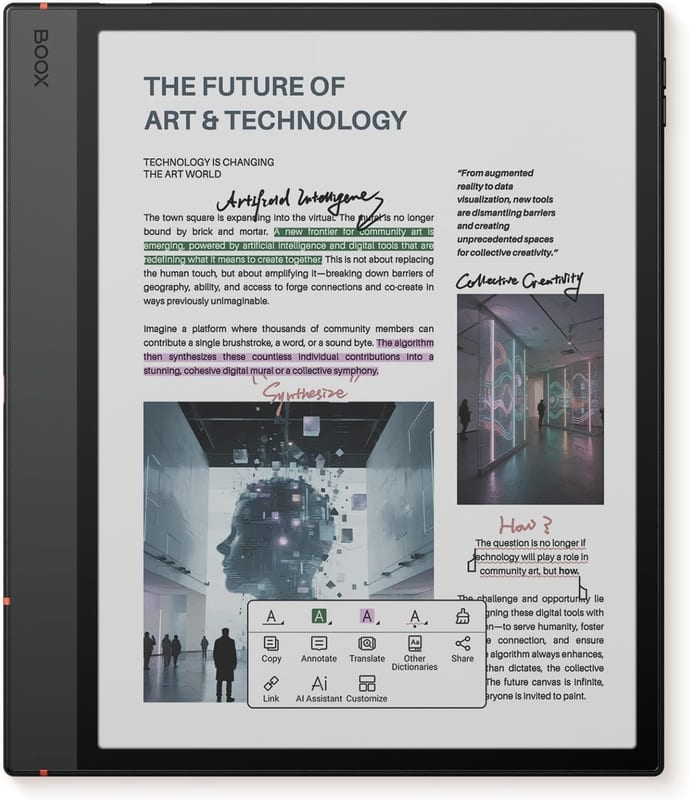
Nine of the sixteen are color: both reMarkable Paper Pros, the Kindle Scribe Colorsoft, the Kobo Libra Colour, and five Boox slates (Note Air5 C, Go Color 7, Tab X C, Tab Ultra C Pro, Tab Mini C). There are two technologies underneath. Most use E Ink Kaleido 3, a color filter laid over a normal monochrome panel. reMarkable's two use E Ink Gallery 3, a full color-shifting panel with around 20,000 colors and no filter layer.
Neither looks like a screen you would call vivid. Reviewers describe Gallery 3 on the Paper Pro as muted and a touch dark next to the old monochrome reMarkable, and Kaleido as adding a faint grey tint that dims the whole display, so the front light has to work harder to compensate. Good e-Reader and Engadget both land in the same place on the Colorsoft: the color is genuinely useful for highlighting and cover art and a set of pen colors, and genuinely not for looking at photographs.
The verdict: Buy color if you highlight, annotate in colored pen, or read comics and manga. Skip it if you mostly read text and write in black. The seven monochrome slates here are brighter, sharper, and cheaper, and they are not the compromise the color marketing implies. They are the better tool for the most common job.
Front light: the column that decides whether you can read in the dark
Eleven of the sixteen have an adjustable front light, usually with warm and cool tuning. Five do not: the reMarkable 2, the Boox Go 10.3, the Boox Note Max, and both Supernotes. That is not an oversight on any of them. reMarkable, Boox, and Supernote all leave the light off their most writing-focused slates to keep the glass thin and the pen close to the ink, and Onyx says as much about the Note Max, where the goal was a more paper-like write.
The cost is simple and non-negotiable. No front light means no reading or writing in a dark room, a dim plane cabin, or a lecture hall with the lights down. It is the one spec here that a firmware update can never add.
The one spec firmware can't add: If the device ever has to work at night, the five unlit models are out, however well they write. If it lives at a desk in daylight, the missing light costs you nothing and usually buys a slightly better writing surface. The reMarkable Paper Pro is the notable upgrade on this front: it is the first reMarkable with a light, which fixes the single most common complaint about the line.
Platform: open Android or a walled garden, and why it is the real fork
This is the biggest software split in the table, bigger than color. The seven Boox slates run full Android (versions 11 through 15) with the Google Play Store, so you can install Kindle, Kobo, Libby, Notion, or anything else on one device. That is the most versatile setup here, and Android Central rates the Note Air5 C as close to the ideal e-ink tablet partly for it. The tradeoff is a busier interface with a learning curve, which eWritable and Android Central both note is powerful rather than tidy.
The other nine run a closed system, and each is closed differently. reMarkable's own Linux OS is deliberately minimal, with cloud handwriting conversion and a few other features sitting behind the paid Connect subscription. Amazon's Kindle software is locked to Amazon's store with no real cross-platform note sync. Kobo is closed too, but bakes in Libby and OverDrive library borrowing that the others make you sideload. Supernote's Chauvet OS has no app store at all, by design. Closed systems are calmer and tend to be more reliable. Open does more.
The real fork: Decide this row on temperament. If you want one slate that reads every store's books and runs real apps, only Boox does it, and you accept a menu you can get lost in. If you want a tool that does two things without a settings maze, the closed systems are the point, and reMarkable and Supernote treat the restriction as the product rather than a limitation.
Stylus in the box: the hidden line item on a writing device
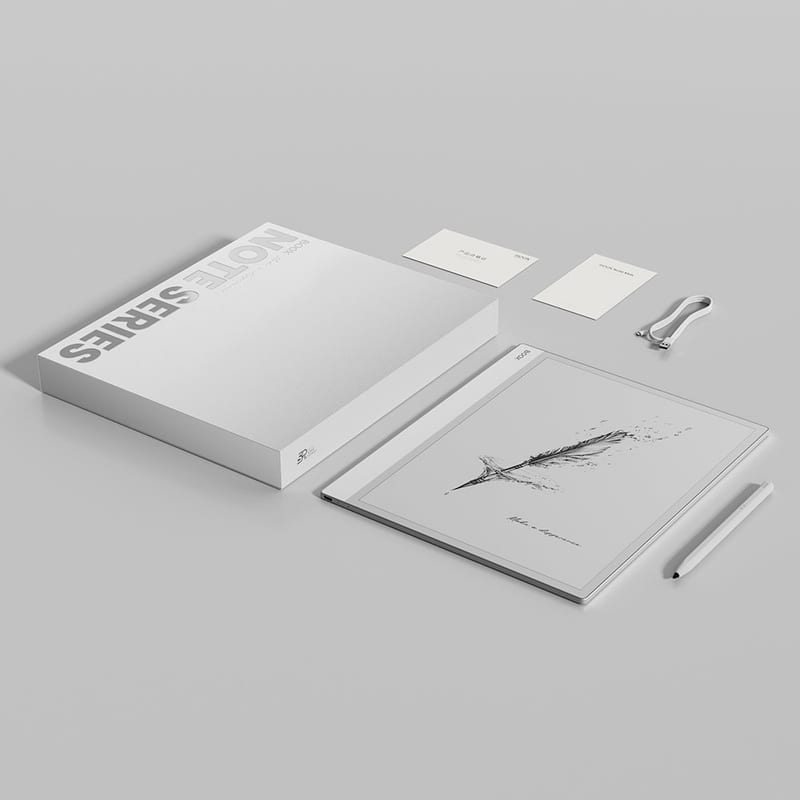
Eleven of the sixteen include a pen. Five do not: the reMarkable 2, the Kobo Libra Colour, the Boox Go Color 7, and both Supernotes. On a device you buy specifically to write, the pen is not an accessory, so this column is really part of the price.
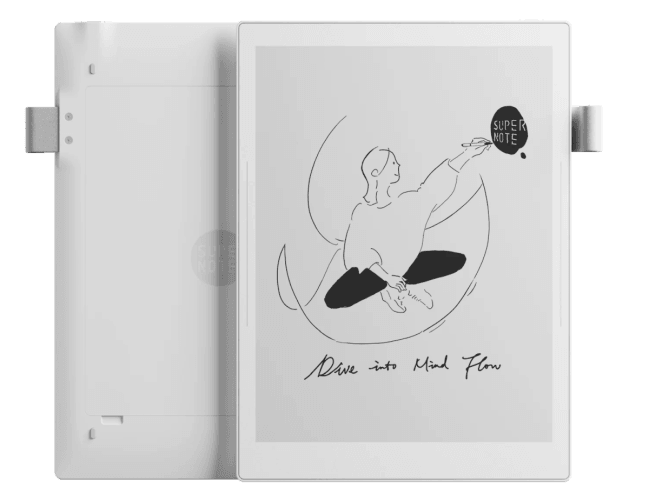
Two entries stand out. reMarkable quietly started bundling the Marker on the Paper Pro and Paper Pro Move, which erases the old complaint that its writing tablets shipped without the thing you write with. Supernote went the other way: the Manta and Nomad are the most writing-obsessed devices in the table, with a ceramic nib reviewers say never needs replacing, and yet the pen is a separate purchase on both. The Go Color 7 is the outlier for a different reason. It is a reader first, and pen support is an afterthought, which is why it sits at the bottom of this comparison for anyone shopping for a notebook.
The Supernote Manta and Nomad are the most writing-obsessed devices in the table, built around a ceramic nib reviewers say never needs replacing.
On both, the pen is a separate purchase. On a device you buy specifically to write, that missing pen is really part of the price.
Add it to the price: Read the five "no" cells as an added cost, not a missing checkbox. The reMarkable line fixing its old asterisk matters more than it sounds, and Supernote selling the pen separately on a device whose entire pitch is how it writes is the strangest gap in the table.
So which e-ink tablet should you buy?
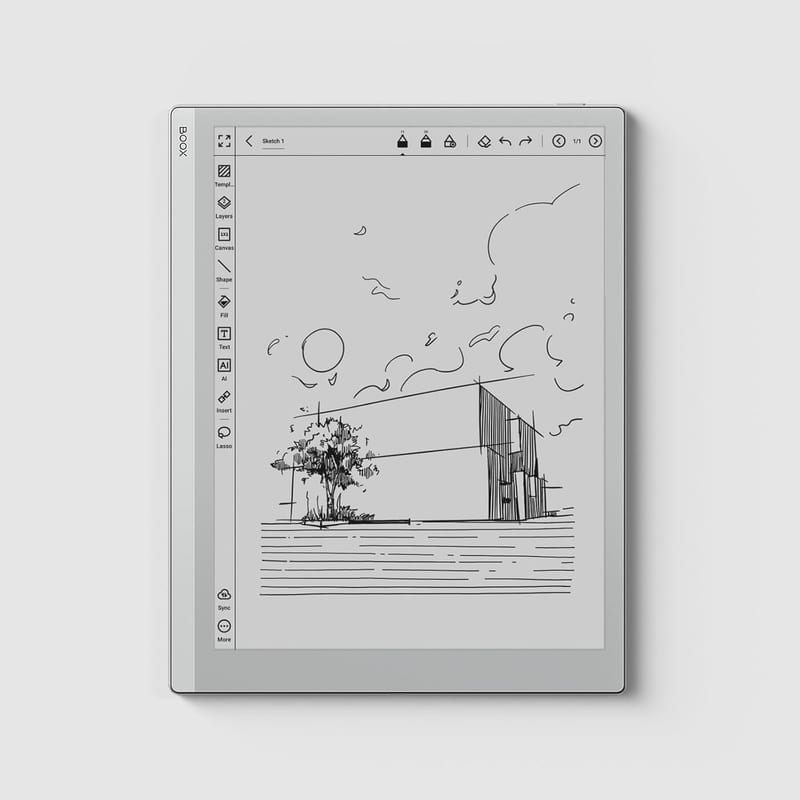
- Best overall: Boox Note Air5 C. It does the most things well at once: near-instant writing, a color Kaleido 3 screen with a front light, the BOOX Pen in the box, and open Android that turns it into a Kindle, a Kobo, and a Notion pad when you want. Android Central called it close to the ideal e-ink tablet, and the main knock is a busy interface, not a weak one.
- Best pure writing feel: Supernote A5 X2 Manta. The most paper-like write here, per ITPro and eWritable, with a lag-free ceramic nib and a genuinely repairable, replaceable-battery body. You give up a front light and you buy the pen separately, so it is a purist's pick rather than an all-rounder.
- Best value: Boox Go 10.3. Class-leading 300 ppi reading and writing in a 4.6mm metal body with Google Play, framed by The eBook Reader as a flexible reMarkable 2 alternative. The only real omission is a front light.
- Best big canvas: Boox Note Max (mono) or Boox Tab X C (color). A full 13.3-inch, 300 ppi page for PDFs and markup. The Note Max writes better with its passive Wacom pen; the Tab X C adds color but uses an active stylus that reviewers find slipperier and pricier.
- Best color writing, if you already live in Kindle: Kindle Scribe Colorsoft. Engadget and TechRadar call it the best color writing hardware going, with vivid ink and low latency, held back by shallow note software and Amazon lock-in.
- Best distraction-free writer: reMarkable Paper Pro. Elite pen feel and, at last, a front light, in a premium build. If you want the same focus for less and can read in daylight only, the reMarkable 2 still has the best paper feel of the older guard, though reMarkable retired it in 2026 for the cheaper Paper Pure, so you are buying remaining stock.
- Best small reader that also takes notes: Kobo Libra Colour. Page-turn buttons, a waterproof body, and the friendliest software in the table, for someone who mostly reads and scribbles now and then. Budget for the Kobo Stylus 2 separately.
- Best pocket writer: Supernote A6 X2 Nomad. The Supernote writing experience and software in a device you can hold up all day, if the small screen and missing light do not put you off.
The pattern across all sixteen is that the shelf label is doing too much work. Decide the two forks first, whether you are buying to write or to read, and whether you want open Android or a quiet closed system. After that the choice collapses to size, and to whether color and a front light are worth their well-documented compromises.
Frequently asked questions
Is color e-ink worth it in 2026? Only for specific uses. Color e-paper (E Ink Kaleido 3 and Gallery 3) is dim and renders color at roughly 150 ppi, about half the sharpness of the black text on the same screen. It is worth it if you highlight, annotate in colored pen, or read comics and manga. If you mostly read text and write in black, a monochrome model is brighter, sharper, and cheaper.
Which e-ink tablet has the best writing feel? Reviewers most often name the Supernote A5 X2 Manta and the reMarkable line, both around 12 milliseconds of latency with a textured, paper-like surface. The Boox Go 10.3 and Note Max, which use passive Wacom pens, are close behind and cost less.
Can you install apps like Kindle or Kobo on an e-ink tablet? Only on the Boox models. All seven here run full Android with the Google Play Store, so you can install Kindle, Kobo, Libby, Notion, and more on one device. reMarkable, Amazon's Kindle, Kobo's own readers, and Supernote all run closed systems with no third-party app store.
Do e-ink tablets have a light for reading in the dark? Eleven of these sixteen have an adjustable front light. The five without are the reMarkable 2, the Boox Go 10.3, the Boox Note Max, and both Supernotes, which drop the light on purpose to keep the writing surface thinner and more paper-like. None of them can be read in a dark room.
Is the reMarkable 2 still worth buying? It still has the best paper-like writing feel of the older monochrome slates, but it has no front light, no color, and a deliberately minimal, subscription-nudging OS. reMarkable discontinued it in 2026 in favor of the cheaper Paper Pure, so new units are remaining stock. For most people the Boox Go 10.3 offers more for less, and the reMarkable Paper Pro is the upgrade if you want the reMarkable software with a light.
Sources / further reading
- eWritable, e-ink tablet reviews and comparisons
- Good e-Reader, e-note and e-reader reviews
- reMarkable, Paper Pro official specifications
- PCWorld, reMarkable Paper Pro Move review
- TechRadar, reMarkable 2 review
- Good e-Reader, the reMarkable 2 is now discontinued
- Tom's Guide, the new Kindle Scribe tested
- Engadget, Kindle Scribe Colorsoft review
- TechRadar, Kindle Scribe Colorsoft review
- Android Central, Onyx Boox Note Air5 C review
- The eBook Reader, Boox Go 10.3 review
- Digital Trends, Onyx Boox Note Max review
- Good e-Reader, Onyx Boox Tab X C full review
- ITPro, Supernote A5 X2 Manta review
- eWritable, Supernote A6 X2 Nomad review
- Android Police, Kobo Libra Colour review
- AppleInsider, Boox Go Color 7 review